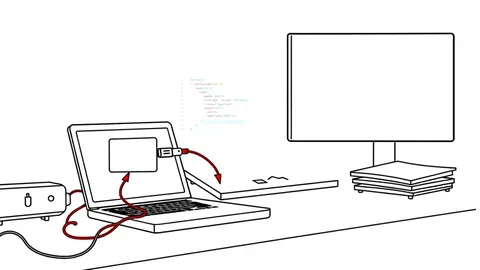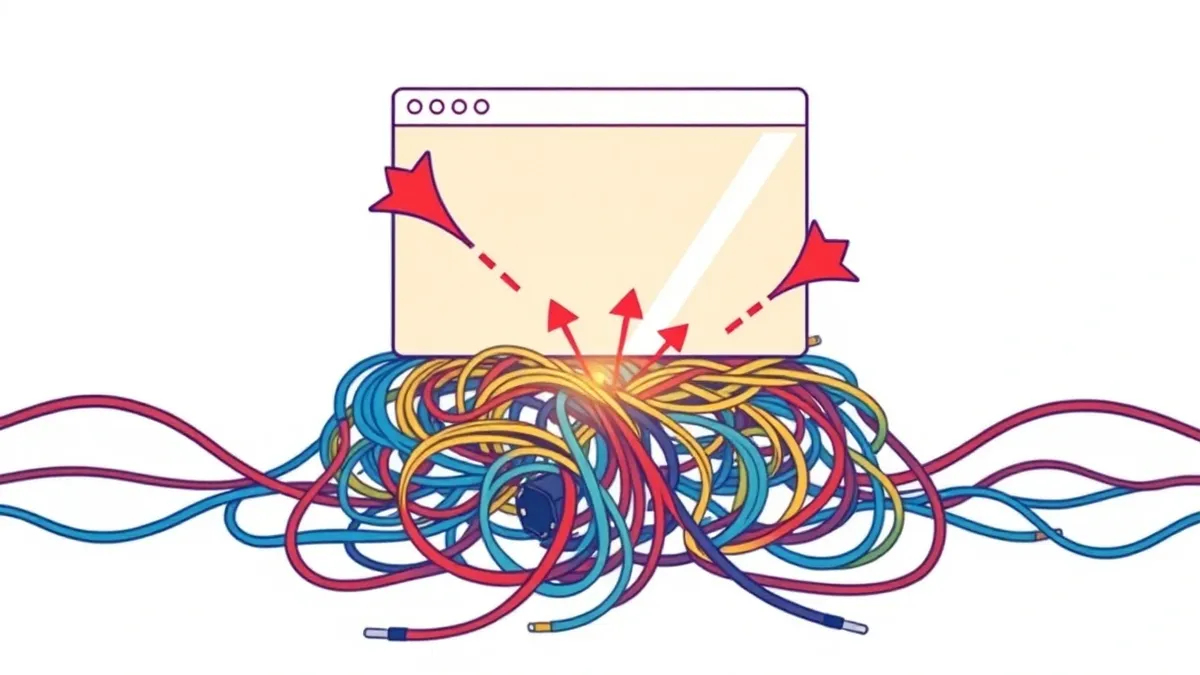
Dynamic application security testing probes a running application to find security flaws. It simulates real attacks to identify vulnerabilities like injection or misconfigurations. You use it to validate fixes and catch issues that static tools miss, ensuring your live systems resist active exploitation.
Dynamic application security testing defined
Dynamic application security testing is the process of probing a running application to identify security vulnerabilities. It works by sending malicious inputs to the application and analyzing the responses for signs of compromise. This method differs from static analysis, which examines code without executing it. You use dynamic application security testing to find flaws that only appear when the software is active.
It reveals issues like improper error handling or missing authentication checks. The tool acts as an automated attacker, trying to break the application in real time. This approach validates whether a vulnerability is truly exploitable in the current environment. It provides evidence of risk that static scans cannot offer. You gain confidence that your defenses work against live threats.
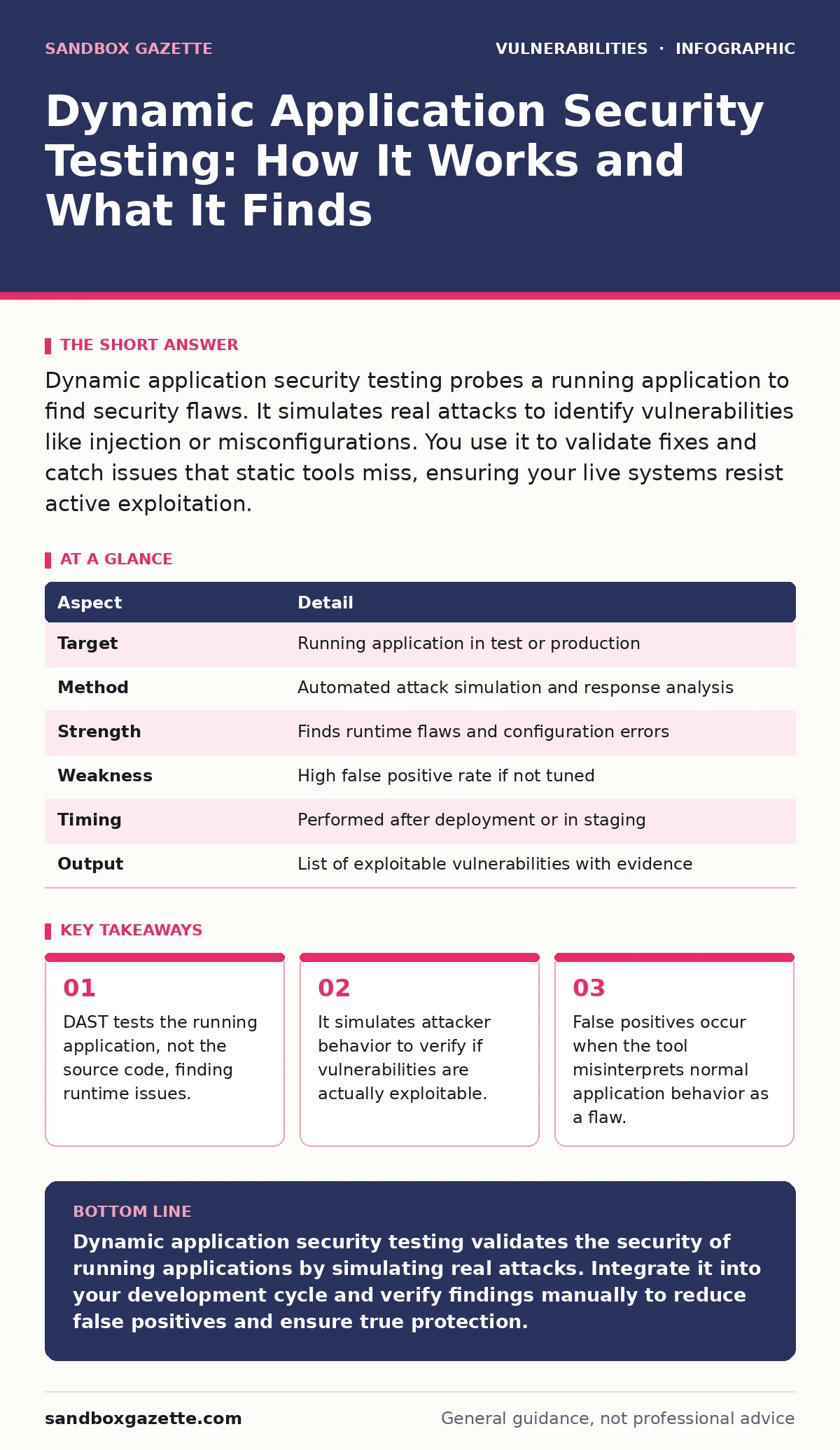
At a glance
| Aspect | Detail |
|---|---|
| Target | Running application in test or production |
| Method | Automated attack simulation and response analysis |
| Strength | Finds runtime flaws and configuration errors |
| Weakness | High false positive rate if not tuned |
| Timing | Performed after deployment or in staging |
| Output | List of exploitable vulnerabilities with evidence |
How dynamic application security testing works
The tool starts by crawling the application to map its structure. It identifies endpoints, forms, and parameters that accept user input. This crawling phase builds a map of the application surface. The tool then injects payloads into these inputs. Payloads are crafted strings designed to trigger specific vulnerabilities, such as SQL injection or cross-site scripting.
The tool monitors the application’s response for anomalies. It looks for error messages, unexpected data, or changes in behavior. If the response matches a known vulnerability pattern, the tool flags it. This process requires the application to be fully functional. You must provide valid credentials if the tool needs to access protected areas. Without access, the tool only tests the public-facing parts.
Who dynamic application security testing affects
Developers use dynamic application security testing to verify their fixes. They run scans before releasing code to production. This catches regressions where new code breaks existing security controls. Security operations teams rely on these scans to prioritize remediation. The tool provides evidence that a flaw is exploitable. This helps justify the effort to patch the issue.
Product managers see the impact on release timelines. Scans can delay deployment if critical flaws are found. You must balance speed with security. Testing too late in the cycle creates bottlenecks. Testing too early might miss integration issues. The entire team shares the responsibility for fixing the findings. Ignoring DAST results increases the risk of a breach.
What people usually get wrong
Many teams treat dynamic application security testing as a set-and-forget task. They run the tool once and ignore the results. This misses the value of continuous testing. Another common error is using default configurations. Default settings are often too aggressive or too lenient. You must tune the tool to your specific application. This reduces false positives and improves accuracy.
Some teams assume DAST replaces static analysis. It does not. The two methods complement each other. Static analysis finds coding errors; dynamic testing finds runtime flaws. Using only one leaves gaps in your defense. You need both to cover the full spectrum of risks. Failing to update the tool’s rules also reduces effectiveness. New vulnerabilities emerge regularly. Your tool must recognize them.
See also: Detect Web Cache Poisoning: Signals, Tools, and Hidden Blind Spots
Integrating with vulnerability management programs
You cannot manage risks you do not see. Dynamic application security testing feeds data into your vulnerability management programs. This creates a closed loop of detection and remediation. The scan results become tickets in your tracking system. Assign ownership to each finding. Track the progress from detection to fix. This ensures nothing falls through the cracks.
You must prioritize findings based on severity and exploitability. Not all vulnerabilities are equal. Some are easy to exploit; others are theoretical. Focus on the ones that pose real risk. This approach optimizes your resources. It prevents alert fatigue. Your team focuses on what matters. Regular reviews of the scan data help identify trends. You can spot weak areas in your development process. This drives long-term improvement.
Handling false positives and edge cases
False positives are the biggest challenge in dynamic application security testing. The tool may flag a safe behavior as a vulnerability. This happens when the application handles input in a unique way. You must verify each finding manually. This step is critical. Do not trust the tool blindly. Review the context of the alert. Check if the payload actually caused harm. If not, mark it as a false positive.
This trains the tool for future scans. It improves accuracy over time. Edge cases also complicate testing. Some applications use complex authentication or dynamic tokens. The tool may fail to maintain state. You must configure the tool to handle these scenarios. Provide scripts or hooks if needed. This ensures thorough coverage. Without proper configuration, you miss critical flaws.
Advanced considerations for security teams
Advanced applications require advanced testing strategies. You may need to test APIs separately from web interfaces. APIs often have different security models. They may use tokens instead of sessions. Configure the tool to understand these protocols. Test for business logic flaws. These are hard to automate. They require human insight. Use dynamic application security testing to find the low-hanging fruit.
Then, perform manual testing for complex logic. Combine automated and manual efforts. This provides the best coverage. Monitor for new attack vectors. Update your testing rules accordingly. Stay ahead of emerging threats. Your defense must evolve. Regular audits of your testing process ensure it remains effective. Review past scans for missed items. Learn from them. This continuous improvement keeps your application secure.
Related topics for deeper context
Understanding dynamic application security testing helps you address specific threat types. For instance, knowing how inputs are handled helps prevent path traversal vulnerabilities. These occur when an application accesses files outside the intended directory. Similarly, open redirect vulnerabilities allow attackers to send users to malicious sites. DAST can find these if configured correctly. You should also consider HTTP security headers. These headers instruct browsers on how to handle data. Missing headers can lead to cross-site scripting or clickjacking.
DAST checks for their presence. When you find a flaw, you may need to assign CVE identifiers for tracking. This standardizes vulnerability reporting. Finally, integrate these findings with patch management. Timely updates reduce the window of exposure. For broader strategies, review coordinated vulnerability disclosure practices. This ensures responsible handling of discovered flaws. If you work with JavaScript frameworks, watch for prototype pollution. This can lead to remote code execution. DAST may not catch this easily. Complement it with static analysis.
Key takeaways
- DAST tests the running application, not the source code, finding runtime issues.
- It simulates attacker behavior to verify if vulnerabilities are actually exploitable.
- False positives occur when the tool misinterprets normal application behavior as a flaw.
Dynamic application security testing validates the security of running applications by simulating real attacks. Integrate it into your development cycle and verify findings manually to reduce false positives and ensure true protection.
Frequently asked questions
Can I run dynamic application security testing on production?
Generally, no. It sends malicious payloads that can disrupt services or corrupt data. Use isolated staging environments that mirror production. If you must test production, use read-only modes and get explicit approval.
How does DAST differ from SAST?
DAST tests the running application, while SAST examines the source code. DAST finds runtime issues; SAST finds coding errors. Use both for complete coverage. They complement each other.
How often should I run DAST scans?
Run them continuously if possible. Integrate them into your CI/CD pipeline. Test every build or release candidate. This catches issues early. Regular scans keep your application secure.
What causes false positives in DAST?
Complex application logic, dynamic content, and custom error handling can confuse the tool. It may misinterpret safe behavior as a flaw. Manual verification and tool tuning reduce this.
How this guide was produced: written by the Sandbox Gazette editorial team with AI assistance, checked against the public references listed below, and reviewed when the facts change. See our editorial policy or report an error.