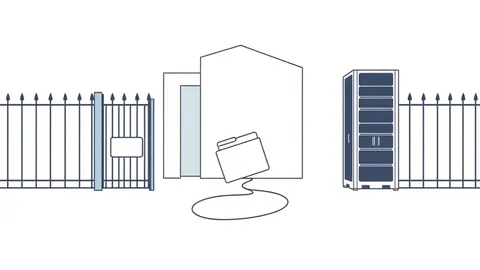
Path traversal attacks exploit how applications combine user input with file system paths. Input sanitization alone fails because encoding tricks and OS-specific parsing rules bypass simple checks. You must use canonical path resolution and strict allowlists to verify that the final resolved path remains within the intended directory.
Myth: Removing "../" sequences blocks path traversal
Reality: Stripping directory traversal sequences from user input is a fragile defense that attackers bypass easily. This method assumes that removing visible backslashes and forward slashes eliminates the threat. It ignores the fact that file systems interpret paths dynamically.
Imagine a user submits ....//....//etc/passwd. A naive script might remove ../ but leave ....//, which the operating system interprets as ../. This residual sequence still escapes the intended directory. You must resolve the entire path after processing, not just scrub individual characters.
Myth: Encoding special characters prevents exploitation
Reality: URL encoding and other encoding schemes do not protect against path traversal when the application decodes input before file access. Attackers encode characters like / as %2F or \ as %5C. If your application decodes the string to process it, the encoded characters become active path separators again.
The vulnerability lies in the timing of decoding relative to validation. If you validate the encoded string, it looks safe. If you decode it first, the dangerous characters reappear. This race condition between decoding and validation is a common failure point. You must validate the decoded, canonical form of the path.
Myth: Operating system permissions stop unauthorized access
Reality: Relying on operating system file permissions is a misconfiguration, not a security control for web applications. Web servers often run with permissions that allow reading sensitive files. An attacker does not need to break OS security; they only need to trick the application into opening a file it can already read.
If the web process can read /etc/shadow or configuration files, path traversal lets an attacker access them. The application acts as a proxy for file reads. Permissions restrict who can run the process, not what the process can do once running. You must restrict the application’s logic to specific directories.
Myth: Blocklisting dangerous characters is sufficient
Reality: Blocklisting specific characters fails because file systems support multiple separators and encoding methods. Windows accepts backslashes, forward slashes, and sometimes other characters as path separators. Unix-like systems primarily use forward slashes but may accept encoded variants.
By trying to block every possible separator, you create a fragile filter. Attackers discover new separators or encoding tricks that your blocklist misses. This approach is an endless cat-and-mouse game. Instead of blocking bad characters, you should allow only known-good paths.
Myth: Path traversal only affects local files
Reality: Path traversal can expose sensitive data across networked file systems and mounted drives. Applications often mount network shares or cloud storage buckets as local directories. A traversal attack can escape the web root and access these mounted resources.
If your application mounts a sensitive directory for processing, an attacker can traverse into it. The file system presents the network share as a local path. The application logic sees no difference between a local file and a mounted network file. This expands the attack surface beyond the immediate server.
Myth: Modern frameworks prevent path traversal automatically
Reality: Most web frameworks do not automatically secure file operations against traversal. Frameworks handle routing and HTTP requests, but file system access is usually explicit code written by developers. The framework assumes you know what you are doing with file paths.
Automated protections are rare because file access patterns vary widely. What is safe for one application may be dangerous for another. Developers must implement secure file handling practices manually. This includes validating input and resolving paths correctly.
Myth: Path traversal is an outdated vulnerability
Reality: Path traversal remains a common issue in modern applications. As applications handle more file uploads, downloads, and processing, the surface for these attacks grows. New frameworks and languages introduce their own quirks in path handling.
Developers often copy-paste code snippets that lack proper path validation. These snippets may work in simple tests but fail under attack. The complexity of handling different operating systems and encoding formats keeps this vulnerability relevant. You must treat file input as untrusted.
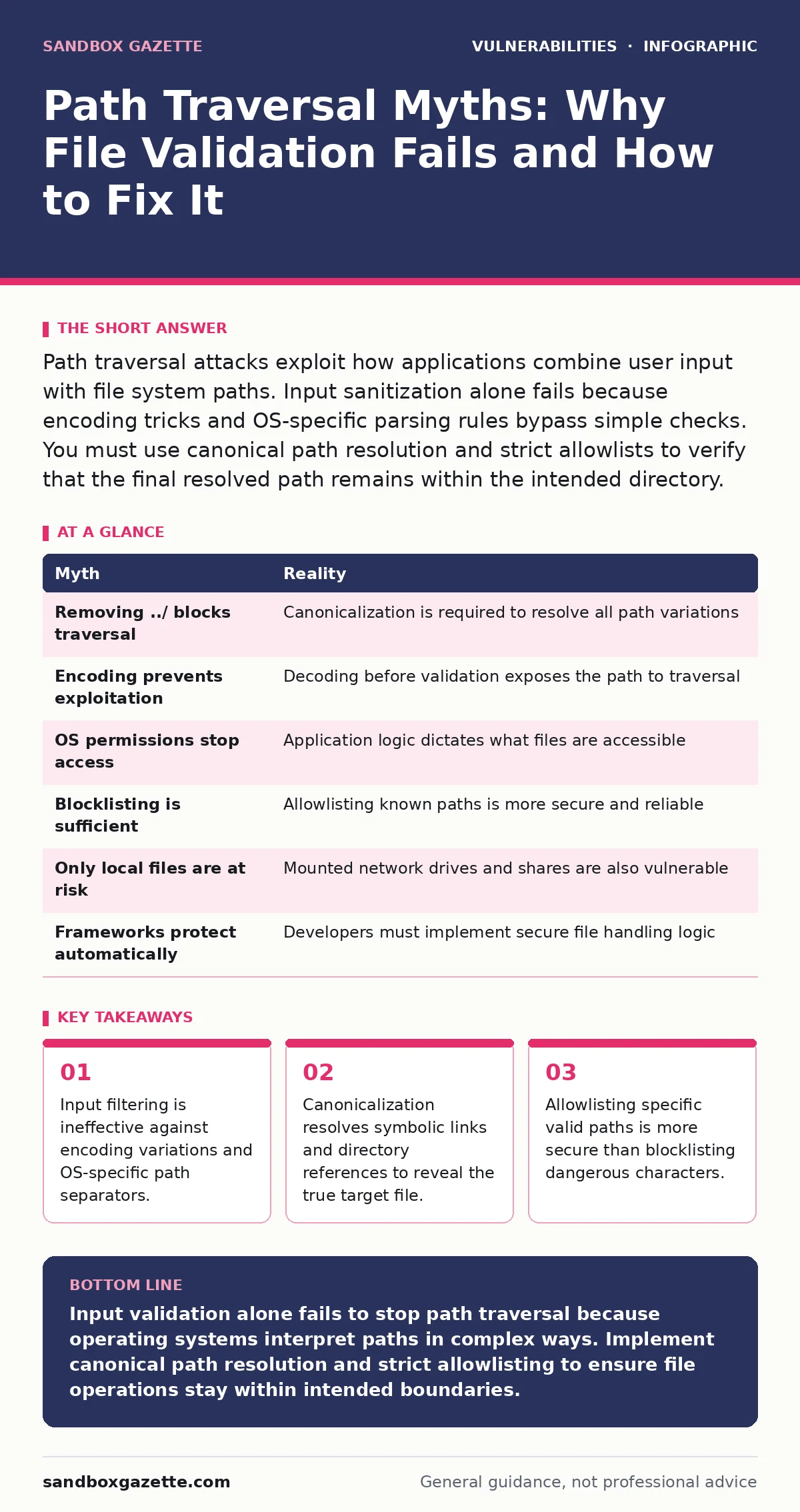
| Myth | Reality |
|---|---|
Removing ../ blocks traversal | Canonicalization is required to resolve all path variations |
| Encoding prevents exploitation | Decoding before validation exposes the path to traversal |
| OS permissions stop access | Application logic dictates what files are accessible |
| Blocklisting is sufficient | Allowlisting known paths is more secure and reliable |
| Only local files are at risk | Mounted network drives and shares are also vulnerable |
| Frameworks protect automatically | Developers must implement secure file handling logic |
Key takeaways
- Input filtering is ineffective against encoding variations and OS-specific path separators.
- Canonicalization resolves symbolic links and directory references to reveal the true target file.
- Allowlisting specific valid paths is more secure than blocklisting dangerous characters.
- Operating system differences create edge cases where standard validation logic fails.
Input validation alone fails to stop path traversal because operating systems interpret paths in complex ways. Implement canonical path resolution and strict allowlisting to ensure file operations stay within intended boundaries.
Frequently asked questions
How do I validate file paths securely?
Resolve the full canonical path of the user input and check if it starts with the expected base directory. Reject any path that resolves outside this directory.
What is canonical path resolution?
It is the process of converting a file path to its unique, absolute form by resolving symbolic links, `.` and `..` references, and normalizing separators.
Why is allowlisting better than blocklisting?
Allowlisting defines exactly what is safe, whereas blocklisting tries to guess what is unsafe. Attackers can always find new ways to bypass blocklists.
Does this apply to file uploads?
Yes, if your application saves uploaded files using user-supplied names or paths, you must validate the final storage location to prevent traversal.
How this guide was produced: written by the Sandbox Gazette editorial team with AI assistance, checked against the public references listed below, and reviewed when the facts change. See our editorial policy or report an error.