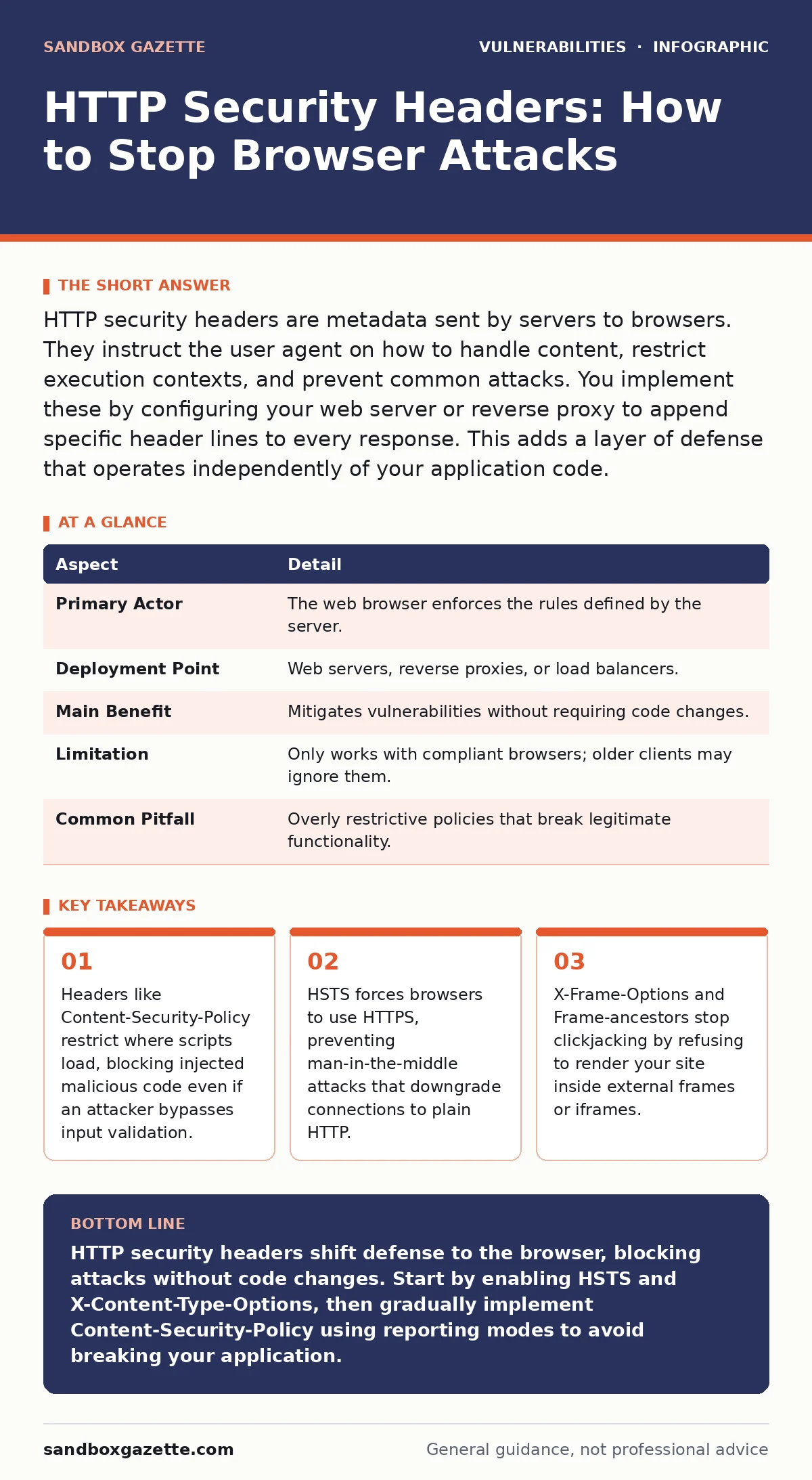
HTTP security headers are metadata sent by servers to browsers. They instruct the user agent on how to handle content, restrict execution contexts, and prevent common attacks. You implement these by configuring your web server or reverse proxy to append specific header lines to every response. This adds a layer of defense that operates independently of your application code.
The Traffic Light Analogy
Imagine a delivery driver arriving at a secure facility. The driver carries the package (the HTTP response), but the facility guard (the browser) checks the shipping label (the header) before accepting it. If the label says "Do Not Enter," the guard refuses the package. HTTP security headers work exactly this way. They are instructions from the server to the browser about how to treat the received data. The browser enforces these rules before rendering any content.
This mechanism moves security logic to the client side. You do not need to patch your application code to gain this protection. You simply configure your web server to send the correct metadata. The browser then acts as a filter, blocking requests or rendering changes based on those instructions. This creates a defense-in-depth layer that catches errors your developers might miss.
| Aspect | Detail |
|---|---|
| Primary Actor | The web browser enforces the rules defined by the server. |
| Deployment Point | Web servers, reverse proxies, or load balancers. |
| Main Benefit | Mitigates vulnerabilities without requiring code changes. |
| Limitation | Only works with compliant browsers; older clients may ignore them. |
| Common Pitfall | Overly restrictive policies that break legitimate functionality. |
How HTTP Security Headers Work
The server sends a response to a browser request. This response includes a body (the HTML, CSS, or JSON data) and headers (metadata). HTTP security headers are specific metadata fields. The browser reads these fields before processing the body. If the body violates the header's instructions, the browser blocks the action.
For example, if a header tells the browser to only load scripts from the same origin, the browser will ignore any script tag that points to an external domain. This happens regardless of whether the script tag is part of the original page or injected by an attacker. The browser trusts the header over the content. This trust model is powerful because it relies on the browser's strict implementation of standards rather than the variability of server-side programming languages.
You configure these headers in your web server configuration files. Nginx, Apache, and IIS all support custom headers. You can also set them in application frameworks, though centralizing them at the proxy level is often cleaner. This centralization ensures that every response, including static files, carries the same security posture. It reduces the risk of inconsistent headers across different endpoints.
What People Usually Get Wrong
Many teams treat HTTP security headers as a simple checklist item. They copy a generic configuration from a blog post and deploy it without testing. This approach often breaks modern web applications. Single-page applications rely heavily on loading resources from multiple domains. A strict Content-Security-Policy that allows only the same origin will prevent these apps from functioning.
Another common error is assuming headers replace secure coding. Headers mitigate the impact of a vulnerability; they do not fix the root cause. If an attacker can inject a script, the header might block it, but the injection flaw remains. You still need rigorous input validation to prevent the injection in the first place. Headers are a safety net, not a cure. Relying on them exclusively creates a false sense of security.
A third mistake is ignoring legacy browser support. Some older browsers do not understand newer header directives. They may simply ignore them or interpret them incorrectly. You must test your headers across your supported browser matrix. If you drop support for Internet Explorer, you can use stricter headers. If you must support it, you need to balance security with compatibility. This trade-off requires careful planning and continuous monitoring.
Configuring Content-Security-Policy
Content-Security-Policy (CSP) is the most powerful HTTP security header. It defines a whitelist of allowed sources for scripts, styles, images, and other resources. Instead of telling the browser what to block, you tell it what to allow. This default-deny approach is far more secure.
A basic CSP might look like Content-Security-Policy: default-src 'self';. This instruction tells the browser to only load resources from the same origin as the page. If a script tries to load from an external domain, the browser blocks it. This stops many cross-site scripting attacks. However, you must identify every external resource your application uses. This includes fonts, images, and JavaScript libraries hosted on CDNs.
You can also use nonces or hashes to allow specific inline scripts. A nonce is a random value generated for each page load. You include this value in the script tag and in the CSP header. The browser only executes scripts that contain the matching nonce. This prevents injected scripts, which cannot know the nonce, from running. This technique allows you to keep some inline scripts while maintaining strong security.
Implementing CSP requires a phased approach. Start by reporting violations without blocking them. Use the report-uri or report-to directive to send violation logs to a collection endpoint. Analyze these logs to understand what your application actually needs. Once you have a clear picture, switch to enforcement mode. This gradual rollout prevents downtime and ensures a smooth transition.
Preventing Clickjacking and MIME Sniffing
Clickjacking attacks trick users into clicking buttons they did not intend to press. Attackers embed your site in an invisible frame on a malicious page. When you click what appears to be a game button, you are actually clicking a "Transfer Funds" button on the embedded page. HTTP security headers stop this by controlling framing.
The X-Frame-Options header tells browsers whether to allow your site to be framed. Setting it to DENY prevents framing entirely. Setting it to SAMEORIGIN allows only your own site to frame it. The newer Frame-Options directive within CSP offers more granular control. It can specify exact domains that are allowed to frame your content. Using CSP frame directives is preferred because they are more flexible and modern.
MIME type sniffing is another risk. Browsers sometimes guess the content type of a file based on its content rather than its extension. An attacker might upload an image file that contains executable JavaScript. If the browser sniffs this as JavaScript, it executes it. The X-Content-Type-Options: nosniff header disables this behavior. It forces the browser to trust the server's declared MIME type. This prevents malicious files from being executed as scripts or styles.
These headers are simple to implement but critical for defense. They address specific attack vectors that are hard to mitigate with code alone. By combining CSP, framing controls, and MIME sniffing protection, you create a robust browser-side perimeter. This perimeter works alongside your server-side security to provide layered protection.
See also: Detect Web Cache Poisoning: Signals, Tools, and Hidden Blind Spots
Handling Transport and Cookie Security
Transport Layer Security (TLS) is standard for web traffic, but users can sometimes access plain HTTP versions of sites. This exposes them to man-in-the-middle attacks. The HTTP Strict Transport Security (HSTS) header solves this.
HSTS includes a max-age parameter that defines how long the browser should remember this instruction. During this period, the browser will automatically redirect HTTP requests to HTTPS before any data is sent. This prevents protocol downgrade attacks. You can also include includeSubDomains to apply the rule to all subdomains. This ensures that even new subdomains inherit the security posture.
Cookies are another vector for session hijacking. The Set-Cookie header allows you to set flags that enhance security. The Secure flag ensures cookies are only sent over HTTPS. The HttpOnly flag prevents JavaScript from accessing the cookie, mitigating cross-site scripting theft. The SameSite attribute controls when cookies are sent with cross-site requests, helping to prevent cross-site request forgery attacks.
Configuring these headers correctly is part of configuration hardening. You must ensure that every response, including error pages and static assets, includes the appropriate cookie flags. Inconsistencies can create gaps in your defense. Regular audits of your response headers are necessary to catch misconfigurations. This diligence supports a mature vulnerability management program by reducing the attack surface exposed to the internet.
Testing and Validation
You cannot trust headers without verifying them. Misconfigurations are common. A single typo in a CSP directive can render the entire policy useless. Browsers may ignore malformed headers rather than failing securely. You must test your headers thoroughly.
Use browser developer tools to inspect network responses. Check the headers tab for every request. Verify that the headers match your intended configuration. Automated tools can also help. Dynamic application security testing (DAST) scanners can check for missing or incorrect headers during penetration tests. These tools provide a snapshot of your security posture.
However, automated tools have limitations. They may not detect logical errors in CSP policies. You must manually review your CSP directives to ensure they align with your application's architecture. Regularly update your headers as your application evolves. New features often require new external resources. Failing to update your CSP will break those features. This ongoing maintenance is key to keeping your headers effective.
Integrate header testing into your deployment pipeline. Fail builds if required headers are missing. This shifts security left, catching issues before they reach production. It also ensures consistency across environments. Development, staging, and production should all have the same security headers. This parity reduces the risk of environment-specific vulnerabilities.
Balancing Security and Usability
The hardest part of HTTP security headers is finding the right balance. Overly restrictive headers break functionality. Overly permissive headers provide little protection. You must tailor your headers to your specific application. There is no one-size-fits-all solution.
Start with a permissive policy and gradually tighten it. Use reporting modes to gather data on what your application needs. Analyze violations to distinguish between legitimate requests and potential attacks. This data-driven approach allows you to make informed decisions. It prevents guesswork and reduces the risk of deployment failures.
Consider the user experience. If a header blocks a necessary resource, users will see broken pages. This erodes trust and can lead to lost business. You must weigh the security benefit against the usability cost. Sometimes, a slightly more permissive policy is the right choice if it ensures the application works as intended. Security should enable business, not hinder it.
Regular reviews are essential. As your application grows, so does its attack surface. New third-party services may be integrated. New features may require new resources. Your headers must evolve with your application. Treat HTTP security headers as a living configuration, not a static setting. This mindset ensures long-term resilience against emerging threats.
Key takeaways
- Headers like Content-Security-Policy restrict where scripts load, blocking injected malicious code even if an attacker bypasses input validation.
- HSTS forces browsers to use HTTPS, preventing man-in-the-middle attacks that downgrade connections to plain HTTP.
- X-Frame-Options and Frame-ancestors stop clickjacking by refusing to render your site inside external frames or iframes.
HTTP security headers shift defense to the browser, blocking attacks without code changes. Start by enabling HSTS and X-Content-Type-Options, then gradually implement Content-Security-Policy using reporting modes to avoid breaking your application.
Frequently asked questions
Do HTTP security headers replace secure coding practices?
No. Headers mitigate the impact of vulnerabilities but do not fix them. You still need secure coding practices like input validation and output encoding to prevent exploits in the first place.
What happens if a browser does not support a specific header?
The browser ignores the header. Older browsers may not understand newer directives like CSP 3.0 features. You must test across your supported browser versions to ensure compatibility.
Can I use HTTP security headers with a CDN?
Yes. Most CDNs allow you to configure custom headers. You can set them at the CDN level to ensure all responses, including cached static assets, include the correct security headers.
How do I debug Content-Security-Policy errors?
Use the browser developer tools console. CSP violations are logged there. You can also use the report-to directive to send violation reports to a server for centralized analysis and debugging.
How this guide was produced: written by the Sandbox Gazette editorial team with AI assistance, checked against the public references listed below, and reviewed when the facts change. See our editorial policy or report an error.