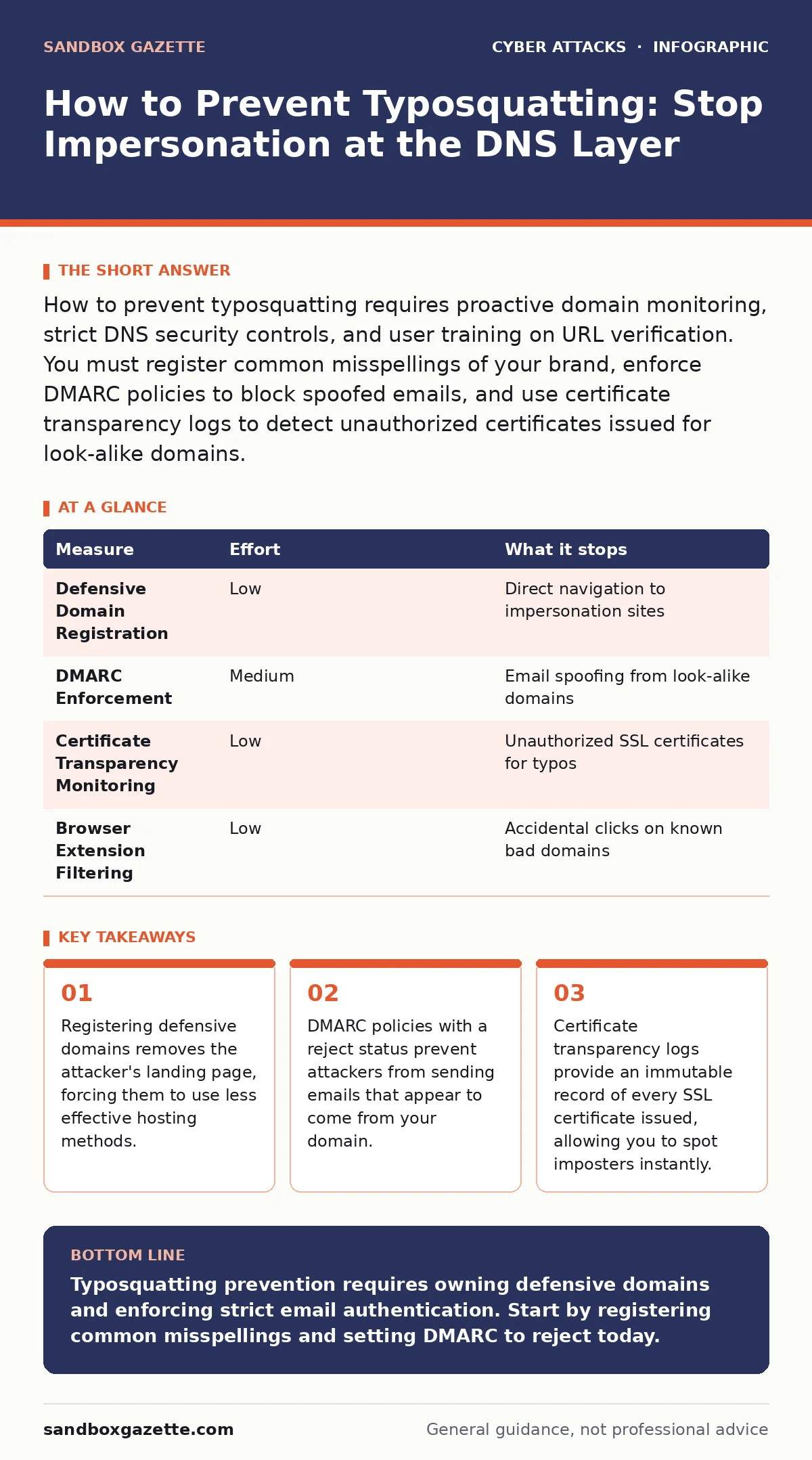
How to prevent typosquatting requires proactive domain monitoring, strict DNS security controls, and user training on URL verification. You must register common misspellings of your brand, enforce DMARC policies to block spoofed emails, and use certificate transparency logs to detect unauthorized certificates issued for look-alike domains.
How to Prevent Typosquatting Starts with Domain Ownership
Typosquatting occurs when an attacker registers a domain name that resembles a legitimate one, hoping users will make a typing error. The goal is usually phishing, malware distribution, or brand impersonation. You cannot stop users from mistyping, but you can control what happens when they do. The most effective way to prevent typosquatting is to own the ground before the attacker does. This means registering your primary domain plus common variations.
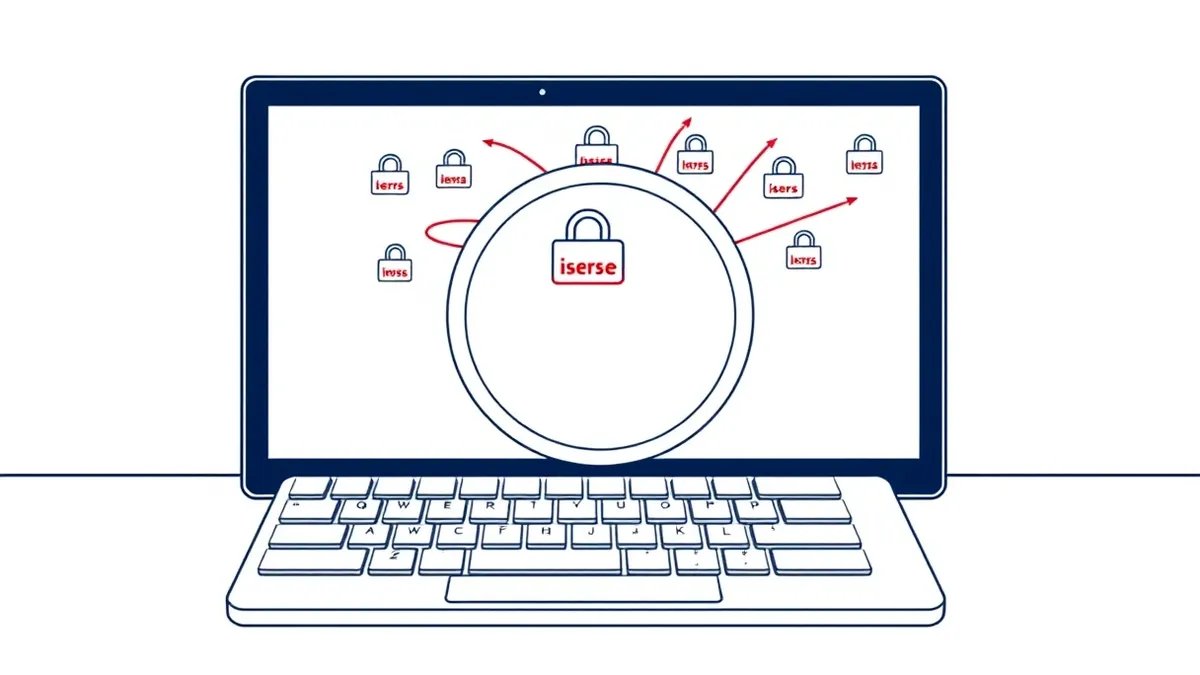
Imagine a user types "examp1e.com" instead of "example.com". If you own the former, you can redirect them safely. If an attacker owns it, they can harvest credentials. You must identify which variations are most likely to be mistyped. Common patterns include swapping adjacent keys, omitting characters, doubling letters, and swapping vowels. Prioritize these high-probability misspellings for registration. This removes the attacker's ability to use a direct URL match.
| Measure | Effort | What it stops |
|---|---|---|
| Defensive Domain Registration | Low | Direct navigation to impersonation sites |
| DMARC Enforcement | Medium | Email spoofing from look-alike domains |
| Certificate Transparency Monitoring | Low | Unauthorized SSL certificates for typos |
| Browser Extension Filtering | Low | Accidental clicks on known bad domains |
Register Defensive Domains to Block Landing Pages
The first layer of defense is ownership. You must register the most common typos of your primary domain. This is a low-effort task with high impact. It does not stop all attacks, but it removes the easiest path for attackers. You should register single-character substitutions, omissions, and transpositions. For example, if your domain is "corp.com", register "corep.com", "corop.com", and "corp.co".
This measure stops the attacker from using a domain that looks identical to yours. When you own the typo, you can host a simple redirect page that sends users to the correct site. You can also use these domains to test your security tools. By controlling the typo, you deny the attacker the credibility of a matching URL. This reduces the success rate of phishing campaigns that rely on visual similarity.
Enforce DMARC to Stop Email Spoofing
Domain-based Message Authentication, Reporting, and Conformance (DMARC) is an email authentication protocol. It tells receiving servers how to handle emails that fail authentication checks. You must set your DMARC policy to "reject". This ensures that emails claiming to come from your domain but failing verification are blocked. This is critical because typosquatters often use look-alike domains to send phishing emails.
DMARC works with DKIM and SPF. DKIM adds a digital signature to emails, proving they were not altered in transit. SPF lists the servers authorized to send email for your domain. When you combine these, receivers can verify the source. If an attacker sends an email from "yourbrand.com" (a typo), DMARC checks if they are authorized. They are not. The email is rejected. This prevents the attacker from using your brand name in the "From" field effectively.
Monitor Certificate Transparency Logs for Imposters
Attackers need to make their sites look secure to trick users. They often obtain SSL certificates for their typosquatted domains. Certificate Transparency (CT) is a public auditing system. It logs every SSL certificate issued by major authorities. You can monitor these logs for your brand name and common typos. This allows you to detect when an attacker gets a certificate for "yourbrand.co" before they launch a site.
This method provides early warning. You do not need to wait for a user to report a phishing site. The issuance of a certificate is a strong signal of intent. You can set up automated alerts for any new certificate containing your domain name or close variations. When an alert triggers, you can report the domain to the registrar or the certificate authority. This disrupts the attack chain before the site goes live.
Use Secure Email Gateways for Detection
A secure email gateway scans incoming messages for threats. It can detect typosquatted domains in links and attachments. These gateways use threat intelligence feeds to block known malicious domains. They also analyze the content of emails for phishing indicators. While not perfect, they add a layer of protection for users who might click on a link.
You should configure your gateway to block emails from domains that are similar to your own. This requires maintaining a list of your defensive domains and common typos. The gateway can then flag or block messages from these sources. This reduces the volume of phishing emails that reach user inboxes. It complements DMARC by catching attacks that bypass email authentication.
See also: Login Alerts Best Practices: 8 Ways to Stop False Positives · Invoice Fraud: How Attackers Steal Payments and How to Stop Them
Train Users to Verify URLs Manually
Technology fails, and attackers adapt. Users must be able to spot typosquatted domains themselves. Training should focus on visual inspection of URLs. Teach users to look for subtle differences in spelling, top-level domains, and character substitution. For example, the letter "l" and the number "1" can look identical in some fonts. Users should hover over links to see the actual destination before clicking.
This measure addresses the human element. Even with strong technical controls, some attacks will slip through. Users who are trained to verify URLs reduce the success rate of phishing. You should simulate phishing attacks to test user awareness. This helps identify gaps in training. Regular reminders reinforce the habit of checking URLs. This is a long-term investment in your security posture.
What Does Not Work on Its Own
Many organizations rely on a single measure to prevent typosquatting. This is a mistake. No single control is sufficient. Domain registration does not stop email spoofing. DMARC does not stop direct navigation to typosquatted sites. Monitoring does not stop attacks that use fast-flux DNS. You must layer these measures. Each control addresses a different part of the attack chain.
Imagine you register all common typos. An attacker still sends an email from "yourbrand.co" (which you do not own). If you have no DMARC policy, the email arrives in the inbox. If you have no gateway, the link is not blocked. If the user clicks, they reach the attacker's site. You need all layers to stop this. Layered defense ensures that if one control fails, another catches the threat.
Closing Checklist for Immediate Action
You can start reducing risk today with three specific actions. These steps require minimal effort but provide immediate protection. They address the most common typosquatting vectors. Implementing them shifts your posture from reactive to proactive.
- Register the top 5 most common typos of your primary domain. Check for single-character swaps and omissions.
- Publish a DMARC policy with a "reject" status for your primary domain. Ensure SPF and DKIM are configured correctly.
- Set up alerts for Certificate Transparency logs monitoring your domain name. Use a free or commercial monitoring tool.
Key takeaways
- Registering defensive domains removes the attacker's landing page, forcing them to use less effective hosting methods.
- DMARC policies with a reject status prevent attackers from sending emails that appear to come from your domain.
- Certificate transparency logs provide an immutable record of every SSL certificate issued, allowing you to spot imposters instantly.
Typosquatting prevention requires owning defensive domains and enforcing strict email authentication. Start by registering common misspellings and setting DMARC to reject today.
Frequently asked questions
How do I find common typos of my domain?
Use online tools that generate keyboard layout variations and common misspelling patterns for your specific domain name.
Does HTTPS prevent typosquatting?
No, HTTPS only encrypts the connection.
How this guide was produced: written by the Sandbox Gazette editorial team with AI assistance, checked against the public references listed below, and reviewed when the facts change. See our editorial policy or report an error.