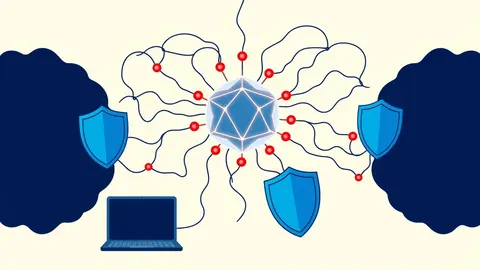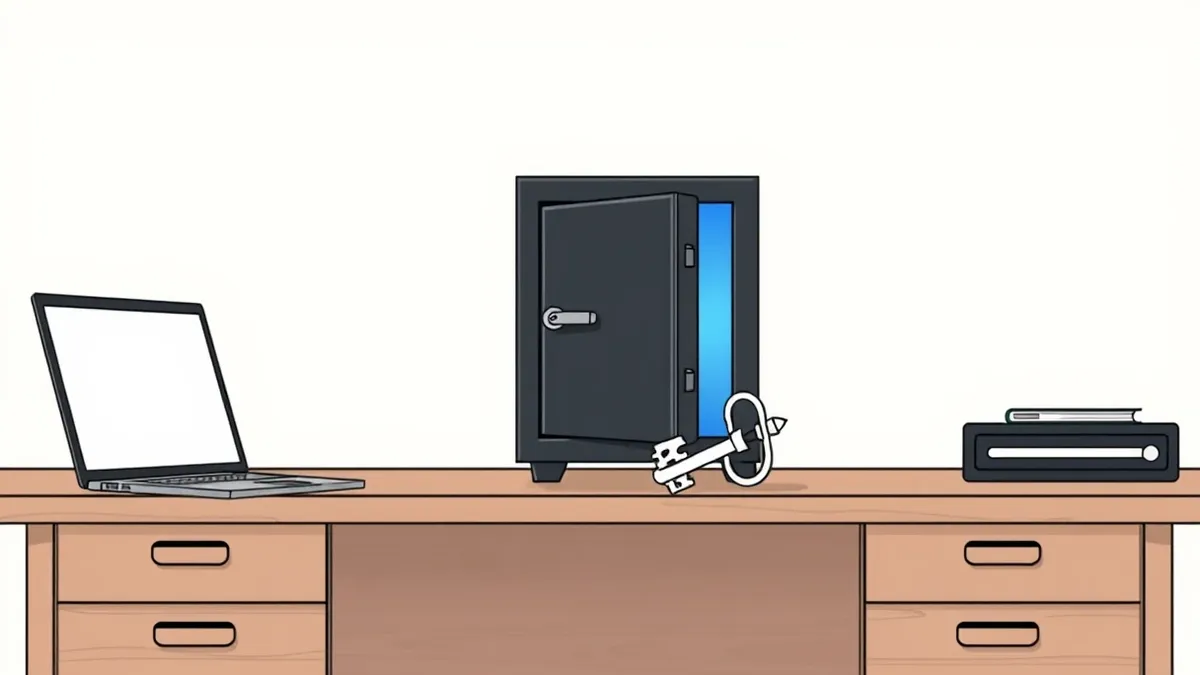
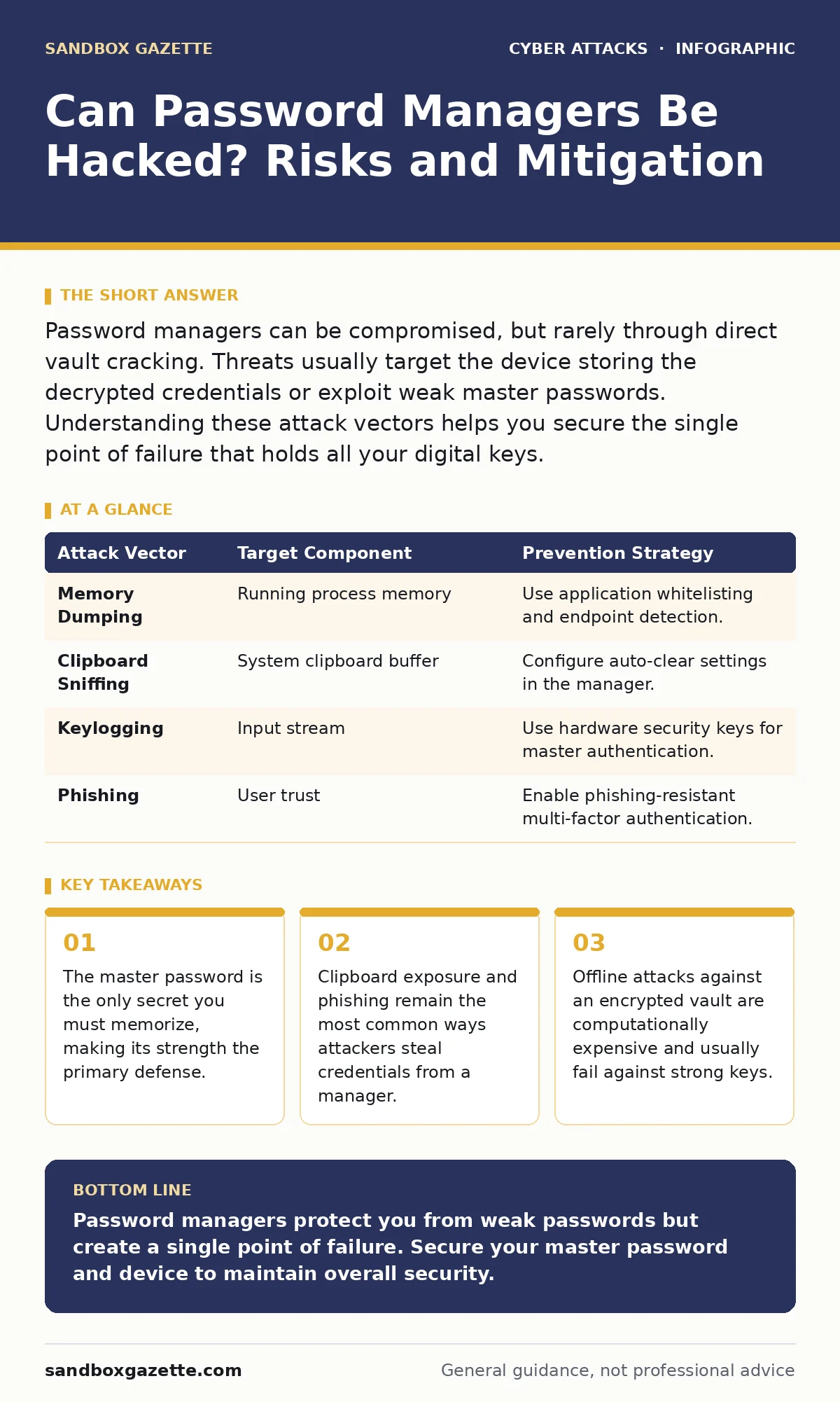
Password managers can be compromised, but rarely through direct vault cracking. Threats usually target the device storing the decrypted credentials or exploit weak master passwords. Understanding these attack vectors helps you secure the single point of failure that holds all your digital keys.
Can password managers be hacked directly?
Password managers are not immune to compromise, but direct hacking of the encrypted vault is extremely rare and difficult. Attackers rarely break the encryption itself because modern managers use strong algorithms like AES-256. The difficulty lies in the key derivation function, which turns your master password into an encryption key. This process adds computational cost to every guess an attacker tries. Without the master password, the encrypted data remains mathematically unreadable. The system is designed so that even the vendor cannot recover your data if you lose access.
What actually gets stolen in a breach?
Attackers target the unlocked session on your device rather than the encrypted database. When you are logged into the manager, the software holds decrypted credentials in memory. Malware on your computer can read this memory or monitor the clipboard when you paste a password. Keyloggers record your keystrokes, capturing the master password as you type it. Screen scrapers take snapshots of your screen to read visible passwords. These methods bypass the encryption entirely by stealing the secrets when they are active and unprotected.
| Attack Vector | Target Component | Prevention Strategy |
|---|---|---|
| Memory Dumping | Running process memory | Use application whitelisting and endpoint detection. |
| Clipboard Sniffing | System clipboard buffer | Configure auto-clear settings in the manager. |
| Keylogging | Input stream | Use hardware security keys for master authentication. |
| Phishing | User trust | Enable phishing-resistant multi-factor authentication. |
Why is the master password so critical?
The master password is the root of all security in a password manager ecosystem. If an attacker obtains this single string, they can unlock the entire vault and access every stored credential. You must use a long, random passphrase that you can memorize but that no one else can guess. Avoid dictionary words, personal dates, or patterns. A passphrase of 20 characters or more provides enough entropy to resist brute-force attacks. The manager never stores this password, so there is no reset mechanism. Losing it means losing access to all stored data permanently.
How does encryption protect your data?
Password managers use symmetric encryption to scramble data before saving it. AES-256 is the standard algorithm, providing a level of security that exceeds current computational capabilities to break via brute force. The encryption key is derived from your master password using a key derivation function like Argon2 or PBKDF2. These functions are intentionally slow, making each password guess take milliseconds rather than nanoseconds. This slows down automated attacks significantly. The encrypted vault is useless without this key, ensuring that even if the database is stolen, the contents remain hidden.
What are the risks of cloud synchronization?
Storing your vault in the cloud introduces exposure to server-side breaches and legal subpoenas. If the vendor’s servers are compromised, attackers may obtain the encrypted vault files. They cannot read the data without the encryption key, but they can attempt offline brute-force attacks. This is slower than online attacks but still possible with high-end hardware. Zero trust security principles suggest minimizing the trust placed in any single provider. Using end-to-end encryption ensures that only you hold the keys, keeping the vendor unable to access your plaintext data even if compelled.
See also: How to Avoid Email Spoofing: Stop Forged Messages at the Gate · How to Prevent Typosquatting: Stop Impersonation at the DNS Layer
Can phishing defeat your password manager?
Phishing remains a primary method for stealing credentials, even when using a password manager. Many managers offer autofill features that can be tricked by fake login pages. If the URL looks similar to a legitimate site, the manager may autofill the password. Attackers use look-alike domains to capture these credentials. You must verify the URL before allowing autofill. Some managers offer domain-specific restrictions to prevent autofill on untrusted sites. Login alerts can notify you of suspicious activity, helping you detect unauthorized access attempts quickly.
How do you secure the device itself?
The device running the password manager must be secure to prevent memory or keylogger attacks. Operating system vulnerabilities can allow malware to read process memory. Keep your operating system and applications updated to patch known exploits. Use application whitelisting to ensure only trusted software runs. Endpoint detection and response tools can identify malicious behavior. If the device is compromised, the password manager cannot protect the decrypted secrets in memory. Physical security also matters; an attacker with physical access can extract keys from RAM.
What happens when the vendor fails?
Vendor lock-in is a significant risk for long-term security. If the vendor goes out of business or suffers a catastrophic outage, you may lose access to your vault. Ensure you can export your data in a standard format like CSV or JSON. Regular backups of the exported file allow you to migrate to a different manager if needed. Cyber incident response team protocols should include procedures for recovering access in case of vendor failure. Do not rely on a single provider for your entire digital identity.
Key takeaways
- The master password is the only secret you must memorize, making its strength the primary defense.
- Clipboard exposure and phishing remain the most common ways attackers steal credentials from a manager.
- Offline attacks against an encrypted vault are computationally expensive and usually fail against strong keys.
Password managers protect you from weak passwords but create a single point of failure. Secure your master password and device to maintain overall security.
Frequently asked questions
Should I use the same master password everywhere?
No, your master password must be unique to the password manager. Reusing it elsewhere creates a chain reaction if one service is breached.
Are open-source password managers safer?
Open-source code allows independent verification of security claims, but you must still trust the maintainer and the build process.
Can I recover my vault if I lose my device?
Yes, as long as you have your master password and the encrypted vault file or cloud sync is active. The device is not required to unlock the data.
Does multi-factor authentication help if the vault is stolen?
MFA protects individual accounts, but if the attacker has the vault, they have the passwords. MFA adds a layer, but the vault breach is still critical.
How this guide was produced: written by the Sandbox Gazette editorial team with AI assistance, checked against the public references listed below, and reviewed when the facts change. See our editorial policy or report an error.