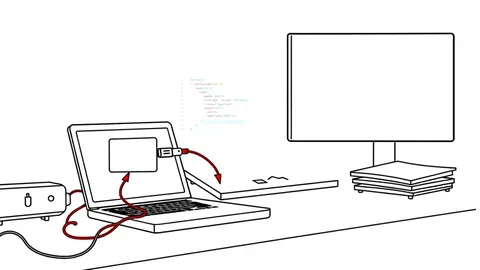
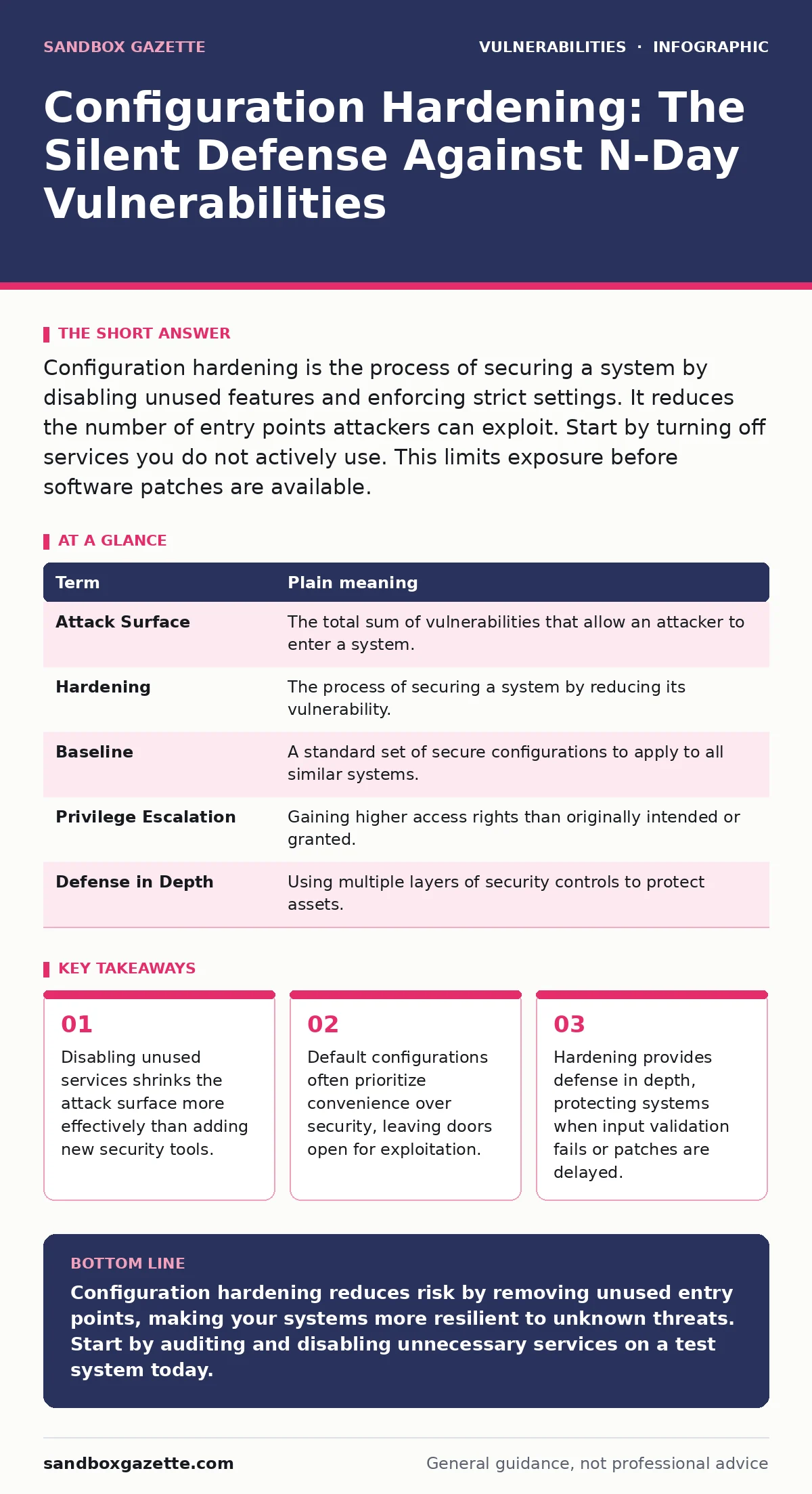
Configuration hardening is the process of securing a system by disabling unused features and enforcing strict settings. It reduces the number of entry points attackers can exploit. Start by turning off services you do not actively use. This limits exposure before software patches are available.
The House with Open Windows
Imagine you own a large house. You lock the front door, but you leave every other window unlocked because you never use those rooms. An attacker does not need to pick the front lock. They simply climb through an open second-story window. Configuration hardening is the act of closing those windows. It is not about building a better lock. It is about removing the entry points that do not serve a purpose.
Most systems ship with features enabled by default. Manufacturers want the product to work out of the box. They prioritize functionality over security. This creates a large attack surface. You must actively reduce this surface. Closing unused ports and disabling unnecessary services is the first step. This reduces the noise your team must monitor. It also removes targets that attackers scan for automatically.
Default Settings Are Not Secure
Software vendors configure products for ease of use. This means default settings often allow remote access, guest accounts, or verbose error messages. These features help users get started quickly. They help attackers gain initial access just as easily. You must change these defaults before deploying any system.
This is especially critical when dealing with n-day vulnerabilities. These are flaws for which a patch exists but has not yet been applied. Hardening can mitigate the risk while you wait for the update. If a service is disabled, the vulnerability cannot be exploited. This buys you time. It does not replace patch management, but it complements it.
The Mini Glossary
| Term | Plain meaning |
|---|---|
| Attack Surface | The total sum of vulnerabilities that allow an attacker to enter a system. |
| Hardening | The process of securing a system by reducing its vulnerability. |
| Baseline | A standard set of secure configurations to apply to all similar systems. |
| Privilege Escalation | Gaining higher access rights than originally intended or granted. |
| Defense in Depth | Using multiple layers of security controls to protect assets. |
Why Hardening Beats Patching Alone
You cannot patch every flaw immediately. Some vulnerabilities are complex. Others require a reboot that disrupts operations. Backported security fixes help, but they are not always available. Hardening provides a layer of protection that does not depend on the vendor. It relies on your control over the system.
Consider input validation. Even if your application validates input correctly, a misconfigured web server might still expose sensitive paths. Hardening the server configuration prevents path traversal vulnerabilities. It stops the attack before it reaches the application logic. This is a non-obvious benefit. You are securing the platform, not just the code.
The Hidden Cost of Convenience
Leaving features enabled seems harmless. You might think you will use them later. This is a common mistake. Unused services consume resources. They also generate logs that obscure real threats. Every enabled service is a potential vector for cross-site WebSocket hijacking or other protocol abuses.
Disabling these services creates a cleaner environment. It makes monitoring easier. You know what traffic is normal because there is less of it. This reduces false positives. Your team can focus on real anomalies. The trade-off is initial effort. You must audit each service. You must verify it is not required for business operations.
See also: How Coordinated Vulnerability Disclosure Fixes Broken Patch Cycles
Try This Now
- Identify all running services on a test server. List their names and purposes.
- Disable any service that is not explicitly required for your application. Document the reason for keeping each active service.
- Compare your configuration against a published security baseline. Note any deviations and plan to correct them.
Managing the Long Tail
Configuration drift happens over time. Administrators add features to solve immediate problems. They rarely remove them later. This accumulates risk. You need a process to maintain hardening. Regular audits are necessary. Automated tools can help enforce baselines.
CVE identifiers help you track specific flaws. But they do not tell you if your configuration is secure. A system can have zero known CVEs and still be vulnerable due to poor settings. Hardening addresses this gap. It ensures that the system is secure by design, not just by absence of known bugs.
The Role of Least Privilege
Hardening is not just about services. It is about permissions. Every user and process should have the minimum privileges required. This limits the damage if an account is compromised. It prevents privilege escalation.
Imagine an attacker gains access to a web server. If the server runs with root privileges, they control the entire machine. If it runs with limited rights, they are contained. This is a fundamental aspect of hardening. It reduces the blast radius of any breach. It works in tandem with other controls like encryption and monitoring.
Key takeaways
- Disabling unused services shrinks the attack surface more effectively than adding new security tools.
- Default configurations often prioritize convenience over security, leaving doors open for exploitation.
- Hardening provides defense in depth, protecting systems when input validation fails or patches are delayed.
Configuration hardening reduces risk by removing unused entry points, making your systems more resilient to unknown threats. Start by auditing and disabling unnecessary services on a test system today.
Frequently asked questions
Does hardening replace the need for software updates?
No, hardening complements updates. It reduces risk when patches are delayed or unavailable, but it does not fix code flaws.
How do I know which services are safe to disable?
Consult with application owners and test in a staging environment. Document the impact of each change before applying it to production.
Is hardening a one-time task?
No, configuration drift occurs over time. Regular audits and automated enforcement are needed to maintain a secure baseline.
Does hardening affect system performance?
Disabling unused services can improve performance by reducing resource consumption. However, misconfigurations can cause issues, so testing is vital.
How this guide was produced: written by the Sandbox Gazette editorial team with AI assistance, checked against the public references listed below, and reviewed when the facts change. See our editorial policy or report an error.