Implement patch management by inventorying assets, staging updates in isolated environments, and rolling out changes in small batches. Verify integrity through automated scanning and maintain a continuous feedback loop to address dependencies and configuration drift before they create new vulnerabilities.
Inventory and Dependency Mapping
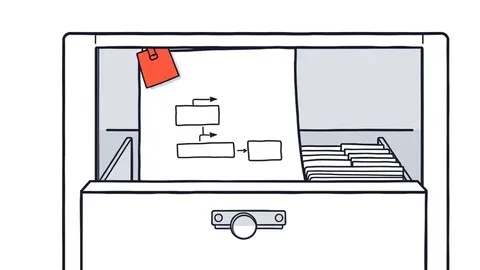
You cannot patch what you do not know exists. Begin by creating a complete inventory of every hardware and software component in your environment. This includes operating systems, applications, libraries, and firmware. Many teams overlook third-party libraries or embedded systems, leaving blind spots that attackers exploit.
Map the dependencies between these components. A single update to a shared library can break multiple applications that rely on specific versions. Understanding these relationships helps you predict which systems might fail when you apply an update. This step reduces the risk of cascading failures during deployment.
Refer to attack surface management practices to ensure your inventory reflects the true exposure of your network. An accurate inventory is the foundation of all subsequent steps. Without it, you are guessing which systems need attention and which do not.
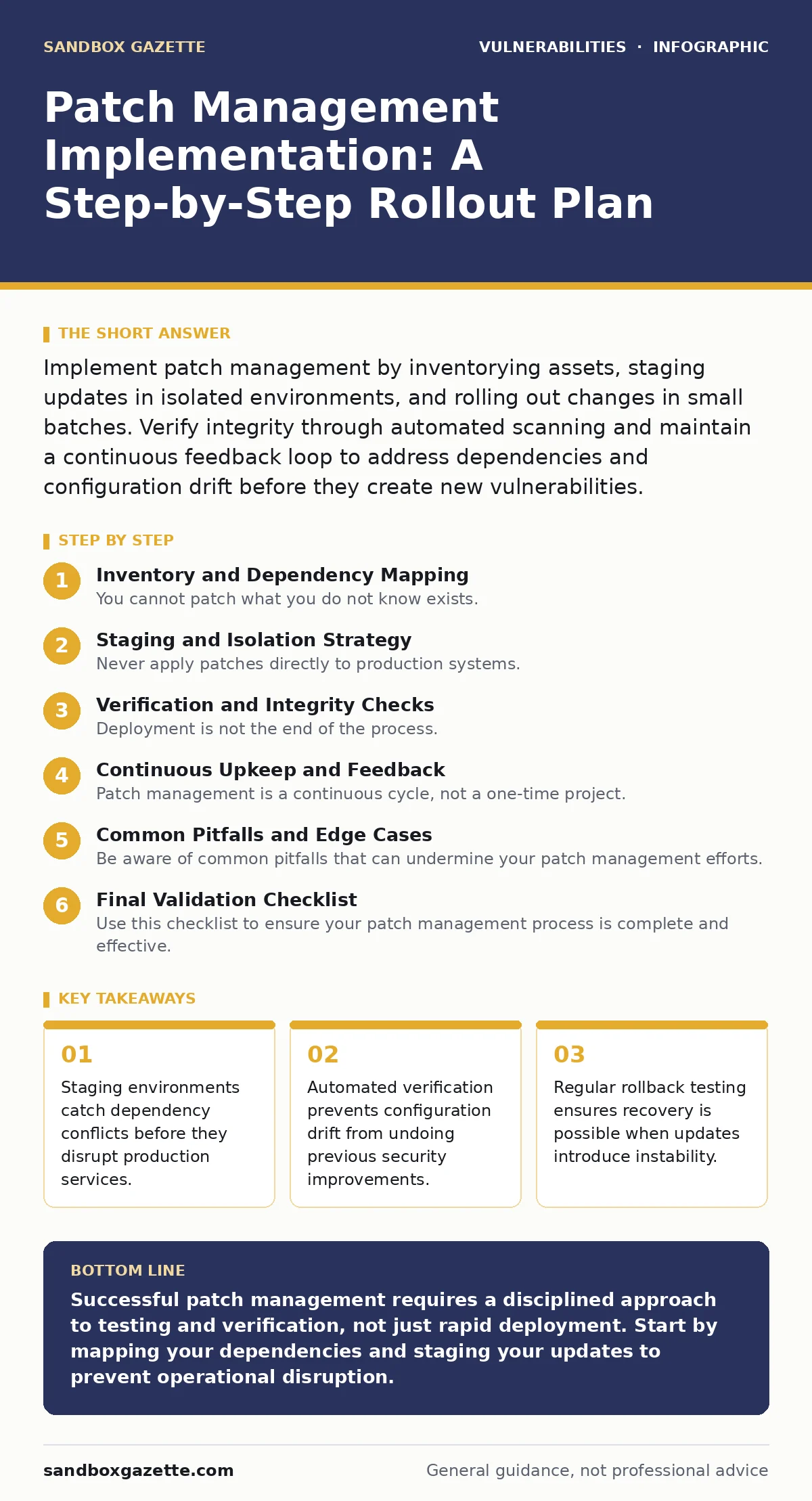
Staging and Isolation Strategy
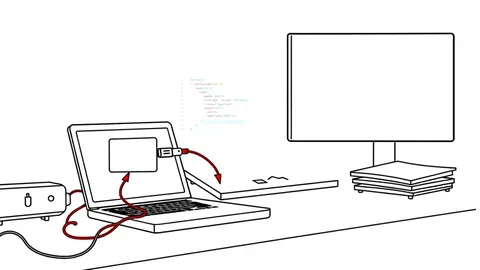
Never apply patches directly to production systems. Create a staging environment that mirrors your production infrastructure as closely as possible. This environment should include representative hardware, software versions, and network configurations. It allows you to test updates without risking service availability.
Isolate the staging environment from the production network. This prevents any accidental data leakage or configuration changes from affecting live systems. Use virtualization or containerization to replicate complex setups efficiently. The goal is to catch compatibility issues before they reach users.
This approach is particularly important when dealing with backported security fixes, which may alter behavior in subtle ways. Testing in isolation gives you time to observe these changes and adjust your configurations accordingly. It also helps you identify performance degradation that might not be immediately obvious.
Step 1: Define Patch Windows
Establish specific time windows for applying patches. These windows should align with periods of low usage to minimize disruption. Communicate these windows clearly to all stakeholders, including users and support teams. Consistency helps users anticipate downtime and plan their work accordingly.
Verify that the windows account for regional differences in usage patterns. A global organization may need multiple windows to cover different time zones. Ensure that critical systems have dedicated slots to avoid resource contention. This step reduces the likelihood of conflicts during deployment.
Step 2: Prioritize Updates
Not all patches are equal. Prioritize updates based on the severity of the vulnerabilities they address and the criticality of the affected systems. Focus on patches that fix high-risk vulnerabilities first. Use CVE identifiers to track and prioritize known issues consistently.
Consider the operational impact of each patch. Some updates require reboots or significant configuration changes. Schedule these during maintenance windows to avoid unexpected downtime. Balance security needs with operational requirements to maintain system stability.
Step 3: Deploy in Batches
Apply patches in small, controlled batches rather than all at once. Start with a pilot group of non-critical systems. Monitor these systems closely for any issues before proceeding to larger groups. This approach limits the blast radius if something goes wrong.
Expand the rollout gradually as confidence grows. Each batch should be fully verified before the next begins. This method allows you to catch issues early and adjust your process as needed. It also provides a clear rollback path if problems arise.
Verification and Integrity Checks
Deployment is not the end of the process. You must verify that patches were applied correctly and that systems remain secure. Automated scanning tools can check for missing patches and configuration errors. Run these scans immediately after deployment to catch any missed updates.
Compare the current state of the system against a known good baseline. This helps identify any unintended changes introduced by the patch. Look for new open ports, modified permissions, or unexpected services. These changes could indicate a failed patch or a new vulnerability.
Refer to configuration hardening techniques to ensure that patched systems meet security standards. Verification is an ongoing process, not a one-time event. Continuous monitoring helps you detect and address issues before they become serious problems.
Step 4: Monitor for Anomalies
Monitor system performance and security logs after patching. Look for unusual behavior, such as increased error rates or unexpected access attempts. These anomalies may indicate that the patch introduced a new issue. Set up alerts to notify you of significant deviations from normal operation.
Analyze logs for signs of exploitation attempts. Attackers often scan for known vulnerabilities shortly after patches are released. Detecting these attempts early allows you to respond before damage occurs. This step helps you validate the effectiveness of the patch.
Step 5: Validate Functionality
Test the core functions of each patched system. Ensure that applications run as expected and that users can perform their tasks. This step catches functional regressions that automated scans might miss. Involve end-users in testing to identify issues that only appear under real-world conditions.
Document any issues found during validation. Track these issues to resolution to ensure they do not persist. This documentation helps you improve your patching process over time. It also provides a record for compliance and auditing purposes.
Continuous Upkeep and Feedback
Patch management is a continuous cycle, not a one-time project. Establish a regular schedule for reviewing and updating your patching process. Incorporate lessons learned from each deployment to improve efficiency and effectiveness. This continuous improvement mindset helps you stay ahead of emerging threats.
Maintain a feedback loop between operations and security teams. Share information about patch successes and failures to foster collaboration. This communication helps identify systemic issues that need addressing. It also ensures that everyone is aligned on security priorities.
Consider the role of emergency patching when critical vulnerabilities are discovered. Have a predefined process for handling these situations to minimize response time. This process should include rapid assessment, testing, and deployment procedures. Being prepared for emergencies reduces the impact of zero-day exploits.
Common Pitfalls and Edge Cases
Be aware of common pitfalls that can undermine your patch management efforts. One frequent issue is neglecting to update firmware on network devices. These devices often operate on outdated software that is vulnerable to attack. Ensure your inventory includes all firmware-dependent components.
Another pitfall is assuming that automated patching tools handle everything. These tools can miss complex dependencies or configuration requirements. Human oversight is still necessary to validate changes and address edge cases. Combine automation with manual checks for the best results.
Refer to input validation principles when configuring patching tools. Ensure that the tools themselves are secure and that their configurations are protected. A compromised patching system can introduce vulnerabilities rather than fixing them. Security starts with the tools you use to manage security.
See also: Dependency Confusion Attacks: Risks and Protection for Small Businesses · Detect Web Cache Poisoning: Signals, Tools, and Hidden Blind Spots
Final Validation Checklist
Use this checklist to ensure your patch management process is complete and effective. Review each item regularly to maintain compliance and security.
- Inventory includes all hardware, software, and firmware components.
- Staging environment mirrors production infrastructure accurately.
- Patch windows are defined and communicated to all stakeholders.
- Updates are prioritized based on risk and operational impact.
- Patches are deployed in small, controlled batches.
- Automated scans verify patch application and configuration.
- System performance and security logs are monitored for anomalies.
- Core functionality is validated through testing and user feedback.
- Feedback loop between operations and security teams is active.
- Emergency patching procedures are documented and tested.
Key takeaways
- Staging environments catch dependency conflicts before they disrupt production services.
- Automated verification prevents configuration drift from undoing previous security improvements.
- Regular rollback testing ensures recovery is possible when updates introduce instability.
Successful patch management requires a disciplined approach to testing and verification, not just rapid deployment. Start by mapping your dependencies and staging your updates to prevent operational disruption.
Frequently asked questions
How often should I review my patch management process?
Review your process quarterly or after any significant infrastructure change to ensure it remains effective and aligned with current threats.
What should I do if a patch breaks a critical application?
Immediately roll back the patch using your predefined recovery procedure and analyze the cause before attempting to reapply the update.
Can automated tools replace manual patch verification?
No, automated tools can miss complex dependencies and configuration issues, so manual verification remains necessary for critical systems.
How do I handle patching for legacy systems that no longer receive updates?
Isolate these systems from the network and implement strict access controls to mitigate risk until they can be replaced or upgraded.
How this guide was produced: written by the Sandbox Gazette editorial team with AI assistance, checked against the public references listed below, and reviewed when the facts change. See our editorial policy or report an error.