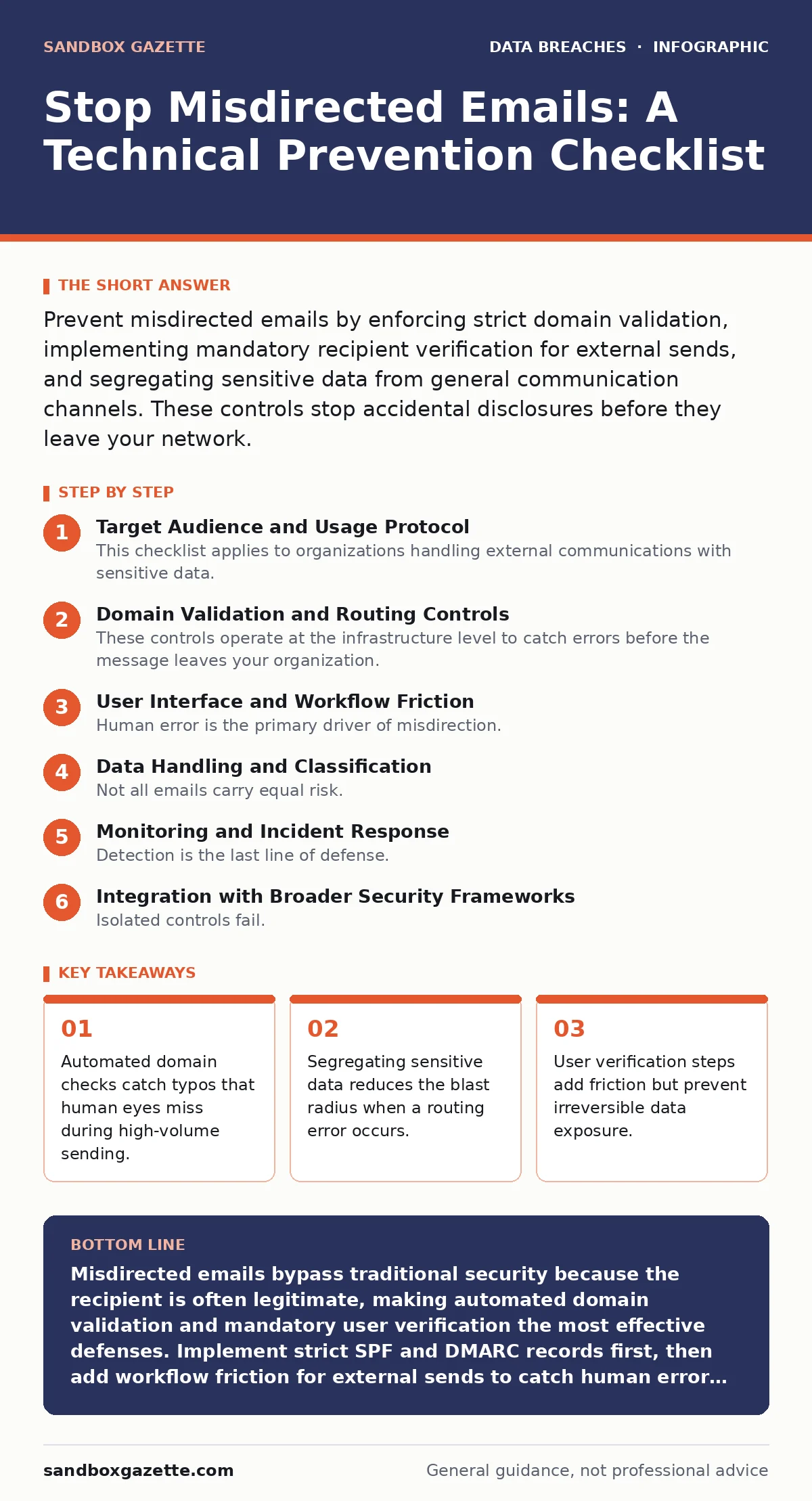
Prevent misdirected emails by enforcing strict domain validation, implementing mandatory recipient verification for external sends, and segregating sensitive data from general communication channels. These controls stop accidental disclosures before they leave your network.
Target Audience and Usage Protocol
This checklist applies to organizations handling external communications with sensitive data. You use this list to audit your current email infrastructure and user workflows. Each item represents a specific control point. Review these controls quarterly to ensure alignment with your current threat model. Imagine a scenario where a finance team sends a payroll file to a vendor. A single character error in the domain name redirects the file to a competitor or a public inbox. This checklist prevents that specific failure mode.
Domain Validation and Routing Controls
These controls operate at the infrastructure level to catch errors before the message leaves your organization. They rely on technical standards rather than user behavior.
- Enforce strict SPF records: Prevents spoofing that can mask misdirected replies.
- Implement DMARC policies: Ensures rejected emails are not silently delivered.
- Configure DNS failover carefully: Prevents routing to backup servers that may lack security filters.
- Monitor for typosquatting domains: Detects similar-looking domains that might receive accidental traffic.
- Restrict outbound SMTP ports: Limits the ability of malware to bypass email security gates.
These mechanisms create a hard boundary around your email egress. SPF (Sender Policy Framework) defines which servers can send email for your domain. DMARC (Domain-based Message Authentication, Reporting, and Conformance) tells receivers what to do with unauthenticated mail. Without these, a misdirected email might still appear to come from you, increasing the likelihood that the recipient opens it.
User Interface and Workflow Friction
Human error is the primary driver of misdirection. You must design workflows that force verification without breaking productivity. Friction is a feature here, not a bug.
- Require confirmation for external sends: Forces users to pause and verify the recipient.
- Highlight external recipients in client: Visually distinguishes internal from external addresses.
- Disable auto-complete for external domains: Prevents selection of similar but incorrect contacts.
- Implement "sensitive" tagging workflows: Requires additional approval for marked messages.
- Limit attachment sizes for external mail: Reduces the impact of accidental large data dumps.
Standard email clients often prioritize speed over accuracy. By default, they auto-complete addresses based on history. If a user previously emailed "[email protected]" and now intends to email "[email protected]", the client may suggest the wrong address. Disabling auto-complete for external domains forces the user to type the full address, increasing the cognitive load required to make a mistake. This aligns with principles found in user access provisioning, where least privilege applies to data exposure as well.
Data Handling and Classification
Not all emails carry equal risk. Treating all outbound traffic with the same scrutiny is inefficient. You must classify data to apply controls proportionally.
- Classify data before sending: Identifies which messages require additional verification steps.
- Restrict sensitive data in body text: Forces use of secure portals for high-risk information.
- Implement DLP rules for attachments: Blocks files containing patterns like credit card numbers.
- Use watermarks for draft documents: Alerts users if screenshots are shared externally.
- Archive sent items for audit: Enables forensic analysis after a potential leak.
Data minimization reduces the amount of sensitive information available to be misdirected. If you send only the necessary fields rather than entire databases, the damage from a routing error is contained. This approach complements email encryption, which protects data in transit but does not prevent it from reaching the wrong destination. Encryption is useless if the recipient is an adversary who guessed the address.
Monitoring and Incident Response
Detection is the last line of defense. You must assume some errors will slip through preventive controls. Your response capability determines the final impact.
- Monitor for unusual outbound volume: Detects bulk misdirection or compromised accounts.
- Alert on sends to new domains: Flags first-time external recipients for review.
- Log all external sends: Provides a trail for forensic investigation.
- Define recall procedures: Establishes steps to attempt message retraction.
- Conduct tabletop exercises: Tests team response to a confirmed misdirection event.
Email recall features are unreliable. They only work if the recipient has not yet opened the message and is using the same email system. You should not rely on recall as a primary control. Instead, focus on detection. If your DLP (Data Loss Prevention) system flags a send, your team should be able to intervene quickly. This process mirrors the rigor required in third-party risk assessments, where you must verify the security posture of every external entity you interact with.
See also: Brand Impersonation in Cyber Security: How Attackers Clone Trust · Email Encryption Best Practices for Secure Data Exchange
Integration with Broader Security Frameworks
Isolated controls fail. You must integrate email security with your overall information security program. This ensures consistency and reduces gaps.
- Align with ISO 27001 controls: Ensures email security meets international standards.
- Review shadow IT data exposure: Identifies unauthorized channels that bypass email controls.
- Update password leak checks: Prevents account takeover that leads to misdirection.
- Train users on social engineering: Reduces the risk of manipulated recipient fields.
- Audit third-party integrations: Ensures connected apps do not introduce routing risks.
Shadow IT data exposure often occurs when users bypass official email channels to send files via personal cloud storage. These channels lack the same validation controls. By monitoring for unauthorized app usage, you close these side doors. Similarly, password leaks can lead to account compromise, where an attacker deliberately misdirects emails to cause reputational harm. Regularly checking for compromised credentials is a defensive measure against this vector.
Final Implementation Steps
You have reviewed the checklist. Now you must prioritize implementation. Start with domain validation, as it requires no user behavior change. Move to workflow friction, which requires change management. Finally, refine data classification, which requires cultural shift. Each step reduces your risk profile. Remember that no single control is sufficient. You need a layered approach that combines technical validation, workflow design, and data handling policies. This ensures that even if one layer fails, others remain in place to protect your organization.
Key takeaways
- Automated domain checks catch typos that human eyes miss during high-volume sending.
- Segregating sensitive data reduces the blast radius when a routing error occurs.
- User verification steps add friction but prevent irreversible data exposure.
Misdirected emails bypass traditional security because the recipient is often legitimate, making automated domain validation and mandatory user verification the most effective defenses. Implement strict SPF and DMARC records first, then add workflow friction for external sends to catch human error before data leaves your network.
Frequently asked questions
Does email encryption prevent misdirected emails?
No, encryption protects data in transit but does not verify the recipient. If you encrypt an email and send it to the wrong address, the wrong person still receives the data, albeit in a protected format.
How do I handle misdirection in large organizations?
Large organizations should use automated DLP rules and strict classification policies. Manual verification is not scalable for high-volume environments, so technical controls must handle the bulk of validation.
Can I rely on email recall features?
No, recall features are unreliable and often fail. They only work under specific technical conditions and should never be considered a primary security control for preventing data leakage.
What is the role of shadow IT in misdirection?
Shadow IT creates unmonitored channels for data transfer. Users may bypass secure email systems to use personal accounts or cloud storage, which lack the validation controls needed to prevent misdirection.
How this guide was produced: written by the Sandbox Gazette editorial team with AI assistance, checked against the public references listed below, and reviewed when the facts change. See our editorial policy or report an error.