Look for unexpected scheduled tasks, new local administrator accounts, and modified registry keys. Check for services running from unusual directories. Verify that startup items match known application paths. Investigate any process that consumes resources without a clear business purpose.
Visible Indicators of Unauthorized Access
Users often notice performance degradation first. Applications load slowly, and network latency increases during off-hours. These symptoms suggest background processes consuming resources. Security teams should check for new user accounts added to local administrator groups. Attackers create these accounts to maintain access even if their primary credentials are revoked. Look for accounts with generic names or those created outside standard provisioning windows.
Subtle Signs That Slip Past Review
Scheduled tasks are a common hiding place for persistence mechanisms. Attackers modify existing tasks to run malicious scripts instead of legitimate maintenance jobs. This approach avoids creating new, conspicuous entries in the system logs. You must compare the current task configuration against a known good baseline. Check the command line arguments for any task that runs frequently. A slight change in the script path can indicate compromise.
Registry Modifications and Startup Items
The Windows registry stores configuration data for the operating system and applications. Attackers modify specific keys to ensure their tools run at boot. The Run and RunOnce keys are frequent targets. These keys execute commands every time the system starts or after a single reboot. Verify that all entries in these keys correspond to installed, signed software. Unsigned executables in startup locations are a strong indicator of compromise.
Service Manipulation and Hidden Processes
System services run in the background with high privileges. Attackers install new services or modify existing ones to host their malware. These services often have generic names like "System Update" or "Network Helper". Check the binary path for each service. Legitimate services run from standard system directories. If a service runs from a temporary folder or a user profile directory, it is likely malicious.
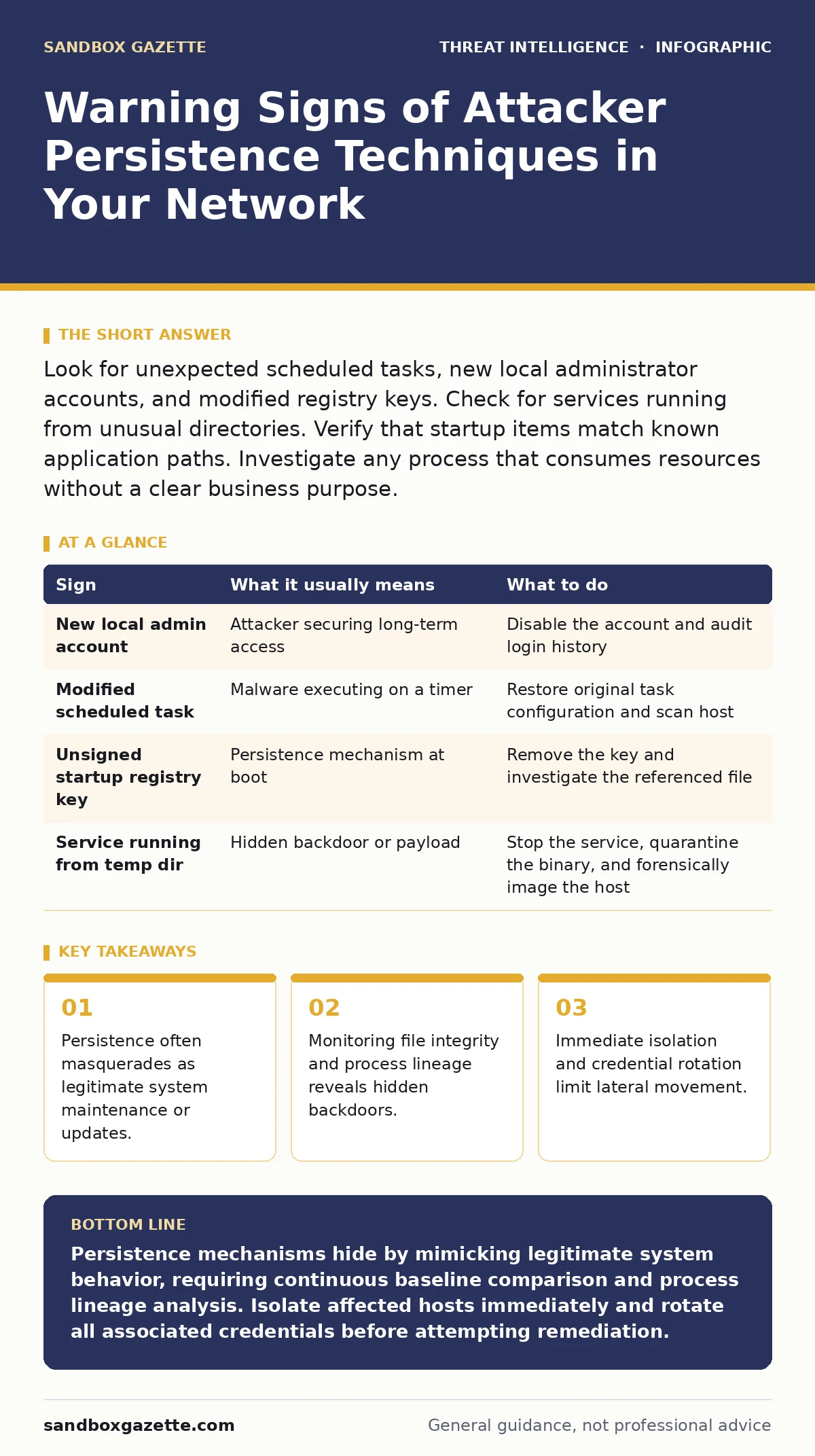
| Sign | What it usually means | What to do |
|---|---|---|
| New local admin account | Attacker securing long-term access | Disable the account and audit login history |
| Modified scheduled task | Malware executing on a timer | Restore original task configuration and scan host |
| Unsigned startup registry key | Persistence mechanism at boot | Remove the key and investigate the referenced file |
| Service running from temp dir | Hidden backdoor or payload | Stop the service, quarantine the binary, and forensically image the host |
The Cost of Overlooking Legitimate Changes
Imagine a system administrator installs a new monitoring tool. The tool adds a scheduled task and a registry key. Without proper change management, this looks identical to an attacker establishing persistence. You risk ignoring real threats if you only flag unknown items. Conversely, you risk false positives if you only check against a static baseline. Dynamic baseline monitoring helps distinguish between authorized changes and malicious activity. This requires consistent logging and regular review of configuration drift.
See also: Detect Shadow AI: Network Logs, Process Trees and Hidden Signals · Nation-State Cyber Attack Prevention Checklist for Critical Systems
Immediate Response to Detected Persistence
When you identify a persistence mechanism, isolate the affected host immediately. Disconnect it from the network to prevent lateral movement. Do not simply delete the malicious file or task. This destroys evidence needed for forensic analysis. Capture memory dumps and disk images before remediation. Reset credentials for all users who logged into the affected system. Attackers often harvest credentials during their initial access phase.
Integrating Persistence Detection into Operations
Effective detection requires more than signature-based antivirus. You need endpoint telemetry that records process creation and file modifications. Correlate this data with your identity management logs. Look for sequences of events that indicate privilege escalation followed by persistence. Use YARA rules to scan for known malicious patterns in memory. These rules help identify polymorphic malware that changes its appearance to evade detection. Regular red teaming exercises test your detection capabilities against realistic persistence techniques.
Leveraging Automated Response Tools
Manual investigation slows down containment. Security Orchestration, Automation, and Response platforms can automate initial triage. Configure your SOAR platform to trigger isolation playbooks when specific persistence indicators are detected. This reduces the time between detection and containment. However, automation must be carefully tuned to avoid disrupting legitimate business processes. Test your playbooks regularly to ensure they handle edge cases correctly.
Key takeaways
- Persistence often masquerades as legitimate system maintenance or updates.
- Monitoring file integrity and process lineage reveals hidden backdoors.
- Immediate isolation and credential rotation limit lateral movement.
Persistence mechanisms hide by mimicking legitimate system behavior, requiring continuous baseline comparison and process lineage analysis. Isolate affected hosts immediately and rotate all associated credentials before attempting remediation.
Frequently asked questions
How do I distinguish between a legitimate scheduled task and a malicious one?
Compare the task's command line arguments and file paths against your known good baseline. Legitimate tasks run from standard system directories with signed executables.
Why is process lineage important for detecting persistence?
Process lineage shows the parent-child relationship between processes. Attackers often spawn malicious processes from legitimate system processes to hide their activity.
Can endpoint telemetry detect fileless malware persistence?
Yes, endpoint telemetry records process execution and memory modifications. This allows detection of fileless malware that operates entirely in memory without writing to disk.
What is the role of red teaming in persistence detection?
Red teaming simulates real-world attacks to test your detection capabilities. It helps identify gaps in your monitoring and response procedures for persistence techniques.
How this guide was produced: written by the Sandbox Gazette editorial team with AI assistance, checked against the public references listed below, and reviewed when the facts change. See our editorial policy or report an error.