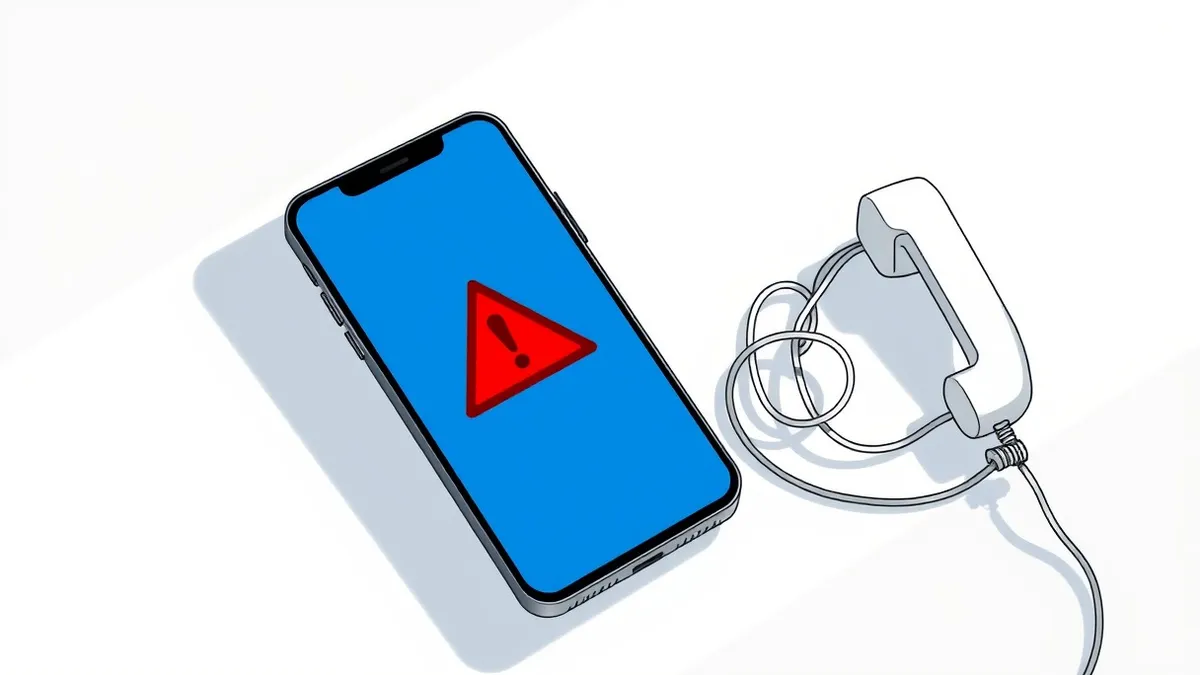
Legitimate support never initiates contact via unsolicited calls or pop-ups. If a stranger claims your device is infected, hang up. Verify issues through official channels. Never grant remote access or share credentials. Treat unexpected alerts as false positives until confirmed by direct vendor contact.
The Urgency Trap
Attackers rely on psychological pressure rather than technical sophistication. They create a scenario where you feel immediate danger to your device or data. This urgency forces you to skip standard verification steps. You might see a blue screen or a fake warning dialog that mimics operating system alerts. These alerts claim your computer is compromised and demands immediate action.
The goal is to make you act before you can think. Fear overrides the logical part of your brain that would normally question the source. Imagine receiving a call from someone claiming to be from a major software vendor. They say your license has expired and your computer will lock in ten minutes. This pressure is designed to prevent you from hanging up and checking the vendor’s actual website.
Signs You Notice Immediately
The first signs are often loud and intrusive. A pop-up window blocks your screen, displaying a phone number or a warning message. The message uses aggressive language, threatening legal action or data loss. You might receive a cold call where the stranger knows your name or IP address. This personalization is achieved through data breaches or public records, not insider access.
Another obvious sign is the promise of a free fix. Legitimate support costs money or requires a formal ticket. Scammers offer immediate resolution for no charge. They ask you to download a remote access tool so they can "fix" the problem. This request is a red flag. No reputable company will ask you to download software during an unsolicited call.
Signs That Are Easy to Miss
Subtle indicators often hide behind professional-sounding language. The caller may use jargon to sound authoritative, such as mentioning "root access" or "kernel exploits." They might claim that a specific process is consuming too much CPU. These claims are vague and difficult for non-technical users to verify. The attacker relies on your inability to check these details in real-time.
Another hidden sign is the refusal to provide a ticket number. Legitimate support interactions are tracked. A real agent will reference an existing case or create one for you. If the caller insists on immediate action without documentation, they are avoiding a paper trail. They may also ask you to disable your antivirus software. This step is necessary for them to install malware, but they frame it as a troubleshooting step.
The Mechanism of Remote Access
Remote access tools allow a user to control another computer over the internet. Scammers use these tools to bypass security controls. Once connected, they can install ransomware, keyloggers, or backdoors. They can also access your files, emails, and banking applications. The damage occurs quickly, often before you realize what is happening.
You might think you are just letting them view your screen. However, most remote access tools grant full administrative privileges. This means they can change settings, create new accounts, and modify system files. The trust you place in the "technician" is the vulnerability they exploit. This mechanism turns your own device into an attack vector.
Verification Protocols
The only way to confirm a support request is legitimate is to verify it independently. Do not use the phone number or link provided in the alert. Instead, find the official support contact on the vendor’s verified website. If you received an email, check the sender’s address carefully. Look for misspellings or slight variations in the domain name.
If you are unsure, close the application or hang up the call. Do not engage further. Engagement gives the attacker more information about your system and personality. Silence is a powerful defense. If you suspect a breach, consult your organization’s cyber incident response team. They can assess the risk and guide your next steps.
See also: Business Email Compromise: How Fraudsters Hijack Trust · Warning Signs of Remote Access Tool Abuse for Detection
Immediate Actions to Take
If you suspect a tech support scam, disconnect from the network immediately. Unplug the Ethernet cable or disable Wi-Fi. This prevents the attacker from exfiltrating data or spreading malware to other devices. Do not turn off the computer, as this might destroy forensic evidence. Instead, keep it isolated.
Next, change your passwords from a different, secure device. Use a device that was not connected to the compromised network. Enable multi-factor authentication on all critical accounts. This adds a layer of security that passwords alone cannot provide. Be aware that MFA fatigue attacks are a growing threat, so be cautious with push notifications.
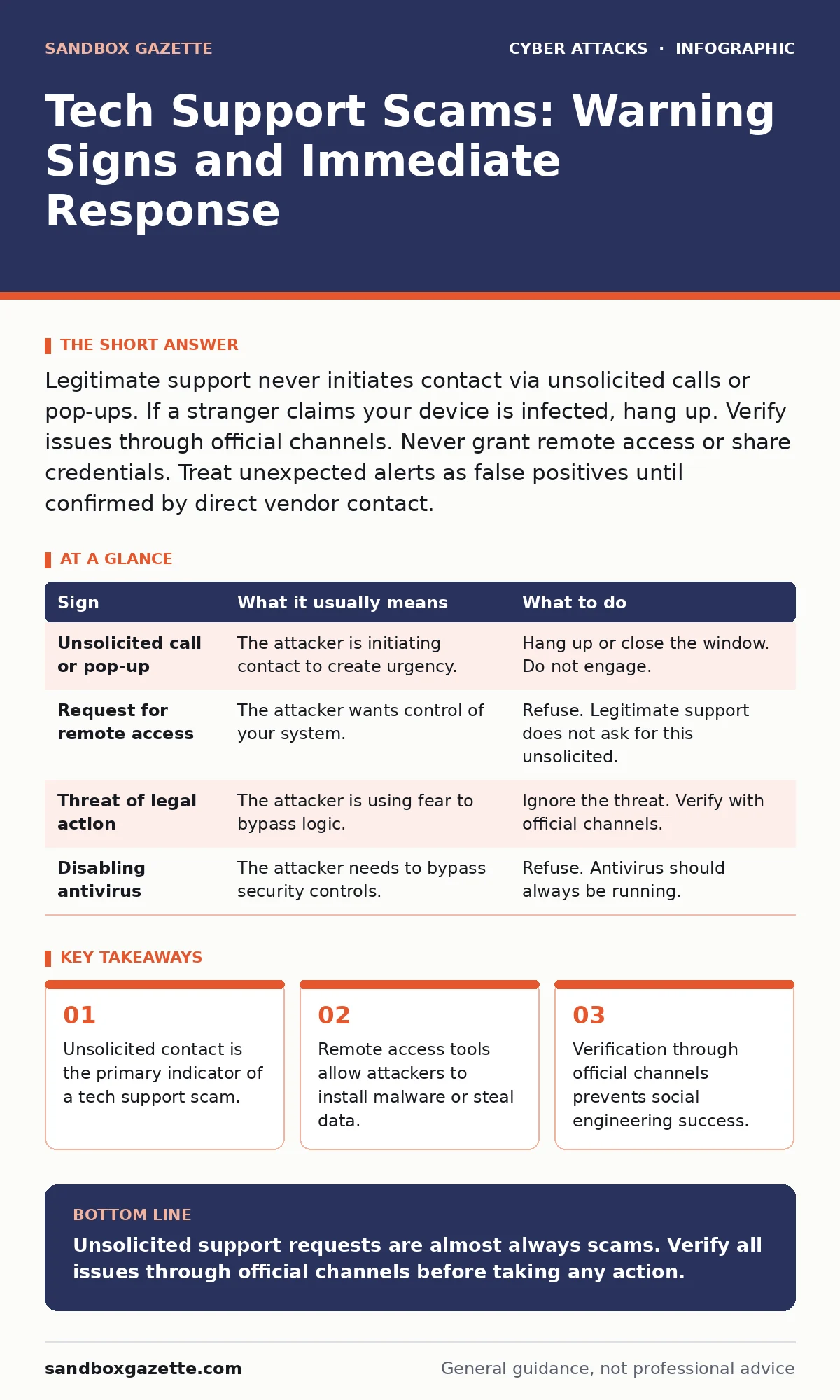
| Sign | What it usually means | What to do |
|---|---|---|
| Unsolicited call or pop-up | The attacker is initiating contact to create urgency. | Hang up or close the window. Do not engage. |
| Request for remote access | The attacker wants control of your system. | Refuse. Legitimate support does not ask for this unsolicited. |
| Threat of legal action | The attacker is using fear to bypass logic. | Ignore the threat. Verify with official channels. |
| Disabling antivirus | The attacker needs to bypass security controls. | Refuse. Antivirus should always be running. |
Long-Term Defense Strategies
Education is your best defense against social engineering. Regular security awareness training helps you recognize these tactics. Training should include simulations of tech support scams. This builds muscle memory for the correct response. You learn to pause and verify instead of reacting to fear.
Implementing zero trust security principles reduces the impact of a successful attack. Zero trust assumes no user or device is trusted by default. This limits the damage an attacker can do if they gain access. Combine this with secure email gateways to filter out malicious emails. These layers of defense work together to protect your environment.
Key takeaways
- Unsolicited contact is the primary indicator of a tech support scam.
- Remote access tools allow attackers to install malware or steal data.
- Verification through official channels prevents social engineering success.
Unsolicited support requests are almost always scams. Verify all issues through official channels before taking any action.
Frequently asked questions
Can a tech support scammer hack my computer just by calling?
No, they cannot hack your computer through a phone call alone. They need you to install software or grant remote access to compromise your system.
What if I already gave them remote access?
Disconnect from the network immediately and change your passwords from a different device. Contact your IT department or a professional security service for help.
Are pop-up warnings from my browser real?
Most pop-up warnings claiming your device is infected are fake. Browsers do not display system-level security alerts in this manner. Close the tab and ignore the message.
Why do scammers know my name and address?
Scammers obtain personal information from data breaches, public records, or phishing attacks. This information is used to make the scam appear legitimate.
How this guide was produced: written by the Sandbox Gazette editorial team with AI assistance, checked against the public references listed below, and reviewed when the facts change. See our editorial policy or report an error.