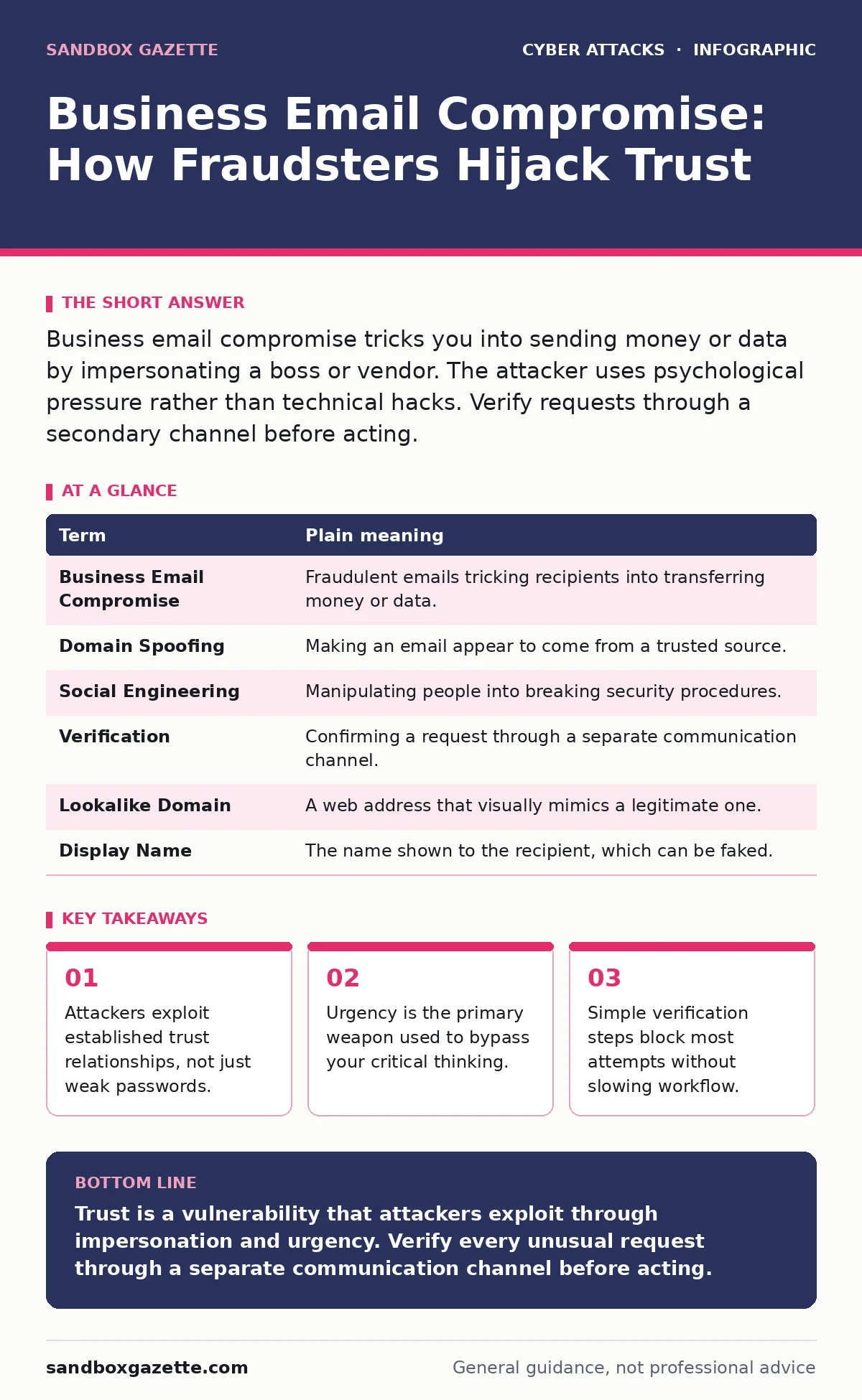
Business email compromise tricks you into sending money or data by impersonating a boss or vendor. The attacker uses psychological pressure rather than technical hacks. Verify requests through a secondary channel before acting.
The Lost Letter Analogy
Imagine you receive a letter in your company’s official stationery. It bears the CEO’s signature and requests an immediate wire transfer for a legal settlement. The paper quality is perfect. The logo aligns. Yet the letter arrives in an envelope with a strange postmark from a country you do not do business with. You trust the paper, so you trust the message. Business email compromise works exactly like this. The digital envelope looks legitimate, but the sender has been replaced by a fraudster.
Anatomy of the Impersonation
The attacker does not break into your CEO’s account. Instead, they register a new email address that looks nearly identical. They might swap a letter for a number or add a hyphen. This is called domain spoofing or lookalike domain registration. When you read the message, your brain fills in the familiar pattern. You see "CEO" and "Urgent." You do not see the subtle mismatch in the email header. The goal is to make the request feel routine so you skip verification steps.
The Psychology of Urgency
Why does this work? Because humans are wired to respond to authority and time pressure. The attacker creates a scenario where delay has a negative consequence. Imagine a vendor emailing you about an overdue invoice. They claim their system is down and ask you to pay via a new bank account. They do not want you to check with your accounts payable team. They want you to act now. This pressure overrides your normal caution. It is a form of social engineering that targets your helpfulness and fear of making mistakes.
What This Means for You
You are not a target because you are careless. You are a target because you are trusted. The attacker needs you to perform an action that the system allows. They are not hacking the firewall. They are hacking your judgment. If you send money to the wrong account, the loss is real. If you share sensitive data, the breach is real. The damage happens after you click send. The security controls that protect the network perimeter do not stop you from following a bad instruction.
| Term | Plain meaning |
|---|---|
| Business Email Compromise | Fraudulent emails tricking recipients into transferring money or data. |
| Domain Spoofing | Making an email appear to come from a trusted source. |
| Social Engineering | Manipulating people into breaking security procedures. |
| Verification | Confirming a request through a separate communication channel. |
| Lookalike Domain | A web address that visually mimics a legitimate one. |
| Display Name | The name shown to the recipient, which can be faked. |
The Hidden Cost of Speed
Many organizations focus on technical fixes like better filters. These help, but they are not enough. The real vulnerability is the speed of modern communication. We expect instant answers. Attackers exploit this expectation. They know you do not want to be the person who delayed a critical payment. This creates a hidden cost: your desire to be efficient makes you vulnerable. Slowing down is the only defense that matters. It feels inefficient, but it prevents catastrophic loss.
See also: Email Encryption Best Practices for Secure Data Exchange · DKIM Email Security: Real Benefits and Hidden Limitations
Simple Safety Habits
You can protect yourself without new software. You need a new habit. When you receive a request for money or sensitive data, pause. Do not reply to the email. Use a different method to contact the sender. Call the number on your business card, not the one in the email. Send a message on your internal chat tool. Ask a simple question: "I received your email about the transfer. Can you confirm the details?" If they are real, they will confirm. If they are fake, they will disappear or get angry.
Try This Now
- Verify out-of-band. Always confirm financial or data requests through a second channel like a phone call or instant message.
- Inspect the address. Hover over the sender’s name to see the actual email address. Look for subtle misspellings or extra characters.
- Question urgency. If a request demands immediate action, treat it as suspicious. Real business processes allow time for verification.
Beyond the Inbox
This tactic is part of a broader trend. Attackers use similar methods in tech support scams and account takeover attempts. They rely on your trust in familiar interfaces. Understanding how social engineering works helps you spot these patterns elsewhere. While MFA fatigue attacks overwhelm you with prompts, business email compromise overwhelms you with pressure. Both require you to step back and verify. Implementing zero trust security principles means never trusting a request just because it comes from inside the network.
Key takeaways
- Attackers exploit established trust relationships, not just weak passwords.
- Urgency is the primary weapon used to bypass your critical thinking.
- Simple verification steps block most attempts without slowing workflow.
Trust is a vulnerability that attackers exploit through impersonation and urgency. Verify every unusual request through a separate communication channel before acting.
Frequently asked questions
Can email filters stop business email compromise?
Filters can block obvious threats, but they often miss subtle impersonation. Human verification remains the strongest defense against sophisticated social engineering.
What if the email comes from a colleague I know?
Their account may have been compromised. Do not assume the message is legitimate. Verify the request by calling them directly using a known number.
Is this different from phishing?
Phishing often tries to steal credentials or install malware. Business email compromise aims directly at financial fraud or data theft through impersonation.
Should I report these emails?
Yes. Reporting helps your **cyber incident response team** identify patterns and block similar attempts across the organization.
How this guide was produced: written by the Sandbox Gazette editorial team with AI assistance, checked against the public references listed below, and reviewed when the facts change. See our editorial policy or report an error.