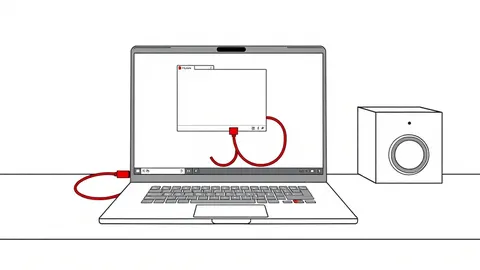
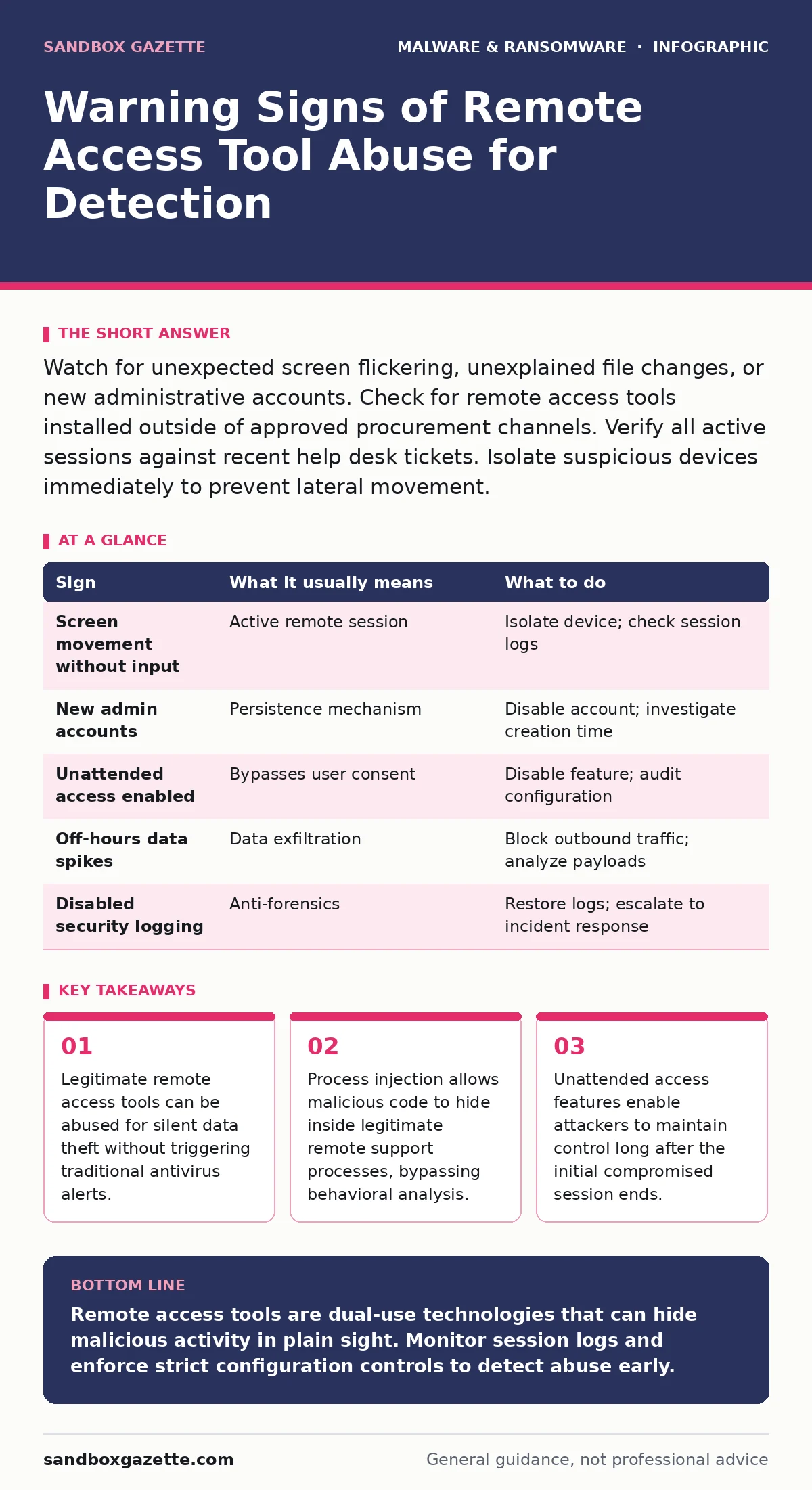
Watch for unexpected screen flickering, unexplained file changes, or new administrative accounts. Check for remote access tools installed outside of approved procurement channels. Verify all active sessions against recent help desk tickets. Isolate suspicious devices immediately to prevent lateral movement.
The Illusion of Legitimate Support
Remote access tools serve a necessary function for IT support. They allow technicians to view and control a user’s screen to resolve issues. Attackers exploit this trust by installing these tools on victim machines. Once installed, the tool appears as legitimate software to most security scanners. The attacker then uses the tool’s built-in capabilities to move laterally across the network. This technique is closely related to how remote access trojans operate, but with a critical difference. Here, the software itself is not malicious. The abuse comes from unauthorized configuration and usage.
Obvious Indicators of Compromise
Users often notice visual anomalies first. The screen may flicker or move without input. This happens when the attacker is actively navigating the interface. Users might also see unexpected application windows opening or closing. File properties change without user action. Documents may open in edit mode or save automatically. These signs are disruptive and prompt immediate reporting. Security teams should treat these reports as high-priority incidents. Do not dismiss them as software glitches. Glitches rarely coincide with new administrative accounts or disabled security logs.
Subtle Signs of Silent Abuse
More dangerous abuse leaves no visual trace. Attackers use command-line interfaces to execute scripts silently. They may enable unattended access, allowing them to connect at any time. This feature bypasses the need for user approval during each session. Attackers often create hidden user accounts for persistence.
These accounts may have generic names that blend in with system service accounts. Network traffic spikes during off-hours can indicate data exfiltration. The remote access tool encrypts its traffic, hiding the content from basic network monitors. This stealthy approach mirrors the initial stages of ransomware-as-a-service operations, where reconnaissance precedes encryption.
Process Injection and Evasion
Advanced attackers use process injection to hide their activities. They inject malicious code into the legitimate remote access process. To the operating system, all activity appears to come from the trusted application. This technique bypasses application whitelisting controls. It also evades heuristic analysis that looks for unknown executables. The malicious code runs with the privileges of the remote support tool. If the tool runs as an administrator, the attacker gains full system control. This method is similar to how trojanized software operates, but the host process is clean. The payload is external and dynamic.
Detection and Response Actions
When you suspect abuse, isolate the device from the network. Disconnecting the Ethernet cable or disabling Wi-Fi stops further data loss. Do not power off the machine. Memory contains evidence of active sessions and injected code. Capture a memory dump if possible. Check the remote access tool’s session logs. Look for connections from unknown IP addresses or outside business hours.
Verify the installation source. Was it approved by procurement? Check for recent changes to user permissions. Look for new local administrators or service accounts. Review firewall logs for outbound connections to unfamiliar domains. These steps align with early ransware incident response protocols.
| Sign | What it usually means | What to do |
|---|---|---|
| Screen movement without input | Active remote session | Isolate device; check session logs |
| New admin accounts | Persistence mechanism | Disable account; investigate creation time |
| Unattended access enabled | Bypasses user consent | Disable feature; audit configuration |
| Off-hours data spikes | Data exfiltration | Block outbound traffic; analyze payloads |
| Disabled security logging | Anti-forensics | Restore logs; escalate to incident response |
See also: Isolating Infected Devices: 6 Common Errors That Spread Malware · Ransomware Incident Response: Define, Contain, and Recover Systems
Configuration Hardening
Prevention requires strict configuration management. Disable unattended access on all endpoints. Require user consent for every remote session. Limit remote access tools to specific administrative workstations. Use software restriction policies to prevent execution from unauthorized directories. This limits the ability to drop secondary payloads. Regularly audit installed software against an approved list. Remove any remote access tools that lack a business justification. This reduces the attack surface significantly. It also prevents accidental installation by end users.
Limitations of Traditional Defenses
Antivirus solutions often fail to detect this abuse. The remote access tool is a known, signed application. The malicious activity is performed through the tool’s legitimate features. Behavioral analysis may flag unusual network traffic, but not always. This is why sandboxing is useful for analyzing unknown files, but less effective for authorized tools. You must monitor for anomalous usage patterns, not just malicious files. Focus on identity and access management. Control who can install these tools. Control how they are configured.
Long-Term Mitigation Strategies
Implement strict access controls for remote support software. Use a centralized management console to monitor all instances. Set alerts for configuration changes. Require multi-factor authentication for remote sessions. This prevents attackers from using stolen credentials. Regularly review and update your security policies. Include specific procedures for remote access tool abuse. Train staff to recognize the subtle signs of silent abuse. This approach complements defenses against logic bombs and other persistent threats. Consistency in policy enforcement is key to long-term security.
Key takeaways
- Legitimate remote access tools can be abused for silent data theft without triggering traditional antivirus alerts.
- Process injection allows malicious code to hide inside legitimate remote support processes, bypassing behavioral analysis.
- Unattended access features enable attackers to maintain control long after the initial compromised session ends.
Remote access tools are dual-use technologies that can hide malicious activity in plain sight. Monitor session logs and enforce strict configuration controls to detect abuse early.
Frequently asked questions
How do I know if my remote access tool is compromised?
Check for unauthorized configuration changes, new user accounts, and sessions from unknown IP addresses. Compare current settings against your baseline configuration.
Can antivirus detect remote access tool abuse?
Traditional antivirus may not detect it because the software is legitimate. You need behavioral monitoring and session log analysis to spot misuse.
What is the first step if I suspect abuse?
Isolate the affected device from the network immediately. Do not shut it down, as you need to preserve volatile memory evidence for analysis.
How can I prevent unauthorized installation?
Use application whitelisting and software restriction policies. Limit installation rights to a small group of IT administrators.
How this guide was produced: written by the Sandbox Gazette editorial team with AI assistance, checked against the public references listed below, and reviewed when the facts change. See our editorial policy or report an error.