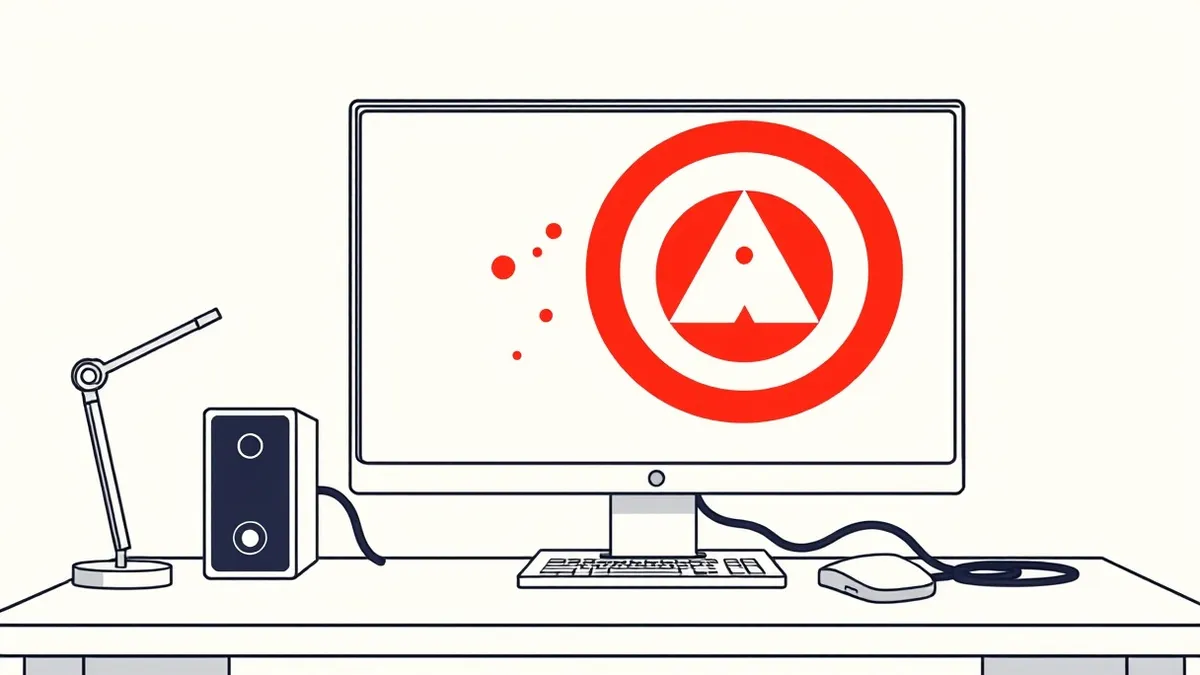
Fake antivirus, or scareware, is malicious software that mimics legitimate security tools. It displays false alerts to panic you into paying for useless services or downloading harmful programs. Recognizing the visual cues and understanding the psychological tactics protects your system without needing advanced technical skills.
The Locksmith Who Steals Your Keys
Imagine a stranger knocks on your door at night. They claim your house is on fire and demand cash to put it out. You look around and see no smoke. The stranger insists the fire is invisible and only they can see it. If you pay, they leave. If you refuse, they break in and steal your valuables anyway. This is exactly how fake antivirus software operates. It creates a crisis where none exists to extract value from you.
The software does not need to hack your system to cause damage. It needs you to believe the system is already compromised. This belief is the vulnerability. The malware exploits your trust in security tools. It wears the uniform of protection while acting as a thief.
The Mechanics of Fear
These programs install themselves through deception. You might click a link in an email or a pop-up ad. The installation is often silent. Once active, the software hides its true nature. It launches a full-screen overlay that looks like a professional security dashboard. This overlay blocks your ability to close it or access other programs.
The alert claims to have found dozens of threats. It lists fake virus names with alarming descriptions. It warns that your data is being stolen right now. It demands immediate action. The urgency is designed to stop you from thinking. Panic overrides caution. You are more likely to pay for a solution than to research the problem.
Visual Clues to Spot Fraud
Legitimate security vendors follow strict design standards. Their alerts are clear, concise, and professional. Fake alerts often contain subtle errors. Look for misspellings or awkward phrasing. The grammar may be incorrect. The color scheme might be jarring or inconsistent.
Another sign is the behavior of the window. Real security software runs in the background. It does not lock your screen with a modal dialog that cannot be dismissed. If the alert prevents you from closing it, it is likely malicious. The software wants to isolate you from help. It wants to be the only voice you hear.
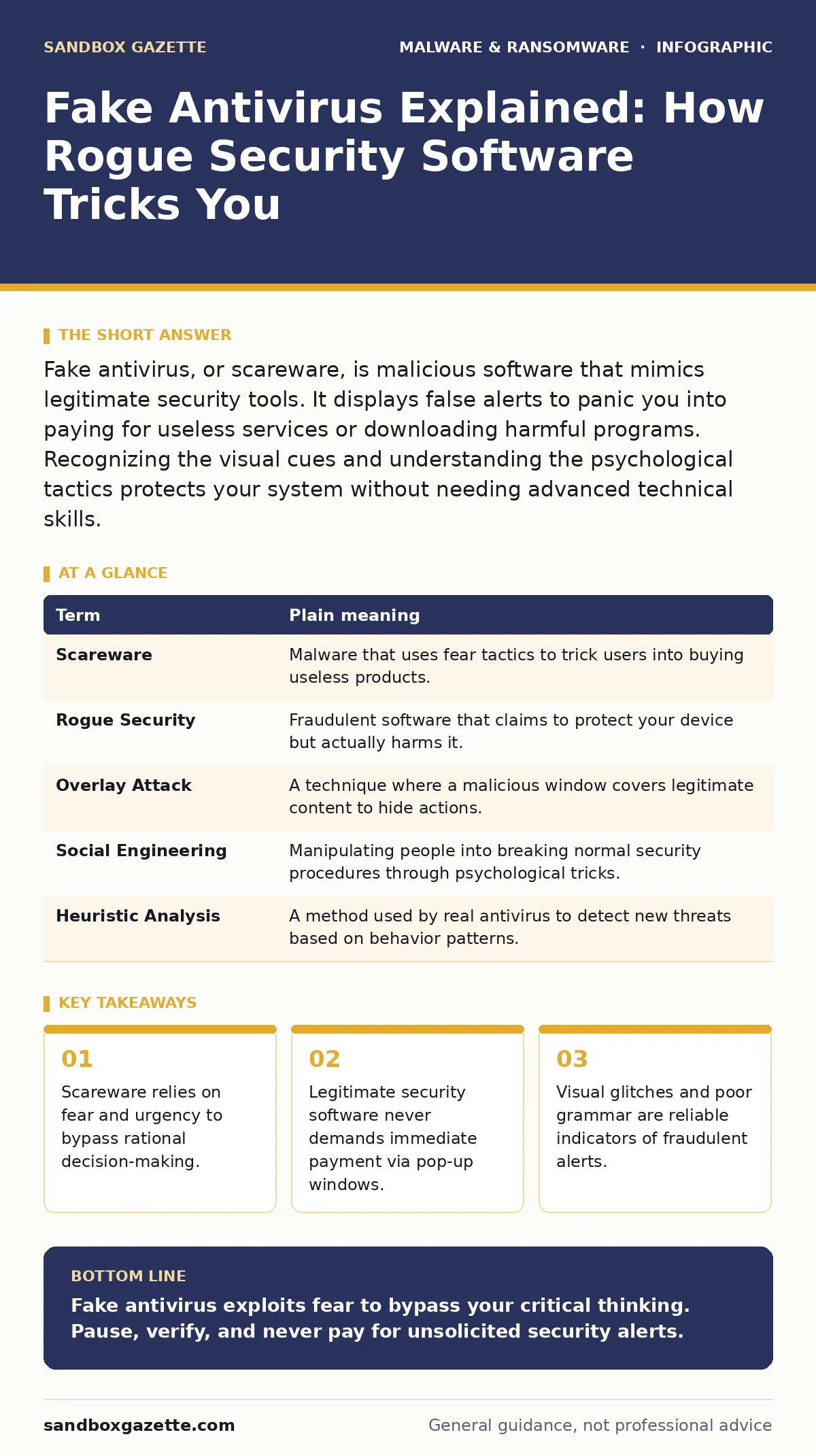
| Term | Plain meaning |
|---|---|
| Scareware | Malware that uses fear tactics to trick users into buying useless products. |
| Rogue Security | Fraudulent software that claims to protect your device but actually harms it. |
| Overlay Attack | A technique where a malicious window covers legitimate content to hide actions. |
| Social Engineering | Manipulating people into breaking normal security procedures through psychological tricks. |
| Heuristic Analysis | A method used by real antivirus to detect new threats based on behavior patterns. |
The Hidden Cost of Compliance
Paying the scammer does not remove the threat. It confirms you are a willing target. The software may install additional malware after payment. It could install remote access trojans to give attackers control of your machine. It might collect your credit card details for future fraud.
Even if you do not pay, the presence of the software is dangerous. It can monitor your keystrokes. It can record your screen. It can disable your legitimate security tools. The system becomes unstable. Performance drops. Files may become corrupted. The cost is not just financial. It is the loss of trust in your own device.
Suppose you ignore the alert. The software may escalate its tactics. It might threaten to wipe your hard drive. It might contact your bank or employer. These threats are empty. The software cannot do what it claims. But the stress is real. The disruption is real. The time wasted is real.
Simple Safety Habits
You do not need to be an expert to stay safe. You need to pause. When an alert appears, take a breath. Do not click anything. Do not enter any information. Close the browser or application entirely. Use the task manager to end the process if necessary.
Check the source of the alert. Did you expect it? Did you run a scan? If not, it is likely fake. Verify the software name. Search for the vendor online. Check for reviews. Look for official support channels. Do not use the links provided in the alert.
Keep your operating system updated. Updates often include fixes for known vulnerabilities. Use software restriction policies to limit what programs can run. This reduces the chance of malicious code executing. Regular backups ensure you can recover if something goes wrong. Business continuity planning includes having copies of your data offline.
See also: Business Email Compromise: How Fraudsters Hijack Trust · Isolating Infected Devices: 6 Common Errors That Spread Malware
Try This Now
- Install a reputable, free security tool from a well-known vendor. Do not download security software from pop-up ads.
- Practice closing suspicious windows. If a screen locks up, force quit the application using your system's task manager.
- Check your browser settings. Disable pop-ups. Block redirects. This prevents many scareware campaigns from launching.
When Prevention Fails
If you suspect infection, disconnect from the internet. This stops the software from sending your data out. Boot your computer into safe mode. This loads only essential drivers. It often prevents the malware from starting.
Run a scan with your legitimate security tool. Remove any detected threats. If you cannot remove the malware, seek professional help. Do not attempt to fix it yourself if you are unsure. You might make it worse. Reset your passwords after cleanup. Assume your credentials were compromised.
Remember that antivirus quarantine is a feature of real security tools. It isolates suspicious files for analysis. Fake software may claim to have a quarantine but does not actually isolate anything. It just hides the files. Understanding this difference helps you choose the right response.
Key takeaways
- Scareware relies on fear and urgency to bypass rational decision-making.
- Legitimate security software never demands immediate payment via pop-up windows.
- Visual glitches and poor grammar are reliable indicators of fraudulent alerts.
Fake antivirus exploits fear to bypass your critical thinking. Pause, verify, and never pay for unsolicited security alerts.
Frequently asked questions
Can fake antivirus actually detect real viruses?
No. These programs are designed to deceive. They do not have the scanning engines or threat databases of legitimate security software. They create false positives to generate fear.
How do I remove fake antivirus if it won't close?
Force quit the application using your operating system's task manager. Then run a scan with a trusted security tool to remove the underlying malware files.
Is it safe to ignore the alerts?
Ignoring the alert is safer than clicking it. However, the malware is still present on your system. You must remove it to stop potential data theft or further infection.
Do legitimate antivirus programs show pop-up warnings?
Real programs may show notifications in the system tray. They do not lock the screen with full-screen overlays that demand immediate payment.
How this guide was produced: written by the Sandbox Gazette editorial team with AI assistance, checked against the public references listed below, and reviewed when the facts change. See our editorial policy or report an error.