Isolating an infected device does not mean simply disconnecting the Ethernet cable. You must disable Wi-Fi, block local lateral movement, and verify that the device cannot communicate with other endpoints via Bluetooth or shared folders. True isolation requires cutting all data paths, not just the primary internet connection.
Misreading: Unplugging the Ethernet Cable Is Enough
Correct reading: Removing the physical network cable stops traffic on that specific interface, but it leaves other communication channels open. Modern devices often maintain connectivity through Wi-Fi, Bluetooth, or secondary network adapters. A laptop with the Ethernet unplugged can still broadcast its presence on a local wireless network.
It can also establish peer-to-peer connections with nearby devices. The malware may use these alternative paths to exfiltrate data or spread to adjacent systems. You must disable all network interfaces, including wireless and Bluetooth radios, to achieve true isolation. This often requires a hardware switch or a command that persists across reboots.
Misreading: The Device Is Safe Once It Is Offline
Correct reading: An offline device remains a threat to the local environment if it retains administrative privileges. Malware can exploit local user accounts to access shared drives, mapped network drives, or nearby devices on the same subnet. If the device is part of a domain, cached credentials may allow it to authenticate with other systems. The malware can also scan the local network for vulnerable services. It may attempt to exploit SMB or RPC ports on neighboring machines. Isolation must include removing the device from the domain or disabling its ability to authenticate. This prevents the use of cached tokens for lateral movement.
Misreading: Snapshotting the Disk Preserves Evidence Safely
Correct reading: Creating a forensic image or snapshot of an infected system captures the malware in its active state. If you restore this image to a test environment, you reintroduce the infection. Many malware families include persistence mechanisms that trigger upon boot or user login. A snapshot does not neutralize the threat; it preserves it. Restoring the image can cause the malware to execute its payload again.
This can infect the testing environment or the storage system hosting the image. You must analyze the image in a strictly isolated, air-gapped sandbox. Never restore infected snapshots to production or connected test networks. This practice is common when dealing with fileless malware that resides in memory, as standard disk imaging may miss the active process.
Misreading: Blocking Outbound Traffic Stops Data Theft
Correct reading: Blocking outbound connections prevents the malware from calling home, but it does not stop data exfiltration via local channels. The malware can write stolen data to local files, shared folders, or removable media. It can also use DNS tunneling or encrypted protocols that mimic legitimate traffic.
If the device is connected to a local printer with storage capabilities, data can be hidden there. The malware may also use ICMP packets to send small amounts of data. Blocking only HTTP and HTTPS traffic leaves other protocols wide open. You must monitor all traffic types, including DNS, ICMP, and SMB. This comprehensive view helps identify spyware that relies on covert channels for data transfer.
Misreading: Disabling the User Account Stops the Malware
Correct reading: Disabling the user account who logged in does not stop processes running under system or service accounts. Many malware families escalate privileges to run as SYSTEM or LOCAL SERVICE. These accounts persist even if the original user is disabled. The malware may have installed itself as a service or scheduled task.
Disabling the user account leaves these persistent mechanisms active. The malware continues to execute, scan the network, and encrypt files. You must terminate all non-essential processes and check for newly created services. This requires a deep inspection of the startup items and scheduled tasks. This is similar to how logic bombs are triggered by specific conditions rather than user presence.
See also: How to Implement SOAR: A Step-by-Step Guide for Automation · Warning Signs of Advanced Persistent Threats: What to Spot First
Misreading: Reconnecting the Device After a Quick Scan
Correct reading: Running a quick antivirus scan on an isolated device does not guarantee it is clean. Modern malware often hides its presence from standard security tools. It may use rootkits to hide files and processes. A quick scan checks only common infection paths and known signatures. It misses custom or polymorphic variants. Reconnecting the device before a full forensic analysis risks reintroducing the threat.
You must perform a full system audit, checking for new accounts, modified permissions, and unusual network connections. Only after confirming the absence of persistence mechanisms should you consider reconnecting. This diligence is critical when responding to ransomware incident response scenarios where the encryption key may still be in memory.
Misreading: The Cloud Backup Is Immune to Infection
Correct reading: If the infected device syncs files to a cloud service, the malware may have already corrupted the backup. Ransomware and wipers target synced folders to ensure data loss. Even if the cloud service has versioning, the latest versions may be encrypted. Restoring from these backups reintroduces the malware. You must verify the integrity of cloud backups before restoration. Check the timestamps and file hashes of the backed-up data. This ensures you are not restoring an infected state. This concept relates to browser isolation strategies, where separating the execution environment prevents the host from being compromised.
Misreading: Network Segmentation Prevents All Lateral Movement
Correct reading: Segmentation limits traffic between zones, but it does not stop movement within a zone. If the infected device is in the same subnet as other critical assets, it can attack them directly. Flat networks allow unrestricted communication between all devices. Even in segmented networks, misconfigured VLANs or shared subnets can create bridges.
The malware can exploit these weaknesses to move laterally. You must ensure that each device is in a separate security group with strict access controls. This limits the blast radius of an infection. This approach complements software restriction policies that limit which applications can run on the device.
Misreading: The Malware Disappears After a Reboot
Correct reading: Rebooting a device does not remove persistent malware. Many infections install drivers, services, or registry keys that survive a restart. Fileless malware may reside in memory and reinfect the system upon boot. Some variants use bootkits to load before the operating system. Rebooting can actually trigger the malware's payload. It may interpret the reboot as a sign that the environment is safe. This can lead to immediate encryption or data destruction. You must analyze the boot process and check for unauthorized drivers. This is why remote access tool abuse is so dangerous; attackers can modify boot configurations remotely.
Misreading: The Device Is Clean If No Alerts Are Generated
Correct reading: Security tools have blind spots. They may not detect novel malware or attacks that use legitimate tools. Living-off-the-land techniques use built-in commands like PowerShell or WMI to perform malicious actions. These actions look like normal system behavior. Antivirus software often misses these attacks. You must use endpoint detection and response tools that monitor behavior, not just signatures. Look for unusual process trees, unexpected network connections, and modified system files. This behavioral analysis is key to detecting trojanized software that masquerades as legitimate applications.
Key takeaways
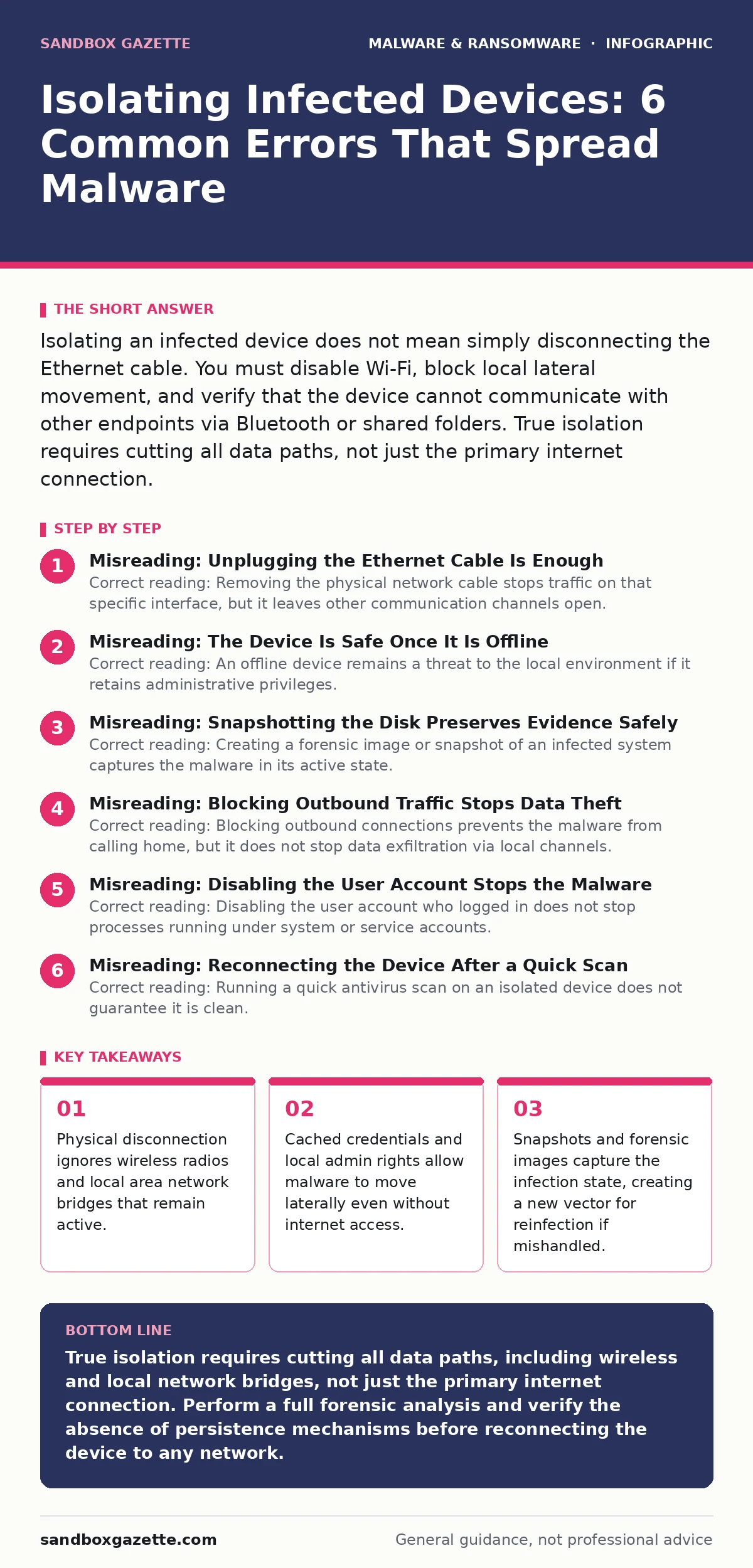
- Physical disconnection ignores wireless radios and local area network bridges that remain active.
- Cached credentials and local admin rights allow malware to move laterally even without internet access.
- Snapshots and forensic images capture the infection state, creating a new vector for reinfection if mishandled.
True isolation requires cutting all data paths, including wireless and local network bridges, not just the primary internet connection. Perform a full forensic analysis and verify the absence of persistence mechanisms before reconnecting the device to any network.
Frequently asked questions
How long should an infected device remain isolated?
Keep the device isolated until a complete forensic analysis confirms the removal of all malware components and persistence mechanisms. This can take days or weeks depending on the complexity of the infection.
Can I use the device's hard drive as storage after wiping it?
Only after a secure erase that meets industry standards for data sanitization. Standard formatting does not remove all data, and some malware can survive in unallocated space.
Does disabling the firewall isolate the device?
No, disabling the firewall removes protection but does not isolate the device. Isolation requires cutting network connections, not just removing security filters.
What if the malware uses USB to spread?
You must physically disconnect all USB ports or use a port blocker. Software restrictions alone may not prevent physical data transfer via USB mass storage devices.
How this guide was produced: written by the Sandbox Gazette editorial team with AI assistance, checked against the public references listed below, and reviewed when the facts change. See our editorial policy or report an error.