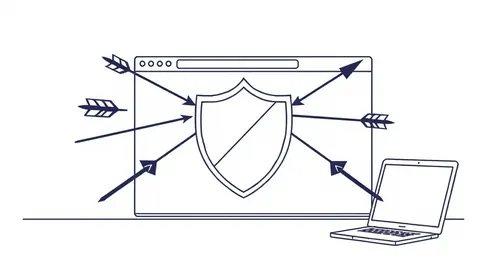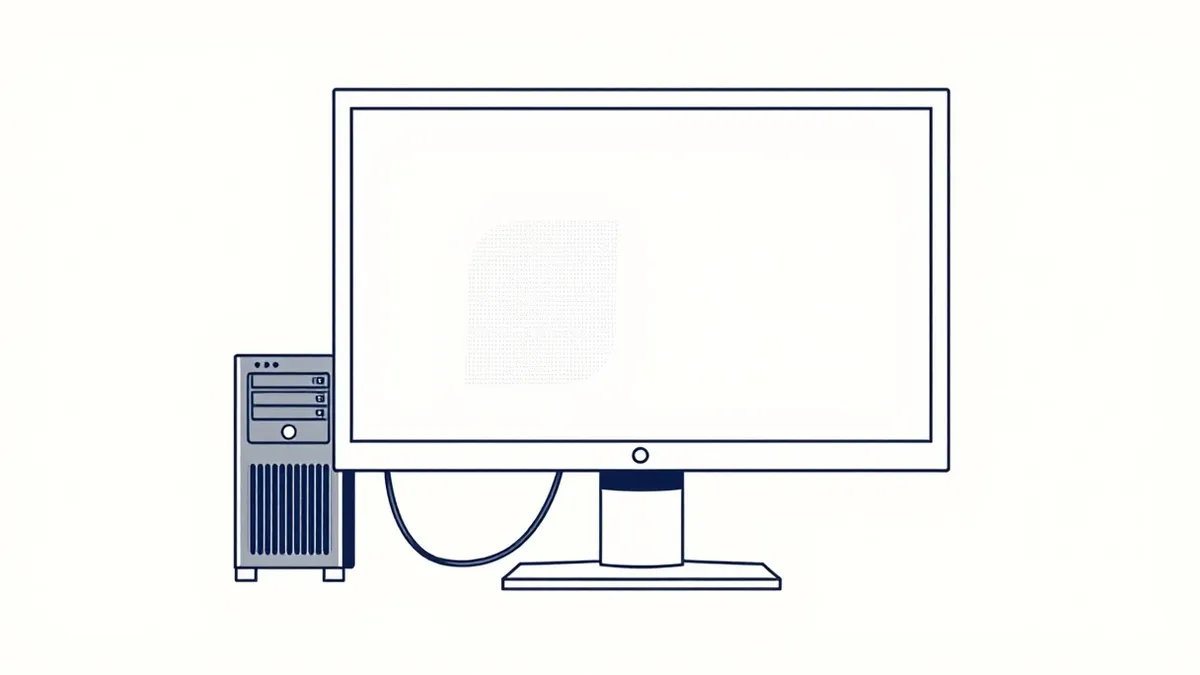
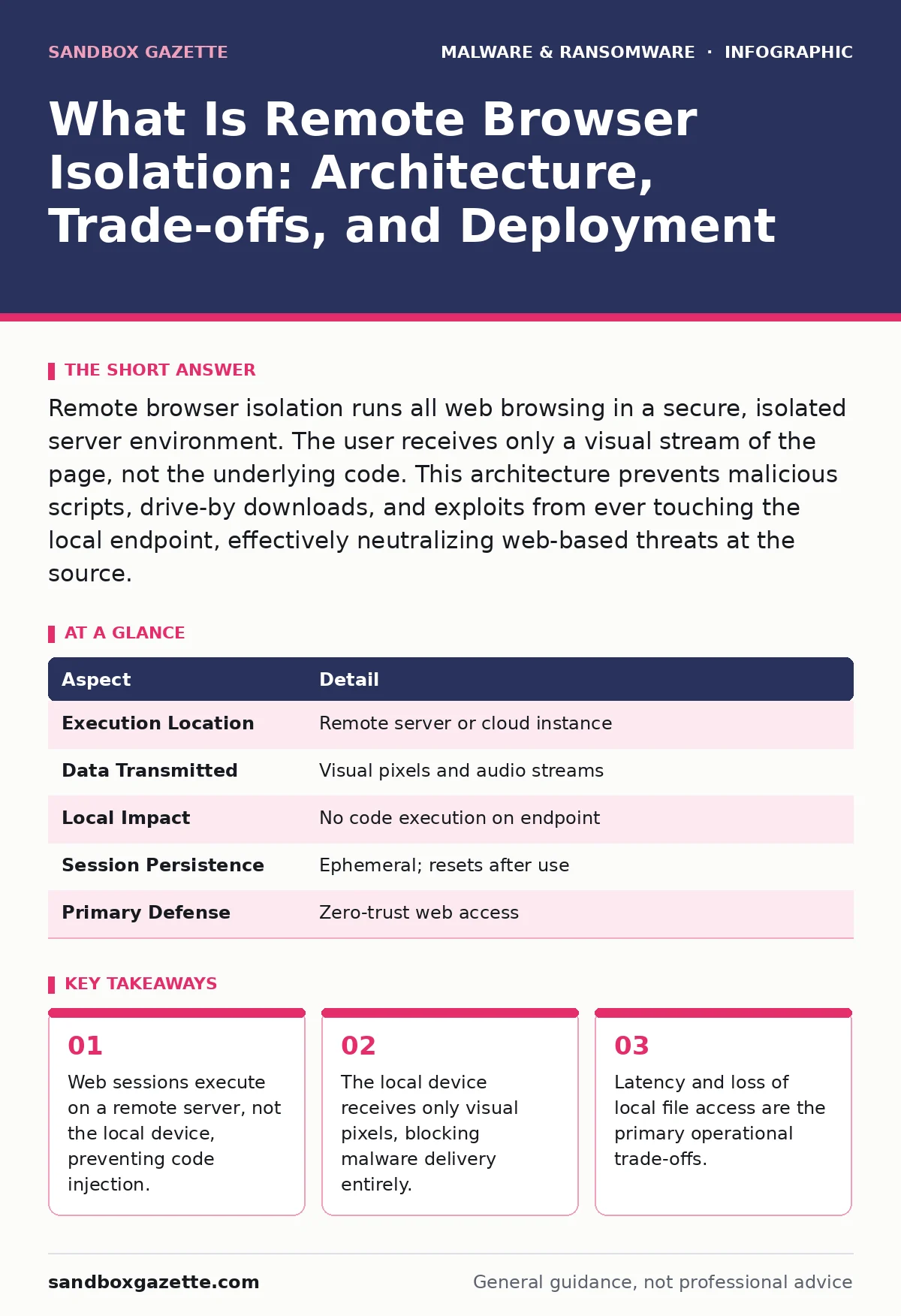
Remote browser isolation runs all web browsing in a secure, isolated server environment. The user receives only a visual stream of the page, not the underlying code. This architecture prevents malicious scripts, drive-by downloads, and exploits from ever touching the local endpoint, effectively neutralizing web-based threats at the source.
What Is Remote Browser Isolation
Remote browser isolation, often abbreviated as RBI, is a security architecture that separates the act of browsing from the device used to view the content. Instead of downloading and executing web page code on your computer, the browser runs on a remote server in a data center or cloud environment. Your local device receives only a stream of images, text, and video. This visual stream allows you to interact with websites as if you were browsing locally, but the underlying HTML, JavaScript, and other executable code never leave the isolated environment.
The primary goal of this technology is to break the chain of attack that begins with a user clicking a link. By ensuring that malicious code executes in a disposable, remote container, the technology prevents that code from accessing local files, network resources, or installed applications. This approach shifts the attack surface from the endpoint to a hardened, remote server that can be reset after every session.
| Aspect | Detail |
|---|---|
| Execution Location | Remote server or cloud instance |
| Data Transmitted | Visual pixels and audio streams |
| Local Impact | No code execution on endpoint |
| Session Persistence | Ephemeral; resets after use |
| Primary Defense | Zero-trust web access |
How the Architecture Works
The mechanism relies on a proxy server that intercepts web traffic. When you request a URL, the request is forwarded to the remote browser instance. That instance renders the page, executes scripts, and handles downloads within its own sandbox. The result is then compressed and sent back to your device as a video-like stream. You see the page, you click buttons, and you type text, but your device is merely a display terminal.
This architecture creates a strict boundary between the internet and your internal network. Even if the remote browser encounters a sophisticated exploit, that exploit remains trapped in the remote container. The container is typically discarded after the session ends, ensuring that no state or malware persists. This ephemeral nature is the core strength of the technology. It treats every web session as potentially hostile and disposes of the environment immediately after use.
Imagine a user clicking a link in an email that appears to be from a trusted vendor. The link leads to a page with a zero-day exploit in the JavaScript. In a traditional setup, that script runs on the user's laptop. In an RBI setup, the script runs on a remote server. The server crashes or is compromised, but the user's laptop remains untouched. The visual stream simply stops or shows an error page.
Who It Affects and Why
This technology affects anyone who accesses untrusted web content, but it is particularly relevant for organizations handling sensitive data. Users who frequently visit unknown URLs, download files from the web, or use web-based applications are the primary candidates. The technology also impacts IT teams, as it changes how they manage web access policies and user experience.
The shift to remote execution affects user behavior. Users cannot rely on local browser extensions, saved passwords, or cached files in the same way. This friction can lead to resistance, especially if the latency is noticeable. However, the security benefit is significant. It protects against threats that traditional antivirus software cannot detect because the code never runs on the local operating system.
Organizations dealing with high-value targets often deploy this for all staff. The assumption is that the web is inherently hostile. By isolating the browser, the organization reduces the risk of initial compromise. This is particularly effective against fileless malware, which relies on executing scripts in memory. If the memory belongs to a remote server, the local system is safe.
What People Usually Get Wrong
A common misconception is that remote browser isolation replaces all other security controls. It does not. It specifically addresses the web browser as an attack vector. It does not protect against malware delivered via email attachments that are not opened in a browser, nor does it stop ransomware-as-a-service that enters through remote desktop protocols. It is a layer of defense, not a silver bullet.
Another error is assuming that RBI provides anonymity. While it isolates the device, the remote server still logs activity. Organizations must manage these logs carefully to comply with privacy regulations. The isolation is security-focused, not privacy-focused for the user. The IT team can still see what sites are visited, even if the content is streamed as images.
Some believe that RBI eliminates the need for endpoint detection. This is incorrect. If a user downloads a file from the isolated browser, that file must be handled. The RBI solution may scan the file before allowing it to be downloaded to the local machine, but the endpoint still needs protection against other vectors. Isolating infected devices remains a critical process if a breach occurs through a non-browser channel.
Operational Trade-offs and Costs
The most significant trade-off is latency. Streaming a visual representation of a web page requires bandwidth and processing power. Users may notice a slight delay in page rendering, especially for complex applications. This lag can impact productivity and user satisfaction. Organizations must balance security with performance, often by tuning the compression settings or using edge servers closer to the users.
Another cost is the loss of local functionality. Users cannot easily copy and paste text from the isolated browser to local applications in some configurations, due to security policies. File downloads require explicit approval or scanning. These restrictions can frustrate users who are accustomed to seamless web interactions. Training and clear communication about the purpose of these restrictions are necessary to mitigate resistance.
The infrastructure cost is also higher than traditional web filtering. Running remote browser instances requires significant server resources. Organizations must provision enough capacity to handle peak browsing loads. This can be expensive, especially for large organizations with thousands of users. Cloud-based RBI solutions can scale more easily, but they introduce dependency on a third-party provider.
See also: Isolating Infected Devices: 6 Common Errors That Spread Malware · Ransomware Incident Response: Define, Contain, and Recover Systems
Integration with Existing Security
Remote browser isolation works best when integrated with other security tools. It should feed telemetry into a security information and event management system. This allows security teams to correlate web activity with other alerts. For example, if a user attempts to access a known malicious domain, the RBI can block it and log the event. This log can then be correlated with other suspicious activities on the network.
It also complements email security. If an email contains a suspicious link, the RBI can intercept the click and analyze the destination in a safe environment. This reduces the risk of users falling for phishing attacks. However, it does not replace the need for robust email filtering. Spyware and stalkerware often arrive via different channels, such as malicious apps or direct downloads, which RBI does not directly address.
Deployment Considerations
Deploying RBI requires careful planning. Start with a pilot group of users who are comfortable with technology changes. Gather feedback on latency and usability. Adjust settings based on this feedback before rolling out to the entire organization. This phased approach helps identify issues early and reduces the risk of widespread disruption.
Define clear policies for file downloads and data exchange. Determine which files are allowed to leave the isolated environment and how they are scanned. Ensure that these policies align with the organization's data loss prevention strategies. Trojanized software downloaded from the web should be blocked or quarantined by the RBI solution before reaching the user.
Consider the impact on web applications that rely on local resources. Some applications may not function correctly in an isolated environment. Test critical applications before deployment. If certain applications are incompatible, consider exceptions or alternative solutions for those specific use cases.
Bottom Line
Remote browser isolation is a powerful tool for neutralizing web-based threats by executing code in a remote, disposable environment. It shifts the attack surface away from the endpoint, preventing malware from ever reaching the local device. However, it introduces latency and usability challenges that must be managed carefully.
Implement RBI as part of a layered security strategy. It protects the browser, but you must still secure email, endpoints, and network access. Evaluate your organization's risk tolerance and user needs before deployment. Ensure that the solution integrates with your existing security tools to provide comprehensive visibility and control.
Key takeaways
- Web sessions execute on a remote server, not the local device, preventing code injection.
- The local device receives only visual pixels, blocking malware delivery entirely.
- Latency and loss of local file access are the primary operational trade-offs.
- This method complements, but does not replace, endpoint detection and response tools.
Frequently asked questions
Does remote browser isolation protect against phishing?
It prevents the execution of malicious code from phishing pages, but it does not stop users from entering credentials into fake login forms. Social engineering remains a risk.
Can users download files from an isolated browser?
Yes, but files are typically scanned and sanitized before being allowed to reach the local device. Policies can restrict which file types are permitted.
Is remote browser isolation the same as a VPN?
No. A VPN encrypts traffic between the device and a remote network. RBI executes the browser on a remote server and streams the visual output. They serve different purposes.
How does RBI handle web applications?
Most standard web applications work well. Complex applications that require local plugins or high interactivity may experience performance issues or compatibility problems.
How this guide was produced: written by the Sandbox Gazette editorial team with AI assistance, checked against the public references listed below, and reviewed when the facts change. See our editorial policy or report an error.