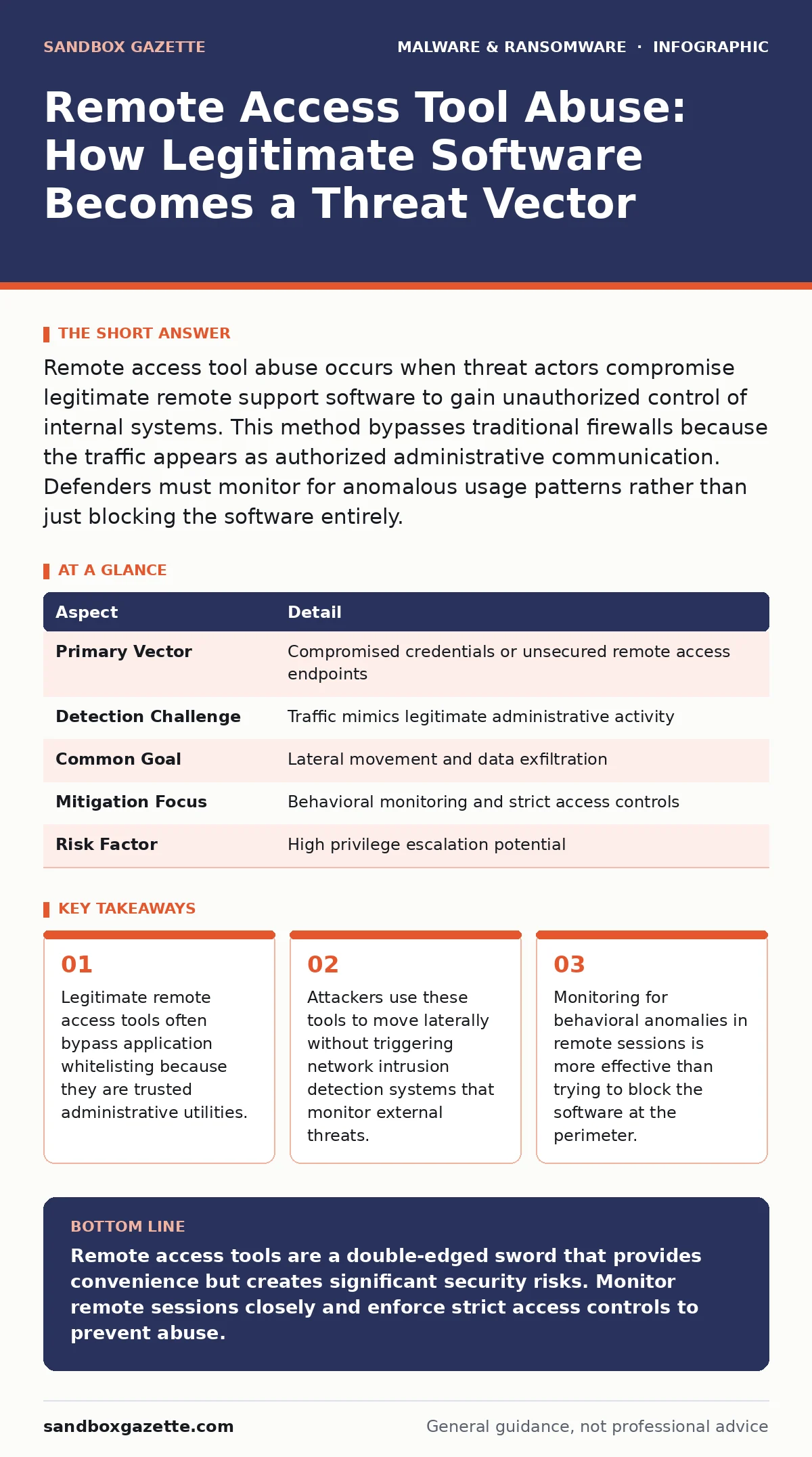
Remote access tool abuse occurs when threat actors compromise legitimate remote support software to gain unauthorized control of internal systems. This method bypasses traditional firewalls because the traffic appears as authorized administrative communication. Defenders must monitor for anomalous usage patterns rather than just blocking the software entirely.
The Trusted Key Metaphor
Imagine a building with a high-security gate. The gate guards every person entering from the street. However, the building manager holds a master key that opens every door inside. If a thief steals that master key, they do not need to break the gate. They simply walk through the front door and open any room they wish. Remote access tools function as that master key. They are designed to allow support staff to fix issues from afar. When an attacker compromises this access, they inherit the trust the organization placed in the support team.
Defining the Attack Vector
Remote access tool abuse is the misuse of legitimate remote support software to gain unauthorized control over computers and networks. These tools are widely deployed by IT departments to troubleshoot hardware issues, install updates, or assist users. Threat actors exploit this widespread deployment to bypass perimeter defenses. Because the software is already installed and trusted, the traffic it generates looks normal to network security tools. This makes the attack difficult to detect using standard firewall rules. The attacker does not need to introduce new malware if the remote access tool provides sufficient command execution capabilities.
| Aspect | Detail |
|---|---|
| Primary Vector | Compromised credentials or unsecured remote access endpoints |
| Detection Challenge | Traffic mimics legitimate administrative activity |
| Common Goal | Lateral movement and data exfiltration |
| Mitigation Focus | Behavioral monitoring and strict access controls |
| Risk Factor | High privilege escalation potential |
How the Compromise Occurs
Attackers typically gain initial access by stealing credentials from a helpdesk agent or a remote support server. They may use phishing emails to trick an employee into revealing their login details. Once they have valid credentials, they log into the remote access management console. From there, they can initiate sessions to any computer that has the agent software installed.
In some cases, attackers exploit vulnerabilities in the remote access software itself to gain access without credentials. This is less common but more dangerous because it does not require human error. The attacker then uses the remote session to execute commands, upload files, or disable security controls on the target machine.
Common Forms of Abuse
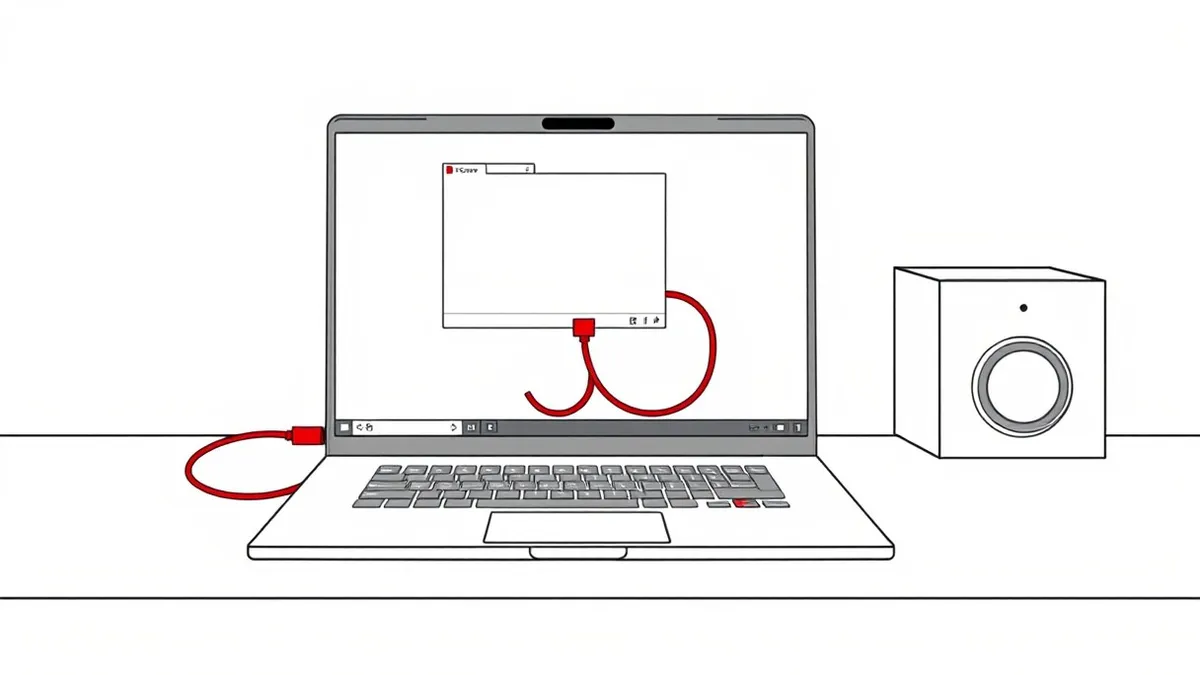
The most common form of abuse involves direct command execution. The attacker uses the remote tool to run scripts or programs on the victim machine. This allows them to install additional malware, such as remote access trojans or ransomware, directly onto the system. Another form involves using the remote tool as a proxy. The attacker routes their traffic through the compromised machine to hide their true location.
This makes forensic analysis difficult because the traffic appears to originate from a trusted internal IP address. Attackers may also use these tools to bypass sandboxing environments. If the remote tool has privileges to interact with the host operating system, it can escape the restricted environment and affect the real system.
Who Is Affected
Any organization that uses remote support software is at risk. This includes large enterprises with global IT teams and small businesses that use cloud-based support platforms. The risk is higher when remote access agents are installed on all endpoints by default. It is also higher when helpdesk staff have broad administrative privileges.
Attackers target organizations with valuable data, such as financial institutions and healthcare providers. However, smaller organizations are often easier targets because they may lack rigorous monitoring of remote sessions. The impact is not limited to data theft. Attackers can disrupt operations by locking users out of their systems or deleting critical files.
See also: SIEM Explained: How Log Aggregation Stops Silent Breaches · How the Deep Web Works: Mechanics, Data Flow and Monitoring
What People Usually Get Wrong
Many security teams believe that blocking remote access tools at the firewall is sufficient. This is incorrect because the traffic often uses standard ports like HTTPS or RDP. Blocking these ports would break legitimate business operations. Another common mistake is assuming that multi-factor authentication prevents abuse. If an attacker steals a session token or uses a compromised device that is already authenticated, MFA does not help.
Teams also often fail to monitor the content of remote sessions. They check who logged in but not what commands were executed. This oversight allows attackers to operate freely once they are inside. Understanding the difference between software restriction policies and behavior monitoring is key. Restriction policies limit what can run, but they do not stop an admin from running a malicious script if they have the rights.
Reducing the Risk
To reduce the risk, you must treat remote access tools as high-risk applications. Implement strict access controls that limit who can initiate remote sessions. Use the principle of least privilege to ensure that remote sessions have only the permissions necessary for support tasks. Monitor remote sessions for unusual activity, such as connections from unexpected locations or at odd hours.
Record all remote sessions and review them regularly. This provides an audit trail for forensic analysis. Consider using a jump server or bastion host to mediate remote access. This adds an extra layer of security and allows for centralized logging. Regularly update the remote access software to patch known vulnerabilities. Educate helpdesk staff on phishing risks and proper credential management.
Advanced Mitigation Strategies
For high-security environments, consider replacing traditional remote access tools with more secure alternatives. Some platforms offer session recording, command filtering, and automated anomaly detection. You can also implement network segmentation to limit the reach of remote access tools. If a machine is compromised, segmentation prevents the attacker from moving laterally to other parts of the network.
Regularly audit your remote access policies to ensure they align with current business needs. Remove unused accounts and disable remote access on devices that do not require it. This reduces the attack surface and limits the potential impact of a compromise. Remember that ransomware incident response plans must include procedures for remote access tool compromises. This ensures that your team can react quickly if an attack occurs.
Key takeaways
- Legitimate remote access tools often bypass application whitelisting because they are trusted administrative utilities.
- Attackers use these tools to move laterally without triggering network intrusion detection systems that monitor external threats.
- Monitoring for behavioral anomalies in remote sessions is more effective than trying to block the software at the perimeter.
- Endpoint detection must focus on process lineage to distinguish between authorized helpdesk activity and malicious execution.
Remote access tools are a double-edged sword that provides convenience but creates significant security risks. Monitor remote sessions closely and enforce strict access controls to prevent abuse.
Frequently asked questions
Can I block remote access tools at the firewall?
No, blocking these tools at the firewall would disrupt legitimate business operations. Instead, use behavioral monitoring and strict access controls to mitigate the risk.
How do I detect remote access tool abuse?
Look for unusual login times, locations, or commands executed during remote sessions. Use endpoint detection tools that can identify anomalous behavior in real time.
Is multi-factor authentication enough to prevent this?
MFA helps prevent unauthorized access, but it does not stop abuse if credentials are stolen or if a session is hijacked. You need additional monitoring and access controls.
What is the difference between RATs and remote access tool abuse?
Remote access trojans are malicious software designed to spy on users. Remote access tool abuse involves misusing legitimate support software. Both result in unauthorized control, but the source of the access differs.
How this guide was produced: written by the Sandbox Gazette editorial team with AI assistance, checked against the public references listed below, and reviewed when the facts change. See our editorial policy or report an error.