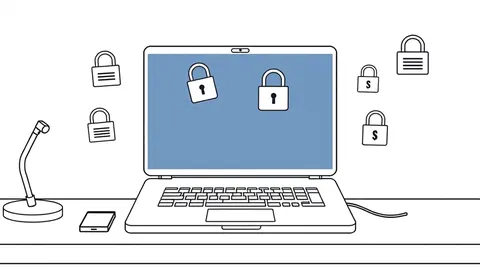
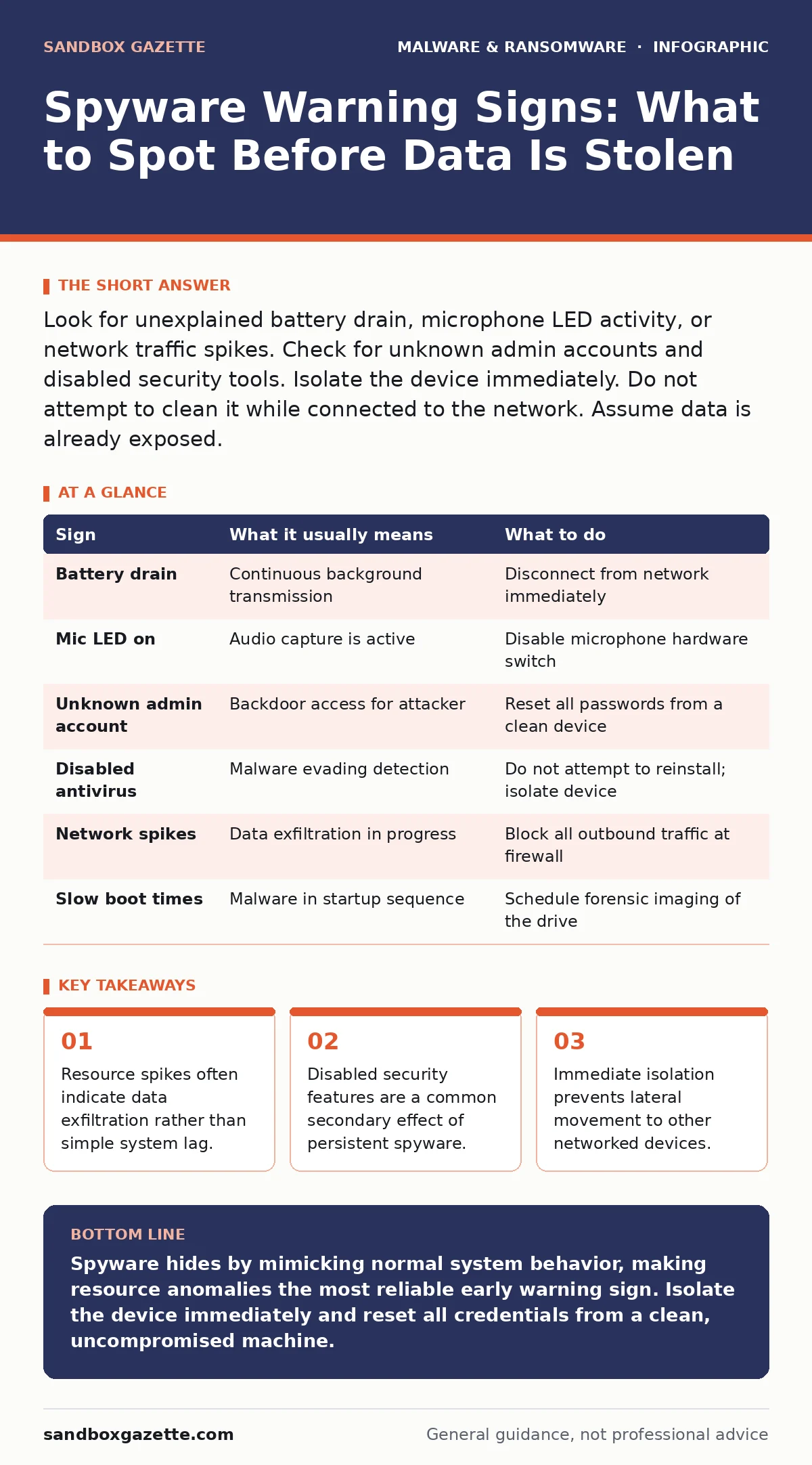
Look for unexplained battery drain, microphone LED activity, or network traffic spikes. Check for unknown admin accounts and disabled security tools. Isolate the device immediately. Do not attempt to clean it while connected to the network. Assume data is already exposed.
Immediate Symptoms of Active Spyware
Spyware consumes system resources to capture and transmit data. You will notice these effects first because they impact daily usability. Battery life drops significantly on mobile devices. This happens because the malware keeps the radio active for constant transmission. Laptops may become hot to the touch. The processor works harder to encode video or audio streams. Fans spin loudly even when you are idle. These physical signs indicate background activity that you did not initiate.
Network usage spikes without user action. Data counters increase while the browser is closed. This suggests the device is sending captured information to a remote server. Wireless connections may drop or reconnect frequently. The malware attempts to maintain a stable link for exfiltration. You might see unexpected pop-ups or redirects. These are often used to mask the spyware’s network traffic or to deliver additional payloads.
Subtle Indicators That Slip Past Notice
Some spyware operates quietly to avoid detection. These signs are easy to miss because they resemble normal system behavior. Application behavior changes in minor ways. A keyboard app might lag or suggest wrong words. This indicates the keystroke logger is interfering with input processing. Audio settings may reset unexpectedly. Microphone permissions might grant themselves to new apps. Check your privacy settings for apps that have access to sensitive sensors.
System performance degrades in specific ways. Boot times lengthen slightly. Applications take longer to launch. This occurs because the spyware injects itself into the startup sequence. You may notice new icons in the system tray or notification area. These often mimic legitimate system utilities. Do not assume they are standard components. Verify their origin in your application list. If an app has no recognizable publisher, treat it as suspicious.
Hidden Costs of Persistent Infection
Spyware often disables security mechanisms to survive. Your antivirus software may report errors or fail to update. This is not a coincidence. The malware blocks updates to prevent detection. Firewall rules may change without your input. Ports that were closed are now open. This allows the spyware to communicate freely. You might find that remote management tools are enabled. This gives attackers administrative control over the device. Check your security logs for disabled services.
The infection may alter user permissions. Standard accounts gain administrative rights. This happens because the spyware needs elevated privileges to install deeper components. You might notice new user accounts appearing in the system. These accounts have no clear purpose. They serve as backdoors for the attacker. Review your user list regularly. Remove any accounts you did not create. This step is part of effective isolating infected devices procedures.
What To Do When You See a Sign
Action must be immediate and decisive. Do not try to remove the spyware while the device is online. The malware will continue to exfiltrate data. It may also spread to other systems. Disconnect the device from the network immediately. Unplug Ethernet cables. Disable Wi-Fi and Bluetooth. This stops the data flow. It also prevents the attacker from issuing remote commands. Keep the device powered on. Turning it off may destroy volatile memory evidence.
Document what you observed. Note the time and nature of the symptoms. Take screenshots of error messages or unusual settings. This information helps in the analysis phase. Do not use the device for any other task. Do not enter credentials. Assume the attacker is watching. Prepare to hand over the device to your security team. They will need to image the drive for forensic analysis.
| Sign | What it usually means | What to do |
|---|---|---|
| Battery drain | Continuous background transmission | Disconnect from network immediately |
| Mic LED on | Audio capture is active | Disable microphone hardware switch |
| Unknown admin account | Backdoor access for attacker | Reset all passwords from a clean device |
| Disabled antivirus | Malware evading detection | Do not attempt to reinstall; isolate device |
| Network spikes | Data exfiltration in progress | Block all outbound traffic at firewall |
| Slow boot times | Malware in startup sequence | Schedule forensic imaging of the drive |
Preventing Future Infections
Prevention requires strict access controls. Limit administrative privileges to only those who need them. Standard users cannot install spyware silently. Use software restriction policies to block execution of unauthorized binaries. This stops malware from running even if it is downloaded. Keep operating systems and applications updated. Patches often close vulnerabilities that spyware exploits. Disable unnecessary features like remote desktop or file sharing. Reduce the attack surface.
Monitor network traffic for anomalies. Look for connections to unknown IP addresses. Use browser isolation to prevent drive-by downloads. This keeps malicious code away from the local device. Educate users on phishing tactics. Most spyware enters via deceptive emails. Verify the source before clicking links. Be cautious with trojanized software that appears legitimate. Always download from official sources. Check digital signatures when possible.
See also: Build an Incident Response Plan for Small Business Teams · How to Implement SOAR: A Step-by-Step Guide for Automation
Managing the Aftermath
After isolation, you must recover securely. Do not reuse the compromised device for sensitive work. Wipe it completely. Restore from a known good backup. Change all passwords that were used on the device. Assume they are compromised. Monitor accounts for suspicious activity. Look for login attempts from unusual locations. Enable multi-factor authentication everywhere. This adds a layer of protection even if credentials are stolen.
Review your business continuity planning for data breaches. Ensure you have procedures for notifying affected parties. Document the incident for future reference. Analyze how the spyware entered the system. Update your defenses to address that vector. Learn from the mistake. Security is an ongoing process. Stay alert to new threats. Regular audits help identify gaps before they are exploited.
Key takeaways
- Resource spikes often indicate data exfiltration rather than simple system lag.
- Disabled security features are a common secondary effect of persistent spyware.
- Immediate isolation prevents lateral movement to other networked devices.
Spyware hides by mimicking normal system behavior, making resource anomalies the most reliable early warning sign. Isolate the device immediately and reset all credentials from a clean, uncompromised machine.
Frequently asked questions
Can spyware hide from antivirus software?
Yes, advanced spyware uses rootkit techniques to hide its files and processes from standard antivirus scans. Behavioral monitoring is more effective than signature-based detection.
How long does spyware stay on a device?
Spyware can persist for months or years if not detected. It often installs multiple components to ensure survival after system reboots or security updates.
Should I format my drive immediately?
Only after you have isolated the device and preserved evidence. Formatting destroys forensic data that could help identify the attack vector and scope.
Does turning off the device stop spyware?
It stops active transmission but does not remove the malware. The spyware will reactivate upon reboot. Isolation is required to prevent further data loss.
How this guide was produced: written by the Sandbox Gazette editorial team with AI assistance, checked against the public references listed below, and reviewed when the facts change. See our editorial policy or report an error.