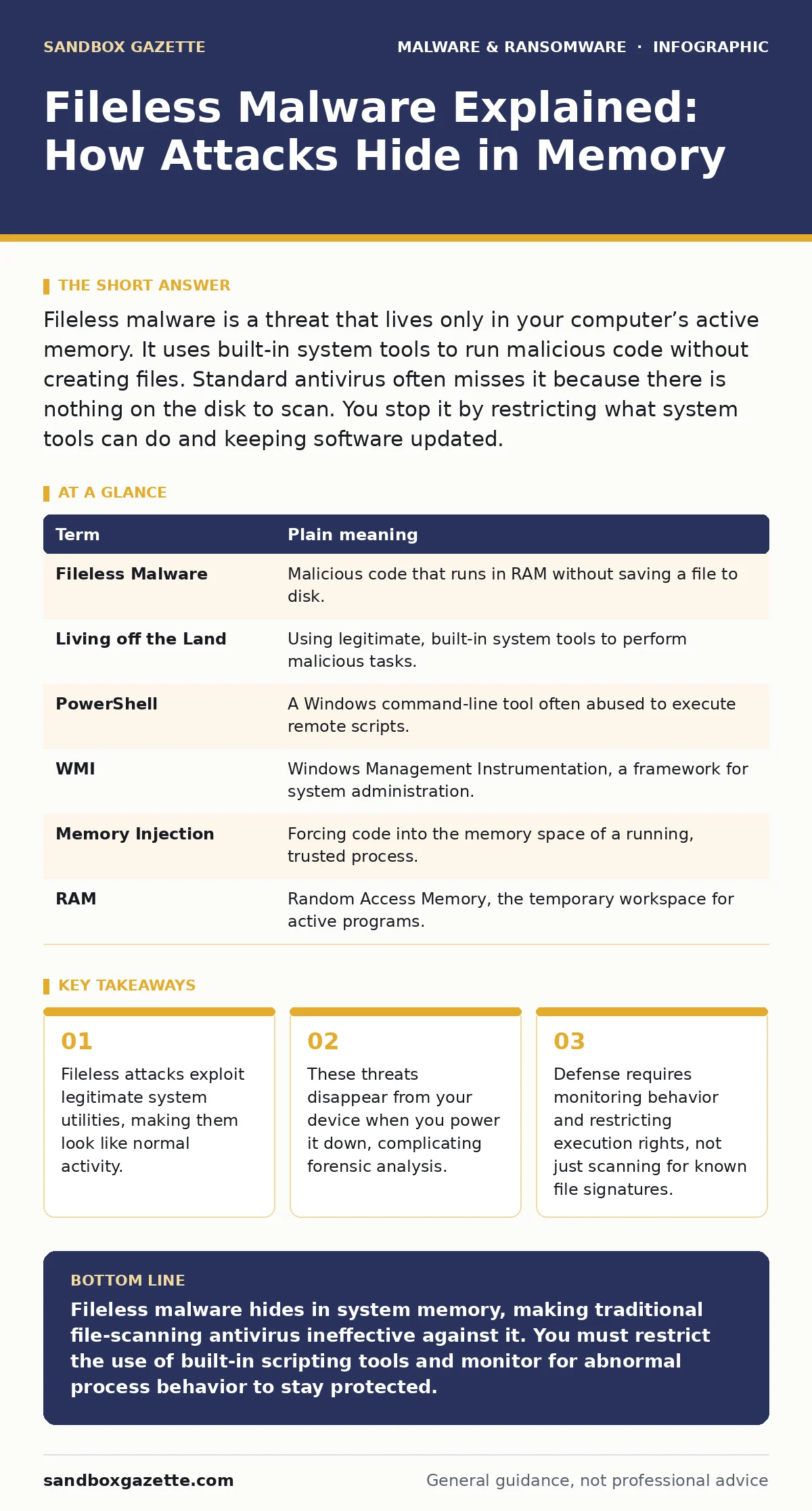
Fileless malware is a threat that lives only in your computer’s active memory. It uses built-in system tools to run malicious code without creating files. Standard antivirus often misses it because there is nothing on the disk to scan. You stop it by restricting what system tools can do and keeping software updated.
The Ghost in the Machine
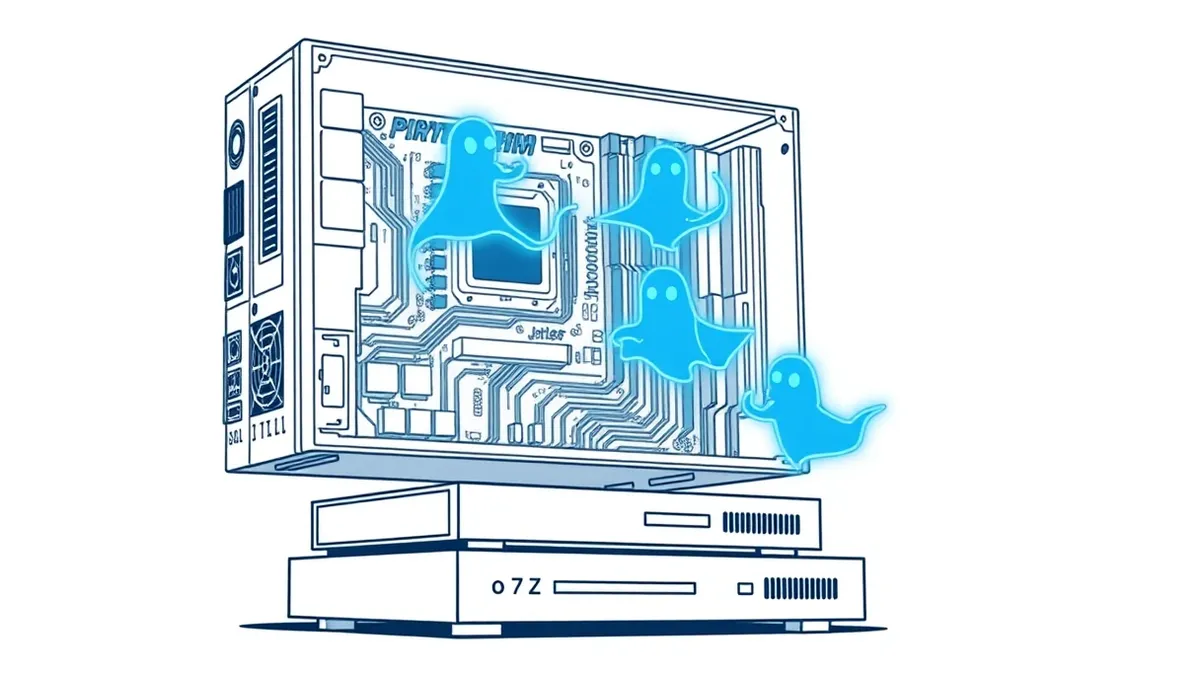
Imagine a burglar who refuses to leave footprints. Instead of breaking a window and placing tools inside, this intruder walks through an unlocked door, uses the homeowner’s own ladder to reach the safe, and leaves before dawn. When the police arrive, they find no forced entry, no tools, and no evidence. This is how fileless malware operates. It does not drop a malicious executable onto your hard drive. It uses the operating system’s own trusted components to run its payload. The attack lives only in the computer’s active memory.
Traditional security software relies on finding bad files. It scans the disk for known signatures of viruses or trojanized software. If the malicious code never touches the disk, the scanner sees nothing. The threat is invisible to tools that only look at what is stored permanently. You are fighting a shadow that vanishes when the power cuts. Understanding this mechanism changes how you view protection. You must monitor activity, not just storage.
Key Terms for Memory-Based Threats
To discuss this threat accurately, you need precise language. Below are the core concepts.
| Term | Plain meaning |
|---|---|
| Fileless Malware | Malicious code that runs in RAM without saving a file to disk. |
| Living off the Land | Using legitimate, built-in system tools to perform malicious tasks. |
| PowerShell | A Windows command-line tool often abused to execute remote scripts. |
| WMI | Windows Management Instrumentation, a framework for system administration. |
| Memory Injection | Forcing code into the memory space of a running, trusted process. |
| RAM | Random Access Memory, the temporary workspace for active programs. |
Why Built-In Tools Are Dangerous
Your operating system includes powerful utilities for administration. PowerShell allows IT staff to automate tasks. WMI lets them query system status. These tools are necessary and safe when used correctly. The problem arises when an attacker gains access and uses them instead of their own malicious files.
This technique is called "living off the land." The attacker downloads a script from the internet and feeds it directly into PowerShell. The script runs in memory. It performs the attack. Then it deletes itself. The system logs show PowerShell running, which is normal. The security team sees a legitimate tool doing its job. The malicious intent is hidden inside the command arguments, not in a separate file.
The Ordinary User’s Exposure
You might think this threat targets large corporations with complex networks. That is incorrect. Any device with an internet connection and administrative privileges is a target. If you open a phishing email with a malicious macro, the macro can trigger a PowerShell script. If you visit a compromised website, a drive-by download can execute code in your browser’s memory.
The impact for an ordinary user is severe. Your files can be encrypted by ransomware-as-a-service kits that operate entirely in memory. Your credentials can be stolen before you even type them. Because there is no file to delete, simply running an antivirus scan after the fact often yields no results. The damage is done, and the evidence is gone. You cannot quarantine a ghost.
Simple Safety Habits for Defense
You cannot rely on traditional antivirus alone. You must change how your system behaves. Start by disabling unnecessary features. If you do not need PowerShell or WMI, restrict their use. Most users do not need to run scripts directly in the command line. Limiting these tools removes the attacker’s primary weapon.
Keep your operating system and applications updated. Patches often close the holes that allow memory injection. Use application whitelisting. This ensures only approved programs can run. If a program is not on the list, it cannot execute. This stops fileless attacks because the malicious script is not an approved application.
Check your browser settings. Disable outdated plugins and ensure your browser is configured to block active content by default. A browser that executes scripts automatically is an open door for memory-based attacks.
See also: Detect Stalkerware: Logs, Signals and Blind Spots · Isolating Infected Devices: 6 Common Errors That Spread Malware
Immediate Action Steps
You can reduce your risk right now. Follow these three steps to harden your system against memory-based threats.
- Restrict Script Execution: Configure your system to block unsigned PowerShell scripts. Most administrators do not need to run unsigned code. This stops the initial payload from executing.
- Enable Controlled Folder Access: Use built-in operating system features to protect specific folders. This prevents unauthorized programs from modifying your documents, even if they run in memory.
- Review Admin Rights: Ensure your daily user account does not have administrative privileges. Use a standard account for browsing and emails. Reserve admin rights for installing trusted software.
Detecting the Invisible
Detecting fileless malware requires behavioral monitoring. You must look for anomalies. A web browser trying to run PowerShell is suspicious. A Word document launching a command prompt is abnormal. Security tools that monitor process creation and network connections can catch these deviations.
If you suspect an infection, isolating infected devices from the network is the first step. This prevents the malware from spreading or exfiltrating data. Do not simply reboot the machine. Rebooting clears the memory, destroying the evidence needed for analysis. Instead, capture the memory state if possible. Then, wipe the drive and restore from a clean backup.
The Limits of Protection
No single tool stops all fileless attacks. Behavioral analysis can generate false positives, flagging legitimate administrative tasks as malicious. You must balance security with usability. Over-restricting system tools can break legitimate workflows. You need a layered approach. Combine user training, application control, and memory monitoring.
This threat highlights a shift in cybersecurity. The battlefield has moved from the hard drive to the memory. Defenders must adapt by watching what programs do, not just what they are. Stay informed about new techniques. The attackers evolve, and so must your defenses. Read our guide on sandboxing to understand how to test suspicious code safely. Also, review business continuity planning to ensure you can recover if prevention fails.
Key takeaways
- Fileless attacks exploit legitimate system utilities, making them look like normal activity.
- These threats disappear from your device when you power it down, complicating forensic analysis.
- Defense requires monitoring behavior and restricting execution rights, not just scanning for known file signatures.
Fileless malware hides in system memory, making traditional file-scanning antivirus ineffective against it. You must restrict the use of built-in scripting tools and monitor for abnormal process behavior to stay protected.
Frequently asked questions
Can fileless malware survive a computer restart?
No, because it resides in volatile memory. When the power is cut, the code disappears, though it may have already caused damage or installed a persistent backdoor.
Does having an antivirus program protect me from fileless attacks?
Standard antivirus that only scans files will miss it. You need security solutions that monitor behavior and memory activity to detect these threats.
How do I know if I am infected with fileless malware?
Look for signs like high CPU usage, unexpected network connections, or legitimate system tools running in unusual ways. Specialized endpoint detection tools are best for this.
Is fileless malware harder to remove than traditional viruses?
It is harder to detect, but easier to remove in the short term since a reboot clears the memory. However, the attacker often installs a secondary persistent threat during the initial attack.
How this guide was produced: written by the Sandbox Gazette editorial team with AI assistance, checked against the public references listed below, and reviewed when the facts change. See our editorial policy or report an error.