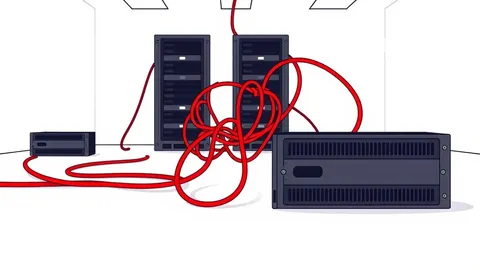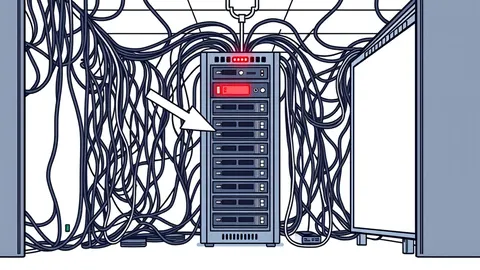
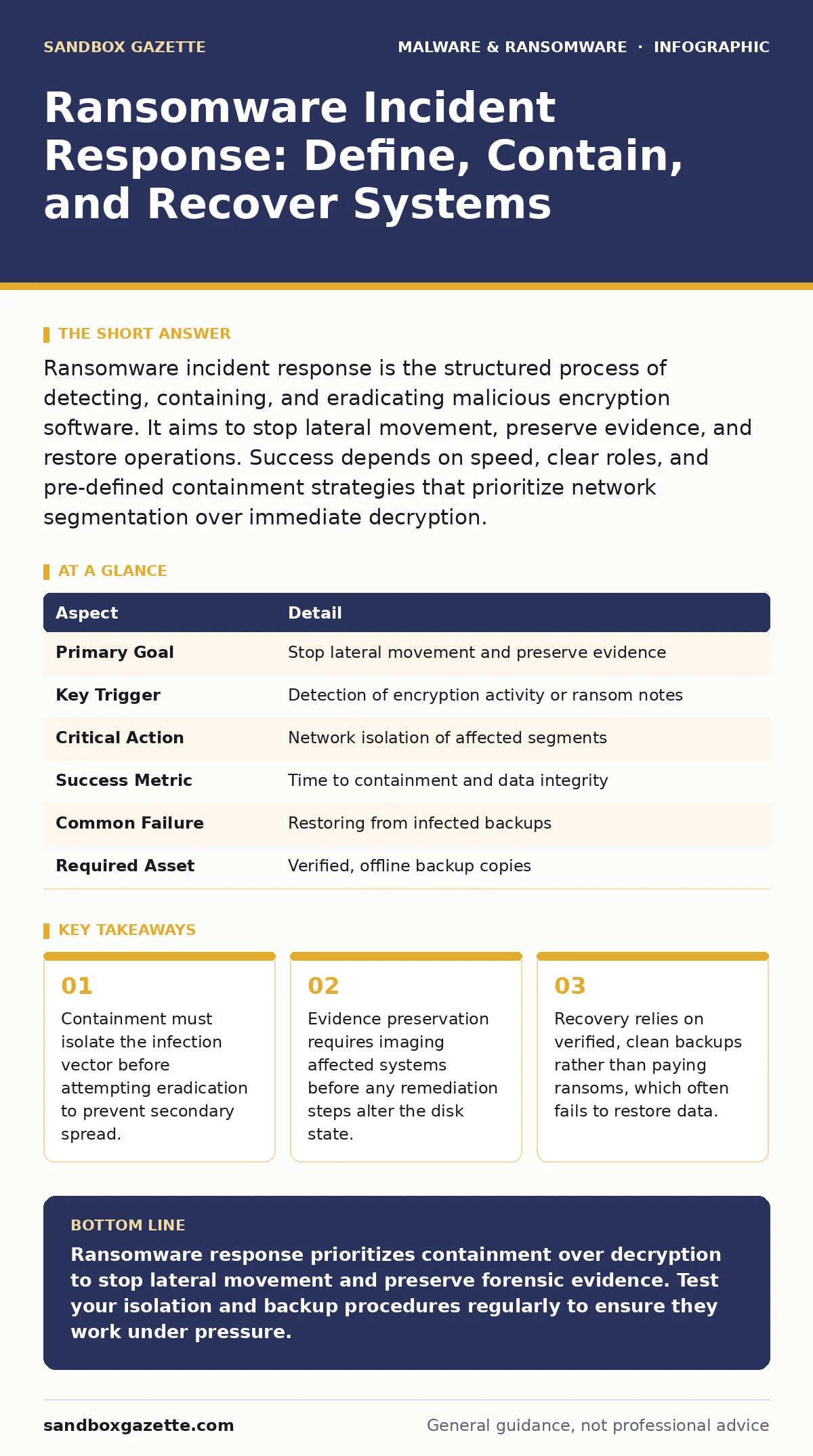
Ransomware incident response is the structured process of detecting, containing, and eradicating malicious encryption software. It aims to stop lateral movement, preserve evidence, and restore operations. Success depends on speed, clear roles, and pre-defined containment strategies that prioritize network segmentation over immediate decryption.
The Analogy of a House Fire
Imagine a house where smoke detectors trigger an alarm. You do not immediately start painting the walls or buying new furniture. You first call the fire department to extinguish the flames. You then board up the broken windows to stop the wind from spreading the fire to neighboring houses. Only after the house is safe do you assess the damage and begin repairs. Ransomware incident response follows this same logical sequence. Detection is the alarm. Containment is boarding up the windows. Eradication and recovery are the repairs. Skipping containment to rush recovery often results in the fire spreading to other parts of the house, causing total loss.
Defining the Scope and Purpose
Ransomware incident response is the coordinated set of actions taken to limit the impact of a ransomware attack. It solves the problem of uncontrolled malware propagation. Ransomware encrypts files, rendering them unusable, and demands payment for the decryption key. The primary purpose of the response is not necessarily to decrypt the files immediately.
The purpose is to stop the malware from encrypting more systems, stealing more data, or establishing persistent access for future attacks. This process sits between initial detection and full business recovery. It bridges the gap between identifying a threat and restoring normal operations. Without a defined response, organizations often react chaotically, inadvertently spreading the malware further.
| Aspect | Detail |
|---|---|
| Primary Goal | Stop lateral movement and preserve evidence |
| Key Trigger | Detection of encryption activity or ransom notes |
| Critical Action | Network isolation of affected segments |
| Success Metric | Time to containment and data integrity |
| Common Failure | Restoring from infected backups |
| Required Asset | Verified, offline backup copies |
The Four Phases of Response
The response process divides into four distinct phases. Detection identifies the anomaly. This might be a sudden spike in CPU usage, a change in file extensions, or an alert from endpoint detection software. Containment limits the blast radius. You isolate infected devices from the network. This prevents the malware from moving to other servers or workstations.
Eradication removes the threat. This involves deleting the malware, patching the vulnerability it exploited, and resetting compromised credentials. Recovery restores systems from clean backups. Each phase depends on the previous one. You cannot eradicate what you have not contained. You cannot recover from a system that still holds the malware.
Where Response Fits in Defense
Incident response is not a standalone tool. It fits within a broader defense strategy. It complements preventive measures like patching and user training. It works alongside detective measures like logging and monitoring. Prevention reduces the chance of an attack. Detection reduces the time to find it. Response reduces the damage. Recovery reduces the downtime. These layers work together. If prevention fails, detection must catch the breach. If detection is slow, response must be fast. If response is ineffective, recovery must be reliable. A gap in any layer increases risk. Strong backups support recovery. Segmentation supports containment. Logging supports detection.
The Hidden Cost of Speed
Speed matters, but haste causes errors. Many teams rush to restore systems without verifying the backup is clean. If the backup was created while the malware was present, restoring it reintroduces the threat. This is a common failure point. Another hidden cost is the loss of forensic evidence. Rebooting a machine clears its memory. Memory often contains the malware’s configuration, command-and-control addresses, and encryption keys. Once cleared, this data is gone. You lose the ability to understand how the attacker got in. You also lose the ability to prove the extent of the breach. Take time to image the system before touching it.
See also: What Is Remote Browser Isolation: Architecture, Trade-offs, and Deployment
What People Usually Get Wrong
Many organizations misunderstand the role of communication. They assume technical teams handle everything. Legal, public relations, and executive leadership must be involved early. Ransomware often involves data theft, not just encryption. This triggers legal obligations for notification. Delaying communication can lead to regulatory fines. Another mistake is focusing only on the encrypted files. Attackers often exfiltrate data before encrypting it. The response must include checking for data exfiltration. Ignoring this leaves the organization vulnerable to secondary extortion. You must treat the incident as a data breach, not just a system outage.
Integrating with Related Defenses
Ransomware often enters through other attack vectors. Understanding these helps improve response. For instance, attackers might use trojanized software to bypass initial security. They might exploit remote access tool abuse to move laterally. They might deploy logic bombs to trigger encryption at a specific time.
Knowing these patterns helps you predict attacker behavior. Your response plan should include checks for these specific indicators. If you suspect spyware was installed alongside the ransomware, your containment strategy must be broader. You need to look for data collection, not just encryption. This holistic view prevents recurrence.
Preparing for the Unavoidable
No defense is perfect. Attacks will happen. Preparation reduces the impact. Test your response plan regularly. Conduct tabletop exercises. Simulate different scenarios. Identify gaps in your process. Ensure all team members know their roles. Define decision authority. Who decides to pull the plug on a server? Who contacts law enforcement? Clarity prevents paralysis during a crisis. Review your backups frequently. Verify they are restorable. Keep some backups offline or immutable. This protects them from ransomware that targets backup systems. A tested plan is better than a perfect one.
The Role of Evidence Preservation
Legal and insurance requirements often demand evidence. Preserve logs, memory dumps, and disk images. Chain of custody matters. Document who handled the evidence and when. This protects the organization in legal proceedings. It also helps insurers process claims. Without proper preservation, claims may be denied. Forensic analysis helps identify the root cause. Was it a phishing email? A vulnerability? Insider threat? Understanding the cause prevents future incidents. Do not skip this step. It is not just about fixing the current problem. It is about learning from it.
Recovery and Business Continuity
Recovery is the final phase. Restore systems from verified clean backups. Verify the integrity of the data. Monitor for signs of reinfection. Gradually bring systems back online. Start with critical infrastructure. Then move to less critical systems. This phased approach reduces risk. Coordinate with business continuity planning teams. They ensure that essential services continue during recovery. They manage customer communications. They handle operational workarounds. Recovery is not just an IT task. It is a business operation. Align IT efforts with business priorities. Restore the most critical systems first.
Final Checks and Lessons Learned
After recovery, conduct a post-incident review. What worked? What failed? Update the response plan based on findings. Patch vulnerabilities. Improve monitoring. Train staff on new threats. Share lessons with other teams. This continuous improvement cycle strengthens your defense. Ransomware tactics evolve. Your response must evolve too. Stay informed about new trends. Adapt your strategies. Security is a process, not a product. There is no final state. There is only continuous improvement.
Key takeaways
- Containment must isolate the infection vector before attempting eradication to prevent secondary spread.
- Evidence preservation requires imaging affected systems before any remediation steps alter the disk state.
- Recovery relies on verified, clean backups rather than paying ransoms, which often fails to restore data.
Ransomware response prioritizes containment over decryption to stop lateral movement and preserve forensic evidence. Test your isolation and backup procedures regularly to ensure they work under pressure.
Frequently asked questions
How do I know if ransomware is active?
Look for sudden file extension changes, ransom notes on the desktop, or unusual CPU usage. Endpoint detection and response tools will also alert on encryption behavior.
Should I pay the ransom?
Paying does not guarantee data recovery and may encourage further attacks. Focus on containment and restoring from clean backups. Consult legal counsel before making any decisions.
What is the first step in containment?
Isolate the infected device from the network. Disconnect the network cable or disable Wi-Fi. Do not power off the device to preserve memory evidence.
How often should I test backups?
Test backups regularly to ensure they are restorable. Verify integrity and completeness. Keep some backups offline to protect them from encryption.
How this guide was produced: written by the Sandbox Gazette editorial team with AI assistance, checked against the public references listed below, and reviewed when the facts change. See our editorial policy or report an error.