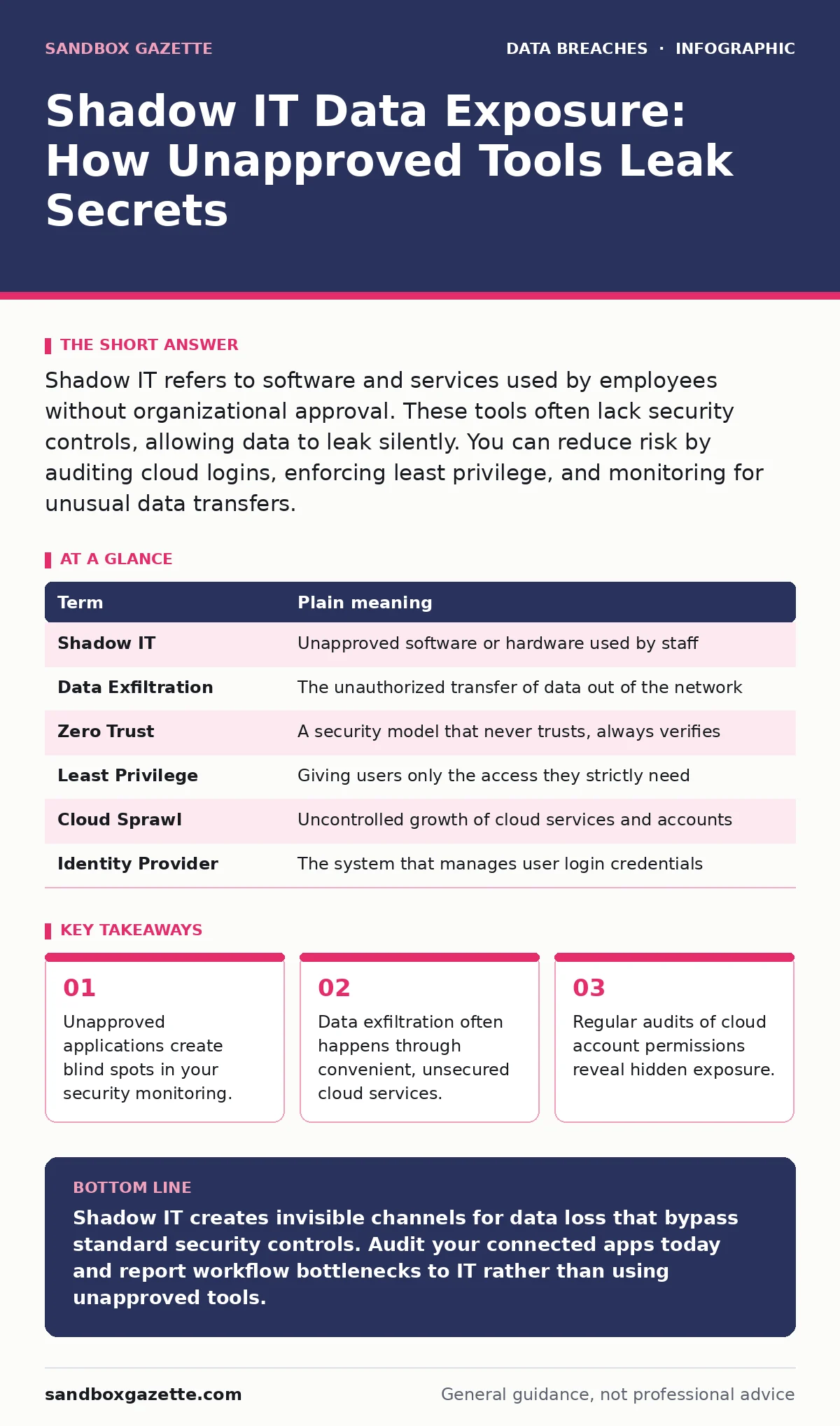
Shadow IT refers to software and services used by employees without organizational approval. These tools often lack security controls, allowing data to leak silently. You can reduce risk by auditing cloud logins, enforcing least privilege, and monitoring for unusual data transfers.
The Open Warehouse Dock
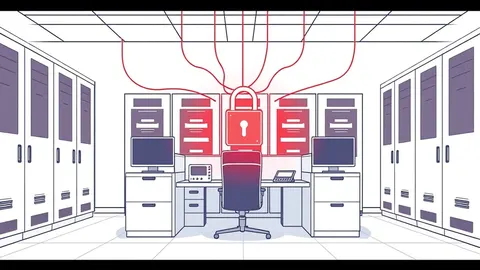
Imagine your organization is a secure warehouse. The main entrance has guards, cameras, and a checklist for every item that leaves. This is your approved IT infrastructure. Now imagine a small, unlocked side door that only a few workers know about. They use it to move boxes quickly because it is faster than waiting in line at the front.
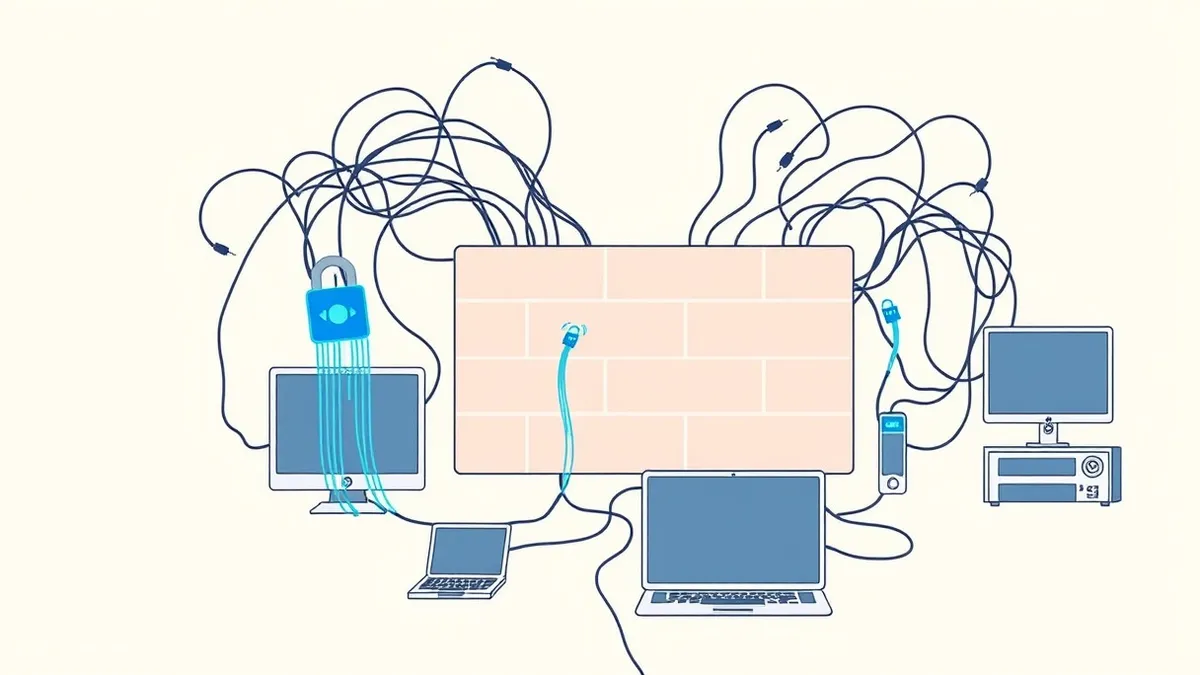
This side door is shadow IT. It is software or hardware used by staff that the IT department does not know about or control. The danger is not always theft. It is often simple negligence. A worker uses a free file-sharing service to send a client list because the official system is slow. That service has no encryption. The data is now exposed.
What Shadow IT Actually Is
Shadow IT includes any technology asset that operates outside the oversight of the central IT team. This is not just about employees bringing their own devices. It includes cloud storage accounts, communication tools, and development platforms created by individual users.
These tools are often chosen for convenience. They integrate easily with daily workflows. They require no approval process. This speed comes at a cost. The organization loses visibility into where data resides. It cannot apply security patches or access controls to these tools.
| Term | Plain meaning |
|---|---|
| Shadow IT | Unapproved software or hardware used by staff |
| Data Exfiltration | The unauthorized transfer of data out of the network |
| Zero Trust | A security model that never trusts, always verifies |
| Least Privilege | Giving users only the access they strictly need |
| Cloud Sprawl | Uncontrolled growth of cloud services and accounts |
| Identity Provider | The system that manages user login credentials |
The Hidden Cost of Convenience
You might think that blocking all unapproved tools is the answer. This is rarely practical. Employees find ways around blocks. They use personal accounts or mobile data. Blocking creates frustration and drives behavior further underground.
The real issue is data movement. When data leaves the controlled environment, it enters a zone where you have no rules. You cannot encrypt it. You cannot monitor who views it. If that third-party service suffers a breach, your data is compromised. You may not know for months.
How Ordinary Users Contribute
An ordinary user rarely intends to cause harm. They are trying to get work done. They might use a free project management tool for a small task. They might store sensitive documents in a personal cloud drive for easy access from home.
This behavior creates a perimeter that is invisible to security teams. The security operations center monitors the main warehouse. It does not see the side door. The user believes they are being efficient. They are actually creating a vulnerability.
The risk increases when these tools sync automatically. Data flows from the corporate device to the personal cloud. It stays there. It accumulates. Over time, a significant amount of intellectual property or customer information resides in these unsecured spaces.
Simple Safety Habits for Users
You can reduce your personal risk without waiting for IT to fix everything. Start by auditing your own accounts. Check which apps have access to your corporate email or cloud storage. Revoke access for tools you no longer use.
Use the official tools for sensitive work. If the official tool is slow, report the issue. Do not bypass it with a free alternative. Convenience is not worth the risk of exposing sensitive data.
See also: SOC 2 vs ISO 27001: Which Standard Fits Your Security Posture · Email Encryption Best Practices for Secure Data Exchange
Try This Now
- Log into your corporate email or identity provider and check the list of authorized third-party applications. Remove any that you do not recognize or no longer use.
- Search your local device for files saved to personal cloud storage services. Move any work-related documents back to the approved corporate storage.
- Enable multi-factor authentication on any personal accounts that contain work-related information. This adds a layer of protection even if the service is unapproved.
The Role of Policy and Culture
Technology alone cannot stop shadow IT. You need a culture that encourages reporting. If employees fear punishment for using unapproved tools, they will hide their usage. This makes the problem worse.
Organizations should focus on understanding why users choose these tools. Is the approved tool too complex? Is it too slow? Addressing the root cause is more effective than blocking.
For broader context on managing external risks, see third-party risk assessments. This framework helps evaluate the security posture of vendors and partners. It also relates to ISO 27001, which provides standards for information security management. Understanding these frameworks helps in building a resilient environment.
Monitoring for Silent Leaks
You cannot see what you do not look for. Security teams must monitor for anomalies in data flow. Sudden spikes in data uploads to unknown destinations can indicate shadow IT usage.
Identity and access management is key. If you can control who logs in and what they can do, you limit the damage. Even if a user uses an unapproved tool, strict permissions can prevent them from accessing sensitive data.
This approach complements email encryption, ensuring that data remains protected even if it leaves the network. It also helps prevent password leaks, which are often the first step in compromising an account used for shadow IT.
Key takeaways
- Unapproved applications create blind spots in your security monitoring.
- Data exfiltration often happens through convenient, unsecured cloud services.
- Regular audits of cloud account permissions reveal hidden exposure.
Shadow IT creates invisible channels for data loss that bypass standard security controls. Audit your connected apps today and report workflow bottlenecks to IT rather than using unapproved tools.
Frequently asked questions
How do I know if my company uses shadow IT?
You likely do not know. Shadow IT is defined by its lack of visibility. If a tool is not on the official approved list, it is shadow IT.
Is using a personal email for work always a security risk?
Yes. Personal email providers do not have the same security controls or legal protections as corporate systems. Data sent there is outside your organization's protection.
Can blocking all unapproved apps stop shadow IT?
No. Users will find workarounds, such as using mobile data or personal devices. This drives the behavior further underground, making it harder to detect.
What should I do if I find sensitive data on a personal cloud account?
Delete the data immediately. Move any necessary files to the approved corporate storage. Report the incident to your IT security team.
How this guide was produced: written by the Sandbox Gazette editorial team with AI assistance, checked against the public references listed below, and reviewed when the facts change. See our editorial policy or report an error.