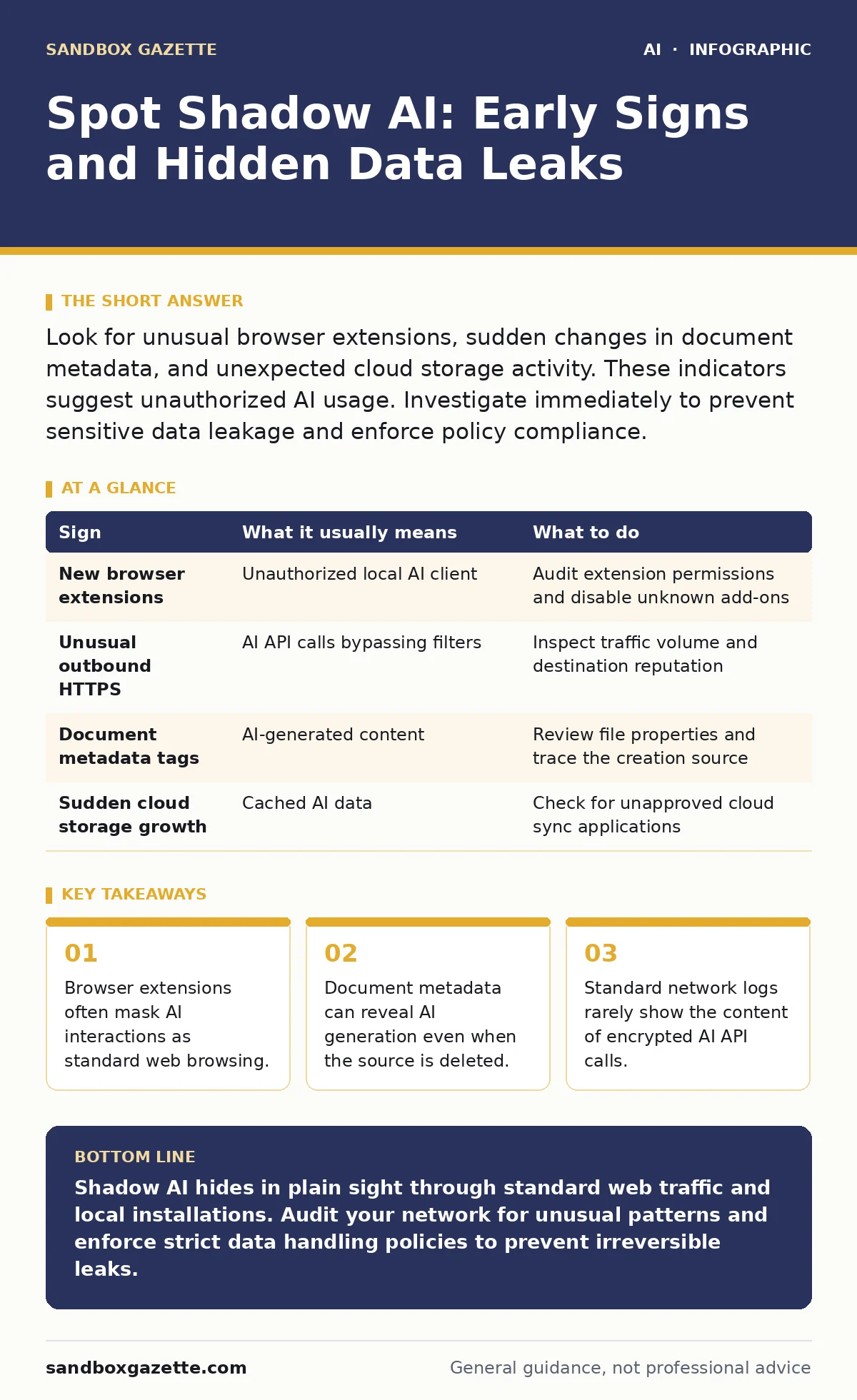
Look for unusual browser extensions, sudden changes in document metadata, and unexpected cloud storage activity. These indicators suggest unauthorized AI usage. Investigate immediately to prevent sensitive data leakage and enforce policy compliance.
The Visible Surface of Unapproved Tools
You notice shadow AI first when users complain about productivity blockers. They cannot access approved enterprise tools because of strict firewall rules, so they install personal alternatives. These tools often arrive as browser extensions or desktop applications that bypass standard IT provisioning. The installation process usually requires local administrator rights, which is a red flag in itself.
Imagine a developer installing a coding assistant that promises faster debugging. The tool works locally, but it sends snippets of proprietary code to a remote server for analysis. You see the network traffic as encrypted HTTPS. The content is hidden, but the volume and timing are abnormal. This is the first layer of detection.
Metadata and File Artifacts
Digital footprints remain even after the AI tool is removed. Files created or edited with AI assistance often contain unique metadata. This data includes generation timestamps, model identifiers, or watermarks embedded in the text structure. Standard document review tools rarely parse these fields. You must inspect the raw file properties to see them.
Suppose a marketing team submits a report. The formatting is perfect, but the language structure lacks human variation. A deeper inspection reveals hidden XML tags indicating automated generation. This artifact proves the use of an external tool. It also suggests that sensitive context may have been sent to that tool.
Network Anomalies and Traffic Patterns
Most organizations monitor for known malicious domains. Shadow AI uses legitimate, high-reputation domains. These domains host popular consumer AI services. Your firewall allows this traffic because it appears benign. The anomaly lies in the behavior, not the destination.
Look for bursts of data transfer during non-business hours. AI processing often requires uploading large context windows. If a workstation sends megabytes of data to a cloud provider at 2 AM, it is suspicious. Standard web browsing does not generate this pattern. This behavior indicates bulk data processing, likely involving sensitive internal documents.
Application Integration Risks
Users often integrate AI tools into their workflow without IT approval. They connect these tools to internal databases or file shares via scripts or plugins. This creates a bridge between your secure internal network and the public internet. The integration may seem harmless, like a search function.
However, the AI tool may cache query results. Those results include snippets of your internal data. If the AI provider stores this cache for model improvement, your data is now outside your control. You may not see this exfiltration in real-time. It happens quietly in the background.
Detection Table for Security Teams
| Sign | What it usually means | What to do |
|---|---|---|
| New browser extensions | Unauthorized local AI client | Audit extension permissions and disable unknown add-ons |
| Unusual outbound HTTPS | AI API calls bypassing filters | Inspect traffic volume and destination reputation |
| Document metadata tags | AI-generated content | Review file properties and trace the creation source |
| Sudden cloud storage growth | Cached AI data | Check for unapproved cloud sync applications |
See also: What Does AI Transparency Refer To: Mechanisms, Gaps and Controls · Emergency Stop for AI Systems: 8 Critical Questions Answered
The Hidden Cost of Convenience
The real danger is not the tool itself, but the data it consumes. Users treat AI as a smart search engine. They paste sensitive emails, code, or customer records into the prompt. They assume the data is ephemeral. It is not.
Most consumer AI services retain conversation history. This history is used to improve the model. Your sensitive data becomes part of the training set. It may surface in future responses to other users. This is a permanent data leak. You cannot recall the data once it is ingested.
Response and Containment
When you detect shadow AI, act quickly but calmly. Do not simply block the tool. Users will find another way. Instead, isolate the affected systems. Revoke access to sensitive data for those accounts. Conduct a forensic review of what data was sent.
Check for related risks in your environment. Review your policies on insecure AI plugins and agents to ensure they are updated. Ensure your team understands sensitive data leaks through AI chatbots and the mechanics behind them. Education is the first line of defense.
Building a Sustainable Policy
You cannot stop innovation by blocking tools. You must provide safe alternatives. Deploy enterprise-approved AI solutions that offer data isolation. These tools guarantee that your data is not used for training. They provide audit logs and access controls.
Integrate these tools into your AI in security operations workflow. Use them for AI-assisted threat detection to show the value of approved systems. Train users on AI transparency and the risks of data poisoning attacks. When users understand the mechanics, they are less likely to bypass controls.
Key takeaways
- Browser extensions often mask AI interactions as standard web browsing.
- Document metadata can reveal AI generation even when the source is deleted.
- Standard network logs rarely show the content of encrypted AI API calls.
Shadow AI hides in plain sight through standard web traffic and local installations. Audit your network for unusual patterns and enforce strict data handling policies to prevent irreversible leaks.
Frequently asked questions
Can I detect shadow AI with standard antivirus software?
No. Standard antivirus focuses on known malware signatures. Shadow AI uses legitimate applications and encrypted web traffic, which antivirus tools typically allow.
Does deleting the AI tool remove the data leak?
No. Deleting the tool removes the client software, but it does not remove the data already sent to the remote server or cached locally on the device.
How this guide was produced: written by the Sandbox Gazette editorial team with AI assistance, checked against the public references listed below, and reviewed when the facts change. See our editorial policy or report an error.