
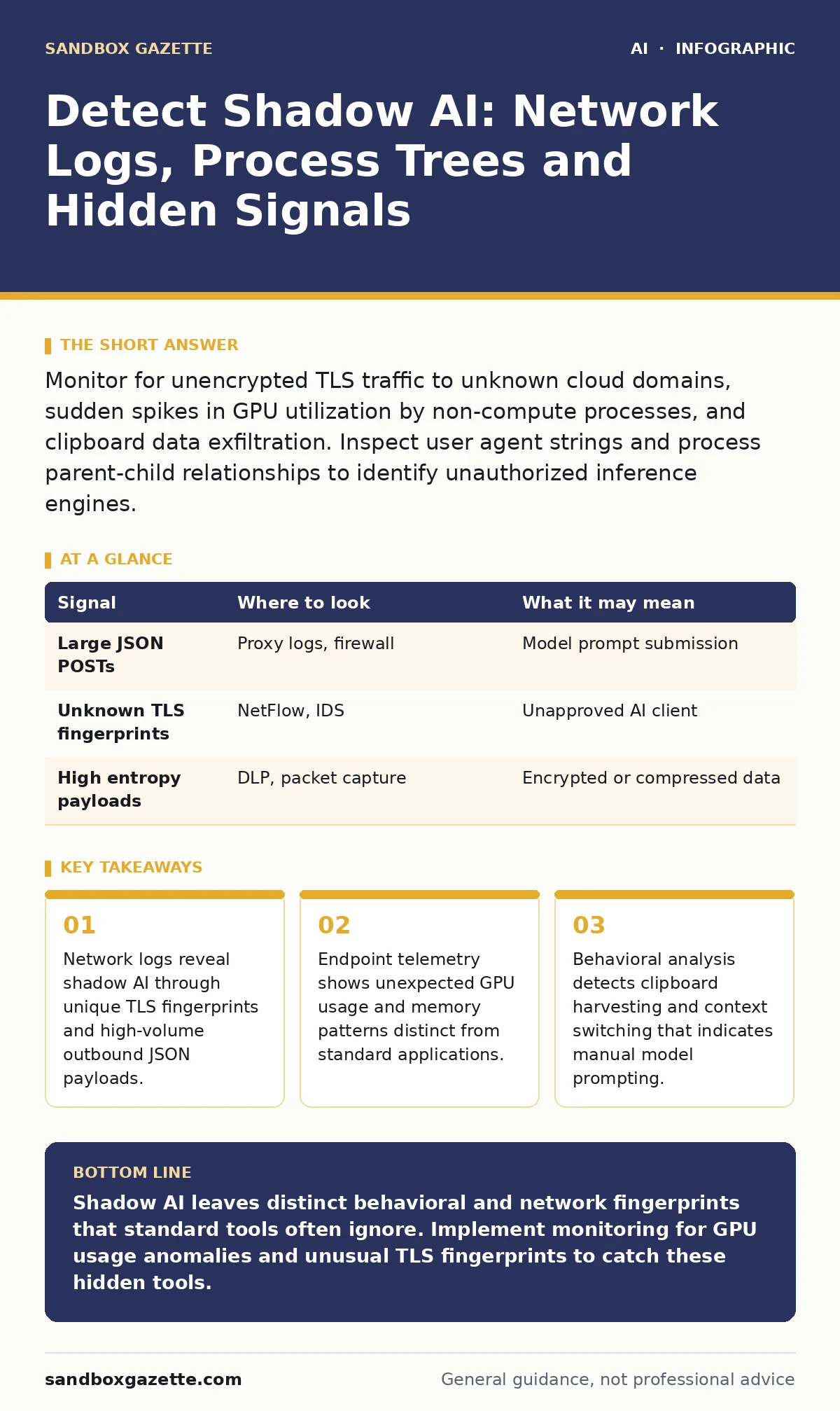
Monitor for unencrypted TLS traffic to unknown cloud domains, sudden spikes in GPU utilization by non-compute processes, and clipboard data exfiltration. Inspect user agent strings and process parent-child relationships to identify unauthorized inference engines.
Network Traffic Anomalies
Unapproved AI services communicate over standard web ports, but their payload structure differs from typical browsing. You will see sustained, high-volume outbound POST requests containing large JSON bodies. These requests often target domains that recently registered or use generic cloud provider subdomains. The traffic lacks the varied request patterns of human browsing. Instead, it shows rhythmic, automated bursts corresponding to prompt submissions.
Inspect the TLS Client Hello messages for unique cipher suites. Many consumer AI applications use specific libraries that negotiate connections differently than standard browsers. If you see a process initiating TLS handshakes with an unusual extension list, flag it for review. This signal often precedes the actual data exfiltration.
| Signal | Where to look | What it may mean |
|---|---|---|
| Large JSON POSTs | Proxy logs, firewall | Model prompt submission |
| Unknown TLS fingerprints | NetFlow, IDS | Unapproved AI client |
| High entropy payloads | DLP, packet capture | Encrypted or compressed data |
Endpoint Process Telemetry
The operating system records every process that starts and stops. Unauthorized AI tools often run as background services or disguised executables. Look for processes that spawn child threads with high CPU or GPU affinity. Standard office applications do not typically require dedicated graphics processing. If a word processor or email client suddenly consumes significant GPU resources, something else is running inside it.
Check the process tree for orphaned threads. These are processes that lost their parent but continue running. Shadow AI agents often inject code into legitimate processes to hide their presence. This technique allows them to use the parent’s permissions and network access. You must correlate process start times with network connections to spot this behavior.
Memory and Storage Artifacts
When AI models run locally, they leave traces in memory and temporary files. Even cloud-based tools cache data locally for speed. Scan temporary directories for large files with random names. These files often contain model weights or cached responses. They may appear after a user closes the application, lingering until the system cleans them.
Memory dumps can reveal loaded libraries. Many AI frameworks use specific dynamic link libraries or shared objects. If you see these libraries loaded in a process that should not need them, investigate further. This indicates a local inference engine is active. You do not need to decrypt the memory to see the library names.
User Behavior Patterns
Human interaction with AI differs from standard software use. Users copy large blocks of text, paste them into a chat interface, and then copy the output. This creates a distinct pattern in keystroke logging and clipboard history. The intervals between copy and paste actions are often shorter than typical human editing cycles.
Look for rapid context switching. Users may open a browser, switch to a document, then back to the browser in quick succession. This suggests they are using an AI tool to generate content for the document. The timing of these switches can help distinguish between casual browsing and active AI usage.
Browser Extension Analysis
Browser extensions are a common vector for shadow AI. They inject scripts into web pages to provide AI features. These scripts often communicate with external servers. Check for extensions that request broad permissions, such as access to all websites or clipboard data. Legitimate extensions rarely need such wide access.
Inspect the extension’s manifest file for declared permissions. Compare this against the actual network traffic generated by the extension. If the extension sends data to domains not listed in its manifest, it may be exfiltrating information. This discrepancy is a strong indicator of malicious or unauthorized activity.
See also: YARA vs Sigma Rules: How to Choose the Right Detection Format · What Does AI Bias Mean: How Training Data Distorts Model Decisions
Application Programming Interface Calls
Some users integrate AI via API calls within custom scripts or applications. These calls often bypass standard web proxies. Monitor for outbound HTTP requests to known AI provider endpoints. These requests usually include API keys in the headers. If you see these keys in logs, you have confirmed unauthorized access.
Look for scripts that execute curl or wget commands targeting AI endpoints. These commands often run in the background without user interaction. They may be part of automated workflows that use AI for data processing. Identify these scripts by their command-line arguments and destination URLs.
Common Blind Spots
Many security tools focus on known threats. They miss shadow AI because it uses legitimate protocols and infrastructure. You may overlook traffic to major cloud providers if you whitelist them broadly. This creates a blind spot where unauthorized AI usage hides behind approved services.
Another blind spot is local model execution. If a user runs a small AI model on their own machine, there is no outbound traffic. Your network logs will show nothing. You must rely on endpoint telemetry and process analysis to detect this. Ignoring local computation leaves a significant gap in your defense.
Key takeaways
- Network logs reveal shadow AI through unique TLS fingerprints and high-volume outbound JSON payloads.
- Endpoint telemetry shows unexpected GPU usage and memory patterns distinct from standard applications.
- Behavioral analysis detects clipboard harvesting and context switching that indicates manual model prompting.
Shadow AI leaves distinct behavioral and network fingerprints that standard tools often ignore. Implement monitoring for GPU usage anomalies and unusual TLS fingerprints to catch these hidden tools.
Frequently asked questions
How do I distinguish between approved and unapproved AI traffic?
Compare destination domains and TLS fingerprints against your approved vendor list. Unapproved tools often use different infrastructure or encryption libraries.
Can endpoint detection and response tools detect shadow AI?
Yes, if configured to monitor process trees and GPU usage. Standard EDR may miss network-level indicators, so correlate with proxy logs.
What is the risk of local AI model execution?
Local execution bypasses network controls and may expose sensitive data in memory. It also indicates a lack of governance over AI usage.
How often should I update my detection rules?
Update rules whenever new AI services emerge or existing ones change their infrastructure. Regular reviews ensure coverage of new threats.
How this guide was produced: written by the Sandbox Gazette editorial team with AI assistance, checked against the public references listed below, and reviewed when the facts change. See our editorial policy or report an error.