
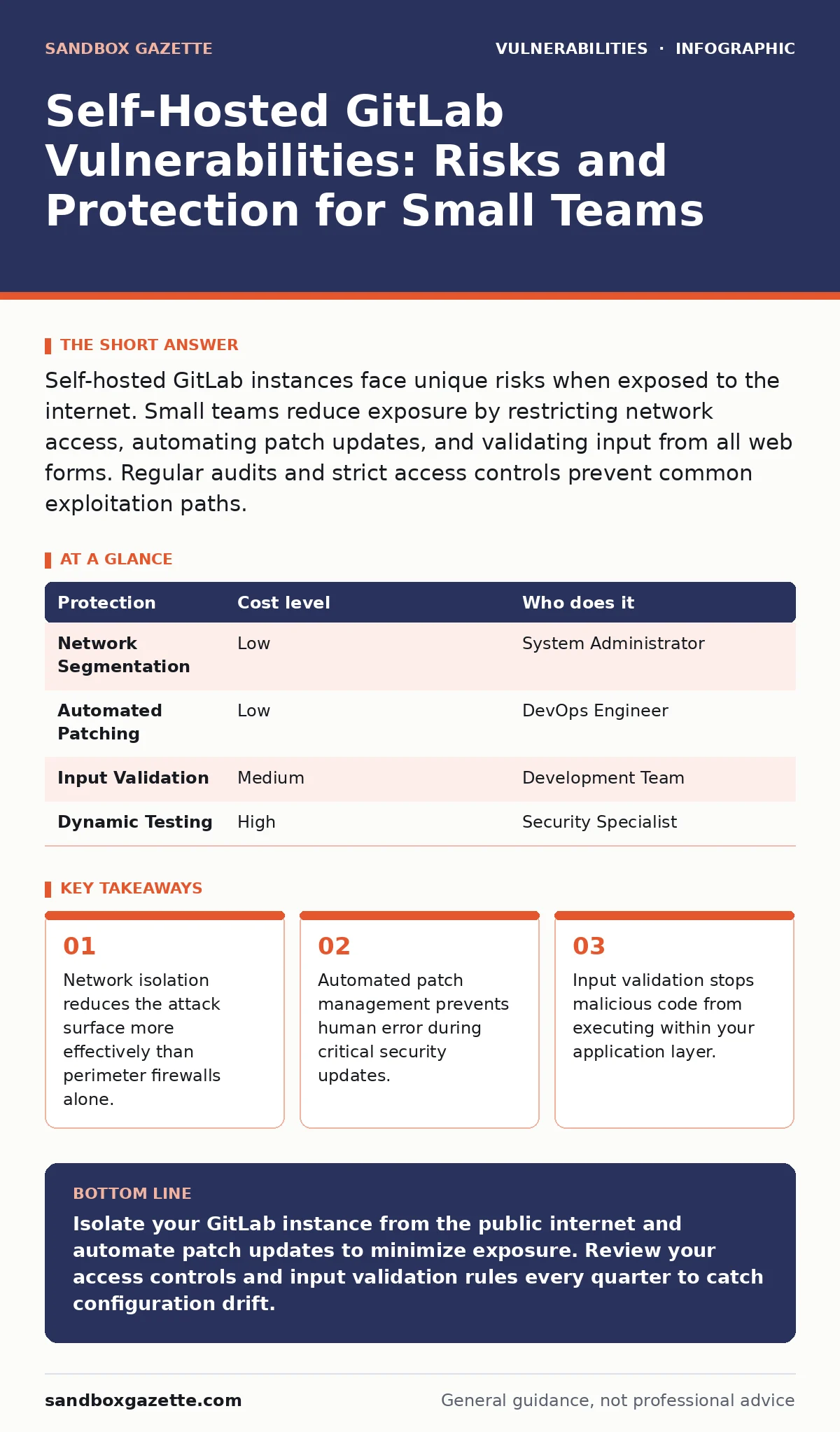
Self-hosted GitLab instances face unique risks when exposed to the internet. Small teams reduce exposure by restricting network access, automating patch updates, and validating input from all web forms. Regular audits and strict access controls prevent common exploitation paths.
The Hidden Exposure of Small Teams
Small organizations often assume that internal tools are invisible to external threats. This assumption fails when the tool connects to the public internet. Self-hosted GitLab instances frequently sit behind weak network perimeters. Attackers scan for exposed ports and default configurations. They look for versions that have known flaws. The lack of dedicated security staff means detection relies on chance rather than systematic monitoring.
Why Isolation Matters More Than Firewalls
Network segmentation limits the damage if a breach occurs. You must place your GitLab instance in a private network segment. Public access should be restricted to specific IP ranges only. A virtual private network allows remote workers to connect securely. This method hides the service from general internet scanning.
Firewalls filter traffic based on rules. They do not inspect the content of the data packets. If an attacker uses an allowed port, the firewall permits the connection. Application-layer controls are necessary to stop malicious payloads. You must configure the web server to reject suspicious requests. This adds a layer of defense that firewalls cannot provide.
| Protection | Cost level | Who does it |
|---|---|---|
| Network Segmentation | Low | System Administrator |
| Automated Patching | Low | DevOps Engineer |
| Input Validation | Medium | Development Team |
| Dynamic Testing | High | Security Specialist |
The Cost of Manual Updates
Manual patching introduces human error. You might forget to apply a critical update. You might apply it incorrectly and break the service. Automated patch management reduces this risk. It ensures that every instance receives the latest security fixes. You must test patches in a staging environment first. This prevents production outages.
Small teams often delay updates to avoid downtime. This delay creates a window of vulnerability. Attackers exploit known flaws quickly. The longer you wait, the higher the risk. You should prioritize security patches over feature updates. Schedule maintenance windows that align with low-usage periods. This balances security needs with operational continuity.
Validating Every Input Field
Input validation ensures that data entering your system is safe. GitLab processes many types of input. These include code commits, issue descriptions, and profile updates. Malicious actors can inject harmful code through these fields. You must sanitize all user inputs. This prevents cross-site scripting and other injection attacks.
The development team must enforce strict validation rules. Do not trust any data that comes from users. Even internal users can be compromised. Use allowlists for acceptable characters and formats. Reject anything that does not match the expected pattern. This approach blocks unexpected payloads before they reach the application logic.
Testing What You Cannot See
Dynamic application security testing (DAST) scans running applications for vulnerabilities. It simulates attacks against your live instance. This method finds flaws that static code analysis misses. You should run DAST scans regularly. They identify configuration errors and runtime issues.
Static analysis checks the code before it runs. It finds potential bugs but not environment-specific flaws. DAST complements static analysis by testing the deployed application. You need both methods for a complete view. Small teams can use open-source scanning tools to perform these checks. Integrate scanning into your deployment pipeline. This ensures that new vulnerabilities are caught early.
Questions for Your IT Provider
When you outsource IT support, you must verify their security practices. Ask specific questions about their approach to self-hosted services. Do not accept vague promises about safety.
- How do you monitor for new vulnerabilities in our GitLab instance?
- What is your process for testing patches before applying them?
- Do you perform regular backup integrity checks?
- How do you handle access logs and audit trails?
- What is your incident response plan for a compromised repository?
Managing the Long Tail of Risk
Vulnerabilities do not disappear after a patch is released. Some flaws remain in older versions for years. You must have a strategy for upgrading major versions. This includes planning for compatibility changes. You should review your dependency chain regularly. Third-party libraries can introduce new risks.
Coordination with the wider security community helps. Coordinated vulnerability disclosure allows vendors to fix flaws before public disclosure. You benefit from these fixes if you stay updated. Do not ignore security announcements. Treat them as urgent operational requirements.
Building a Sustainable Security Habit
Security is not a one-time task. It requires continuous effort. You must build processes that sustain security over time. Integrate security checks into your daily workflow. Make it easy for team members to follow secure practices. Training helps staff recognize phishing and social engineering.
A vulnerability management program provides structure. It defines how you find, prioritize, and fix issues. Small teams can adopt lightweight versions of these programs. Focus on the highest risks first. Gradually expand your coverage as resources allow. Consistency matters more than complexity.
The Reality of Protection
No measure guarantees complete safety. Attackers adapt to new defenses. You must assume that breaches will happen. Your goal is to detect them quickly and limit damage. Monitoring logs helps you spot unusual activity. Alerting systems notify you of critical events.
You cannot protect every entry point. Focus on the most valuable assets. Source code is often the crown jewel. Protect it with strong access controls and encryption. Regular audits ensure that your controls remain effective. Stay informed about new threats and update your defenses accordingly.
Key takeaways
- Network isolation reduces the attack surface more effectively than perimeter firewalls alone.
- Automated patch management prevents human error during critical security updates.
- Input validation stops malicious code from executing within your application layer.
Isolate your GitLab instance from the public internet and automate patch updates to minimize exposure. Review your access controls and input validation rules every quarter to catch configuration drift.
Frequently asked questions
How often should I update my self-hosted GitLab instance?
You should apply security patches immediately after they are released. Major version upgrades can be scheduled quarterly, depending on your testing capacity.
Is it safer to use a cloud-hosted GitLab service?
Cloud providers manage infrastructure security, but you remain responsible for account security and code protection. Self-hosting gives you more control but requires more expertise.
What is the biggest risk for small teams?
The biggest risk is delayed patching. Small teams often lack the resources to test and deploy updates quickly, leaving known vulnerabilities exposed.
How do I detect a breach in my GitLab instance?
Monitor access logs for unusual activity, such as logins from unknown locations or large data exports. Set up alerts for critical security events.
How this guide was produced: written by the Sandbox Gazette editorial team with AI assistance, checked against the public references listed below, and reviewed when the facts change. See our editorial policy or report an error.