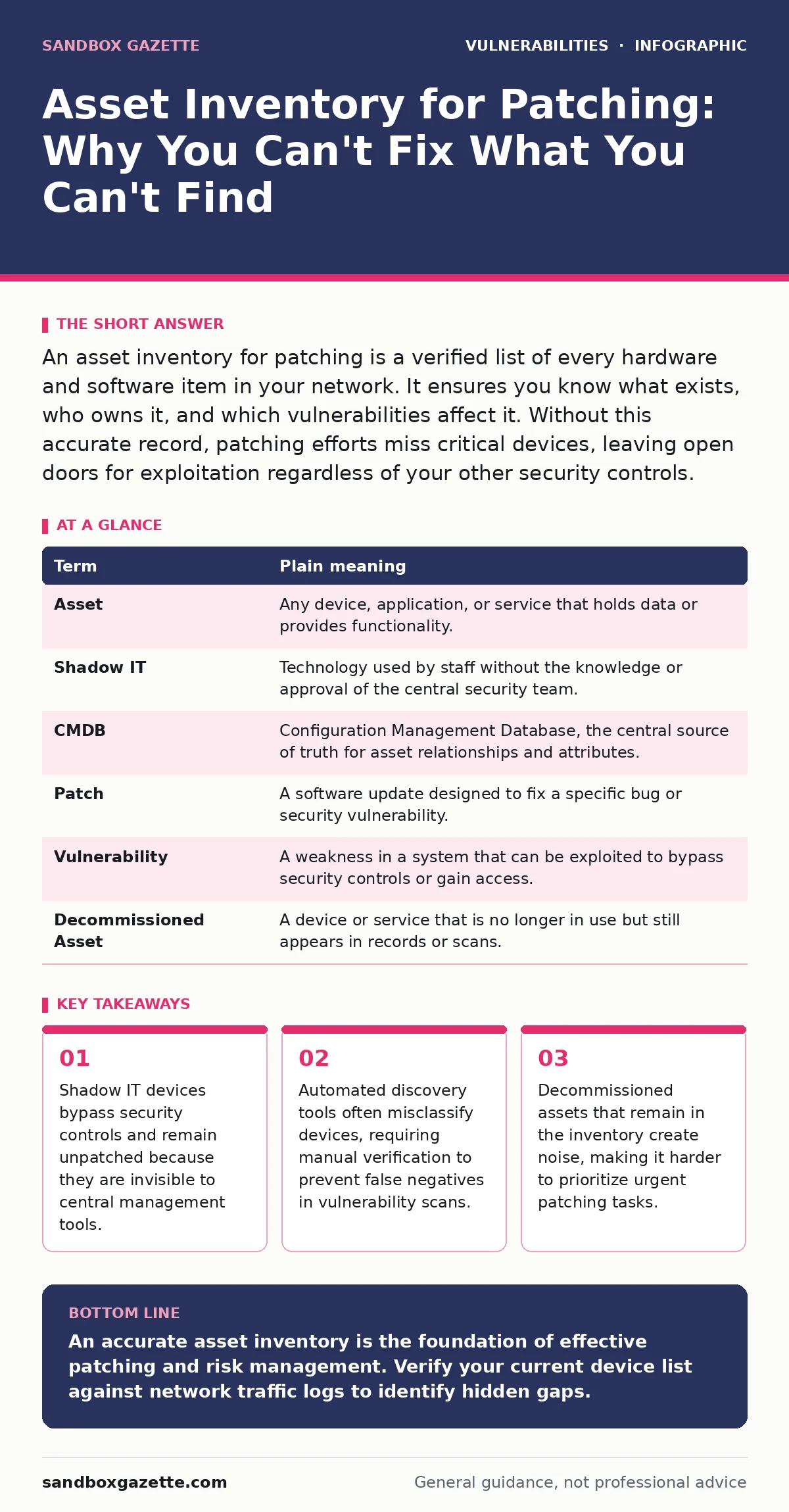
An asset inventory for patching is a verified list of every hardware and software item in your network. It ensures you know what exists, who owns it, and which vulnerabilities affect it. Without this accurate record, patching efforts miss critical devices, leaving open doors for exploitation regardless of your other security controls.
The Library Catalog Metaphor
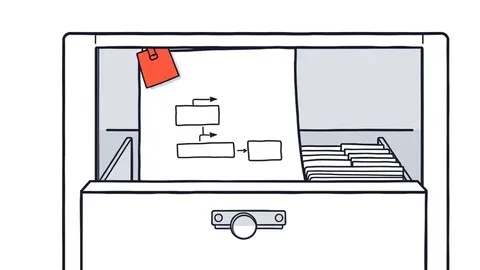
Imagine a massive public library with thousands of books. The librarians receive urgent notices that certain editions contain harmful instructions. Their job is to find and remove those specific books. Readers continue to pull them down, unaware of the risk. The librarians follow all the correct procedures for the books they can see, but the hidden shelves create a persistent failure point. Your network operates on this same principle. An asset inventory is the master catalog of your digital environment.
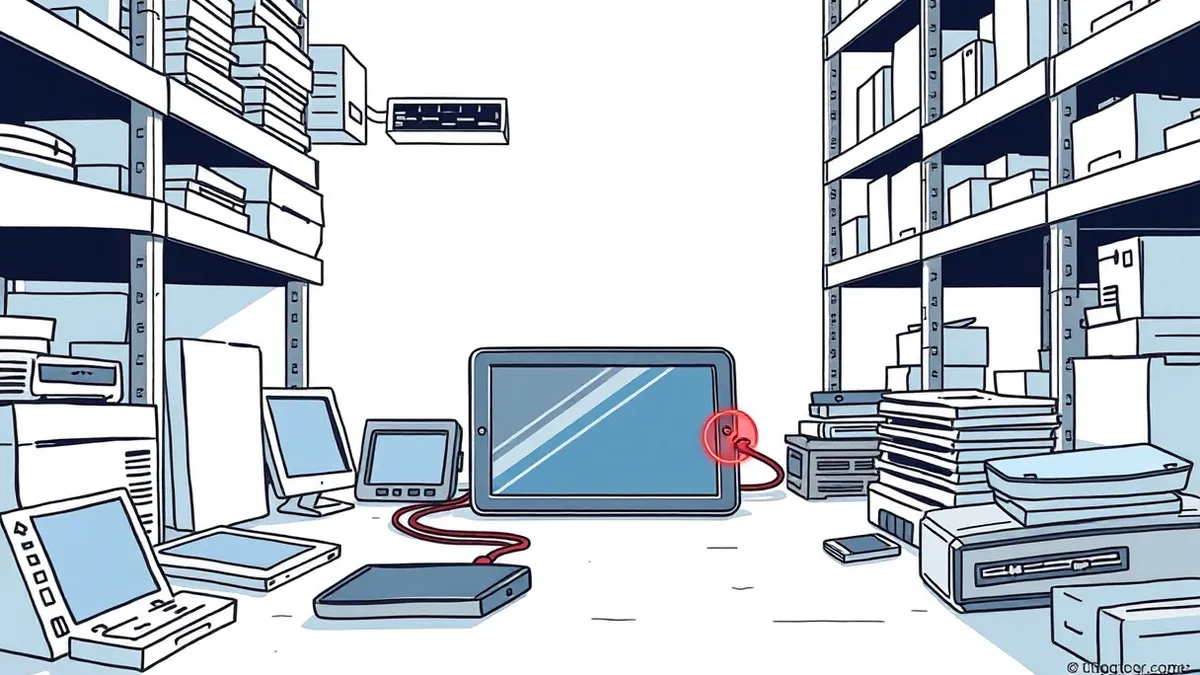
It must be accurate, complete, and current. If the inventory misses a server, a mobile device, or a piece of software, that item becomes a hidden shelf. Attackers do not care about your patching policy. They care about whether the vulnerable system is connected and accessible. An incomplete inventory guarantees that some systems will never receive critical updates, regardless of how well you manage the rest. This gap creates a predictable weakness that threat actors can exploit with high confidence.
Core Terminology for Inventory Accuracy
Security teams often speak in shorthand that obscures the operational reality. Understanding these terms helps you audit your own processes more effectively. The definitions below strip away marketing language to reveal the mechanical function of each concept.
| Term | Plain meaning |
|---|---|
| Asset | Any device, application, or service that holds data or provides functionality. |
| Shadow IT | Technology used by staff without the knowledge or approval of the central security team. |
| CMDB | Configuration Management Database, the central source of truth for asset relationships and attributes. |
| Patch | A software update designed to fix a specific bug or security vulnerability. |
| Vulnerability | A weakness in a system that can be exploited to bypass security controls or gain access. |
| Decommissioned Asset | A device or service that is no longer in use but still appears in records or scans. |
The Cost of Invisible Devices
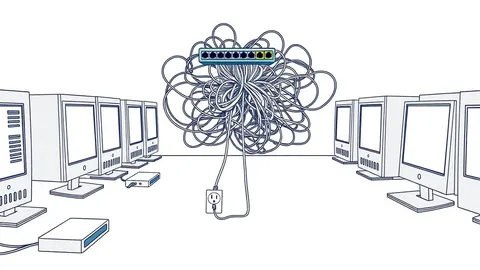
Shadow IT represents the largest hole in most inventory efforts. Employees often install software or connect devices to solve immediate work problems. A developer might run a local database instance to test code. A marketing team might use a cloud storage service not approved by IT. These devices connect to the network, but they do not report to the central management console. They are invisible to standard patching workflows. Imagine a library patron bringing their own book to read in the library.
The librarians cannot check it for harmful content. In the digital world, these unmanaged assets often run older operating systems or unsupported applications. They accumulate vulnerabilities over time. When a new exploit emerges, these devices are prime targets. Security tools like dynamic application security testing (DAST) may find issues in web apps, but they cannot patch a forgotten laptop sitting in a closet. You must assume that unmanaged devices exist and plan detection methods accordingly.
Discovery Versus Verification
Automated network scanners provide a starting point, not a final answer. These tools send probes to IP addresses and listen for responses. They identify open ports and running services. However, they often misidentify the specific version of software or the exact model of hardware. A scanner might see a web server but fail to distinguish between two similar versions with different security profiles. This ambiguity leads to false negatives in vulnerability assessment.
You might believe a system is safe because it does not match the signature of a known vulnerability. In reality, the system is vulnerable, but the scanner misread its identity. This error is similar to a librarian mistaking a safe book for a harmful one based on a blurry cover image. Manual verification steps are necessary to confirm the automated data. Cross-referencing scanner output with procurement records and user reports reduces this error rate. Accuracy in the inventory directly correlates with the effectiveness of your patching strategy.
Managing the Lifecycle of Assets
An inventory is not a static list. It is a living record that changes constantly. New devices are added, old ones are replaced, and software is updated. If the inventory does not reflect these changes, it becomes a liability. Decommissioned assets that remain in the database create noise. Security alerts for these phantom devices waste analyst time. They distract from real threats. Imagine the library catalog still listing books that were destroyed in a fire. Librarians would waste hours searching for items that no longer exist.
You must have a process for removing assets when they are retired. This includes revoking network access and updating the configuration management database. Regular audits compare the physical reality of the network with the digital record. Discrepancies should be investigated immediately. A device that exists on the network but not in the inventory is a critical finding. A device in the inventory but not on the network is an administrative error. Both require correction.
See also: Patch Management Implementation: A Step-by-Step Rollout Plan · CVE Identifiers Explained: How Vulnerability Tracking Actually Works
Try This Now: Three Inventory Steps
Start improving your visibility with these three concrete actions. They require minimal tools and focus on the highest-risk gaps.
- Run a passive network scan. Use existing network logs to identify all unique IP addresses communicating within the last 30 days. Compare this list against your current asset inventory. Any IP address not in the inventory is a potential shadow IT device or an unauthorized connection.
- Verify critical server versions. Manually check the operating system and kernel versions of your top 10 most critical servers. Do not trust the automated scan output. Log in and use system commands to confirm the exact version. Update your inventory records with this verified data.
- Define a removal protocol. Create a simple checklist for decommissioning devices. It must include steps for revoking network access, wiping storage, and updating the central asset registry. Ensure every team member knows this process. Failure to update the record after removal is a common source of inventory drift.
Integrating with Broader Security Programs
An accurate inventory supports other security disciplines. It provides the baseline data for vulnerability management programs to prioritize remediation. Without knowing what you have, you cannot calculate risk. It also aids in threat modeling for applications by revealing the underlying infrastructure. If you do not know which servers host your application, you cannot model the attack surface correctly. Furthermore, coordinated vulnerability disclosure processes rely on accurate data to notify vendors and users.
If your inventory is wrong, your response to disclosed vulnerabilities will be misdirected. Consider how n-day vulnerabilities exploit systems that have had time to patch but failed to do so. An accurate inventory helps you identify which systems are lagging in their patch cycles. It also helps you understand the risk of vulnerabilities in industrial control systems, which often have unique connectivity patterns that standard scanners miss. While this guide focuses on inventory, these related areas depend on the same foundational data.
The Hidden Cost of Inaccuracy
The most unexpected consequence of a poor inventory is the false sense of security it creates. This statistical illusion prevents you from allocating resources to the real problem: discovery. You might spend money on advanced patching automation while ignoring the basic need to find your devices. The cost is not just financial. It is operational. Your security team spends time chasing ghosts or missing real threats. The effort to fix a poor inventory is high, but the cost of maintaining it is low compared to the impact of a breach. You must treat inventory accuracy as a continuous process, not a one-time project.
Key takeaways
- Shadow IT devices bypass security controls and remain unpatched because they are invisible to central management tools.
- Automated discovery tools often misclassify devices, requiring manual verification to prevent false negatives in vulnerability scans.
- Decommissioned assets that remain in the inventory create noise, making it harder to prioritize urgent patching tasks.
An accurate asset inventory is the foundation of effective patching and risk management. Verify your current device list against network traffic logs to identify hidden gaps.
Frequently asked questions
How often should I update my asset inventory?
Update the inventory in real-time if possible. At a minimum, perform a full reconciliation weekly and a spot-check daily for critical assets. Static inventories become obsolete quickly.
What is the difference between an asset inventory and a CMDB?
An asset inventory lists what you have. A CMDB tracks how those assets relate to each other and their configuration state. The CMDB is a more complex system that builds on the inventory.
Can automated tools completely replace manual verification?
No. Automated tools provide scale but lack context. They misclassify devices and miss shadow IT. Manual verification is necessary to validate critical findings and correct automated errors.
How do I handle assets in remote locations?
Use remote monitoring agents that report back to your central management console. Ensure these agents are updated and have reliable connectivity. Treat remote sites with the same rigor as on-premise assets.
How this guide was produced: written by the Sandbox Gazette editorial team with AI assistance, checked against the public references listed below, and reviewed when the facts change. See our editorial policy or report an error.