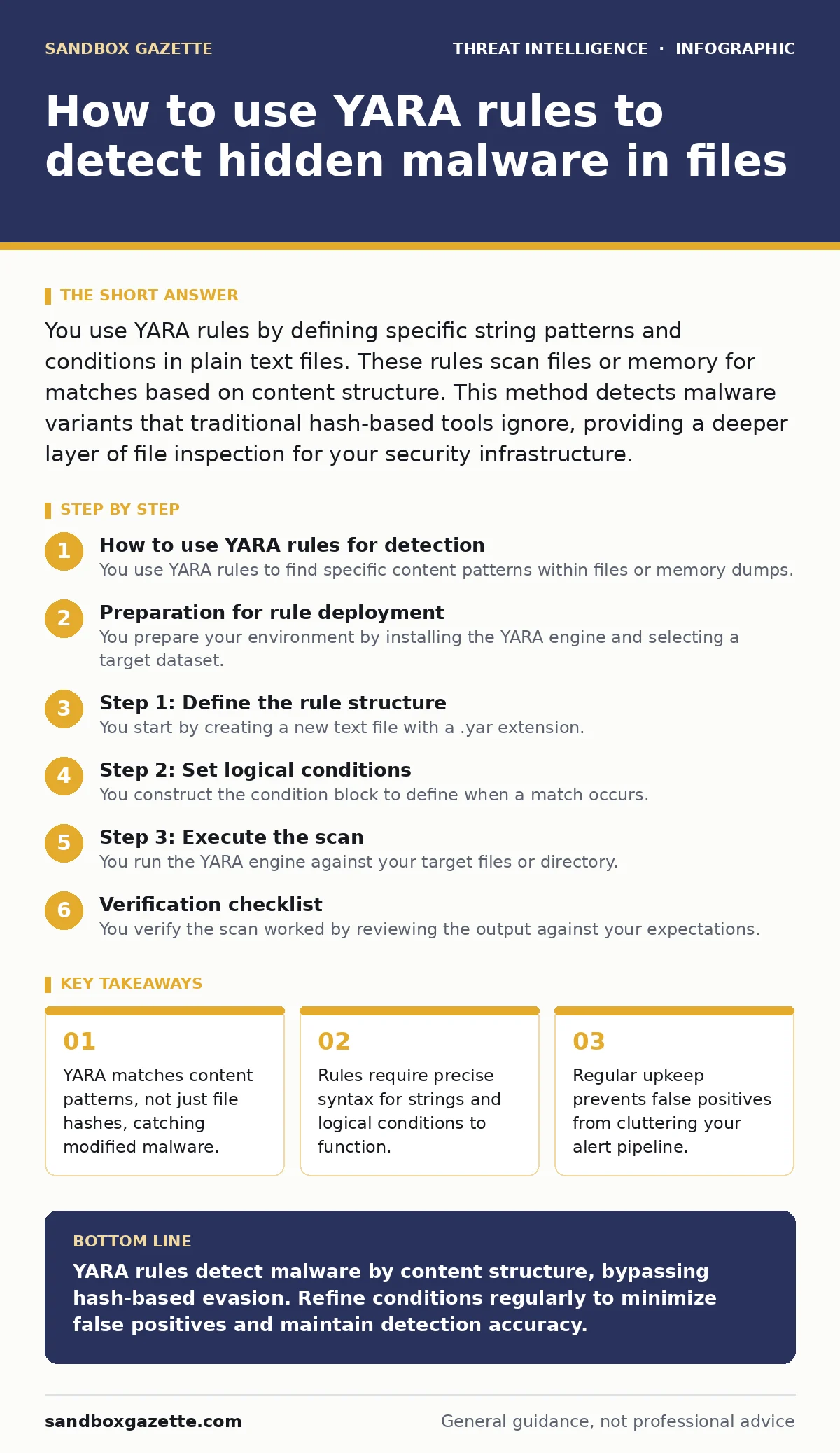
You use YARA rules by defining specific string patterns and conditions in plain text files. These rules scan files or memory for matches based on content structure. This method detects malware variants that traditional hash-based tools ignore, providing a deeper layer of file inspection for your security infrastructure.
How to use YARA rules for detection
You use YARA rules to find specific content patterns within files or memory dumps. Unlike antivirus software that relies on known bad hashes, YARA looks for structural similarities. This approach identifies malware families even when attackers change the file’s cryptographic hash. The system scans for defined strings, hexadecimal sequences, or regular expressions. You define the logic that determines a match. This logic combines multiple conditions to confirm the presence of a threat. The result is a detection mechanism that adapts to minor code changes.
Preparation for rule deployment
You prepare your environment by installing the YARA engine and selecting a target dataset. The engine processes files locally or integrates with broader scanning systems. You need a directory of sample files to test against. These samples include both malicious indicators and clean baseline files. Clean files are necessary to measure false positive rates. You also need a text editor that supports syntax highlighting for YARA. This helps identify syntax errors before runtime. Ensure your operating system has the necessary permissions to read the target files. Read access is required for the scanner to inspect content.
Step 1: Define the rule structure
Step 1: define the rule structure
You start by creating a new text file with a .yar extension. You write the rule header, which includes a unique identifier and optional metadata. The identifier helps you track which rule triggered an alert. Metadata fields can include the author, date, and description. This information aids in troubleshooting later. You define the strings section next. This section lists the specific patterns the rule searches for. Patterns can be plain text, hexadecimal bytes, or complex regular expressions. Each string must have a unique label for reference in the condition section.
Step 2: Set logical conditions
Step 2: set logical conditions
You construct the condition block to define when a match occurs. The condition uses logical operators like AND, OR, and NOT. You reference the string labels defined earlier. A simple condition might require one specific string to exist. Complex conditions require multiple strings to appear within a certain distance. You can also require that a string appears a specific number of times. This reduces noise from files that contain common words. You must ensure the logic is tight enough to avoid matching benign software. Overly broad conditions generate excessive alerts that teams ignore.
Step 3: Execute the scan
Step 3: execute the scan
You run the YARA engine against your target files or directory. You specify the rule file and the scan path in the command. The engine reads each file and checks it against the rule conditions. It outputs the filename and the rule identifier for every match. You can redirect this output to a log file for analysis. The scan speed depends on the number of files and the complexity of the rules. Simple string matches are fast. Regular expressions and complex logic consume more processing power. You monitor the output for immediate errors or unexpected matches.
See also: Endpoint Telemetry FAQs: What Agents Actually See · SIEM Explained: How Log Aggregation Stops Silent Breaches
Verification checklist
You verify the scan worked by reviewing the output against your expectations. Use this checklist to confirm accuracy.
- The engine returned matches for known malicious samples.
- The engine returned no matches for clean baseline files.
- Output logs contain the correct rule identifiers.
- Scan completed within the expected time frame.
- No syntax errors were reported during execution.
Upkeep and rule maintenance
You maintain your rules by reviewing alerts for false positives. A false positive occurs when a rule matches a legitimate file. You refine the condition to exclude this benign content. You add new strings when you encounter new malware variants. You remove outdated rules that no longer match current threats. This process keeps your detection capability sharp. You integrate these rules into your SIEM for centralized monitoring. The SIEM correlates YARA alerts with other security events. This context helps analysts prioritize responses. You also review rules when attacker persistence techniques change. New evasion methods may require updated patterns.
Integration with broader security tools
You extend YARA’s utility by connecting it to automated workflows. SOAR platforms can trigger actions when YARA detects a match. These actions might include isolating an endpoint or blocking a file. You can also feed YARA results into endpoint telemetry systems. This provides a continuous stream of file inspection data. The data helps build a baseline of normal file behavior. You can use this baseline to detect anomalies. This approach complements traditional antivirus solutions. It adds a layer of detection that focuses on behavior and structure.
Common pitfalls in rule writing
You avoid common errors by testing rules thoroughly. One error is using case-sensitive strings for case-insensitive content. YARA is case-sensitive by default. You must explicitly request case-insensitive matching if needed. Another error is ignoring file offsets. Some patterns only appear at the start or end of a file. You can restrict matches to specific offsets to improve accuracy. You must also consider performance impacts. Complex regular expressions can slow down scanning significantly. You simplify patterns where possible without losing detection capability.
Advanced rule techniques
You enhance detection by using imports in YARA. Imports allow access to additional modules like PE or ELF analysis. You can inspect file headers, sections, and imports. This adds depth to your detection logic. You can require that a file has a specific PE header structure. This reduces false positives from non-executable files. You can also check for specific imported functions. Malware often imports specific API functions for malicious purposes. Combining string matches with structural checks creates strong rules. These rules are harder for attackers to evade.
Key takeaways
- YARA matches content patterns, not just file hashes, catching modified malware.
- Rules require precise syntax for strings and logical conditions to function.
- Regular upkeep prevents false positives from cluttering your alert pipeline.
YARA rules detect malware by content structure, bypassing hash-based evasion. Refine conditions regularly to minimize false positives and maintain detection accuracy.
Frequently asked questions
Can YARA scan running processes?
Yes, YARA can scan memory dumps of running processes. This allows detection of fileless malware that never touches the disk.
How do I handle false positives?
Refine the rule conditions to require additional unique indicators. Exclude specific benign file paths or signatures from the match criteria.
Is YARA suitable for large-scale scanning?
Yes, but performance depends on rule complexity. Optimize rules and use efficient scanning modes to handle large datasets effectively.
Do YARA rules expire?
Rules do not expire automatically, but they become less effective as malware evolves. Regular updates are necessary to maintain detection relevance.
How this guide was produced: written by the Sandbox Gazette editorial team with AI assistance, checked against the public references listed below, and reviewed when the facts change. See our editorial policy or report an error.