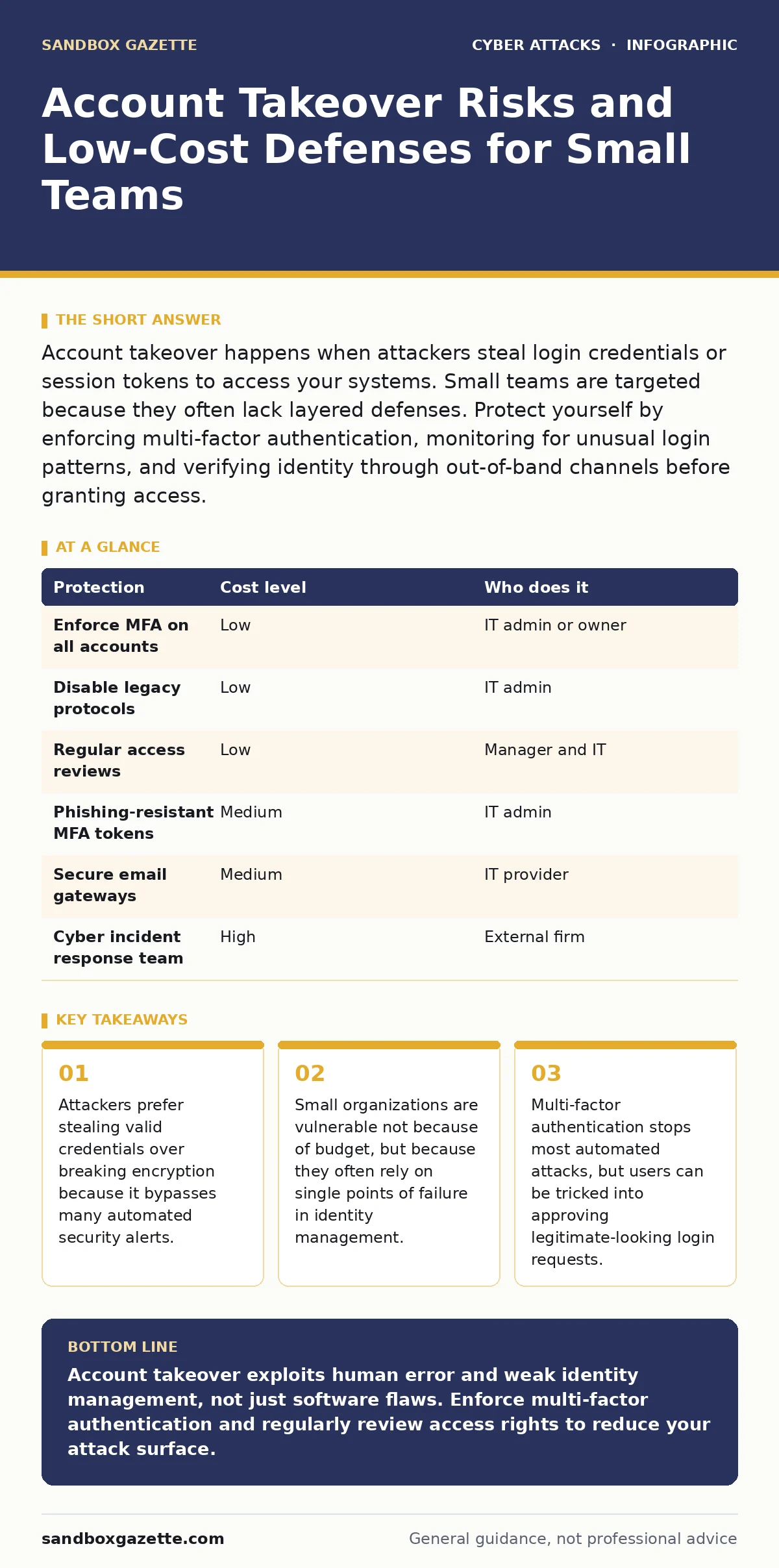
Account takeover happens when attackers steal login credentials or session tokens to access your systems. Small teams are targeted because they often lack layered defenses. Protect yourself by enforcing multi-factor authentication, monitoring for unusual login patterns, and verifying identity through out-of-band channels before granting access.
The Ten-Person Trap
Small organizations often believe their size makes them invisible to threat actors. This belief is dangerous. Attackers use automated tools to scan for exposed credentials across the internet. They do not care about the size of your company; they care about the value of the accounts they can access. When a small team uses shared credentials or weak password policies, every employee becomes a potential entry point.
The risk is not just data theft. Attackers can use your accounts to send spam, launch further attacks against your clients, or install ransomware. Because small teams often lack dedicated security staff, a single compromised account can lead to a full system breach before anyone notices the unusual activity.
Why Credentials Are the Target
Encryption protects data at rest and in transit, but it does not protect the keys that unlock it. Account takeover attacks focus on the identity layer. Attackers know that modern applications have strong technical defenses. Instead of trying to break the software, they try to become the user.
They achieve this through credential stuffing. This involves taking usernames and passwords stolen from one breach and trying them on other services. Another method is phishing, where attackers trick users into handing over their login details voluntarily.
Suppose an employee receives an email that looks like it is from the IT department, asking them to update their password. The link leads to a fake login page. Once the employee enters their credentials, the attacker has everything they need. The technical defenses of the application are irrelevant because the attacker is presenting valid, stolen keys.
The Hidden Cost of Convenience
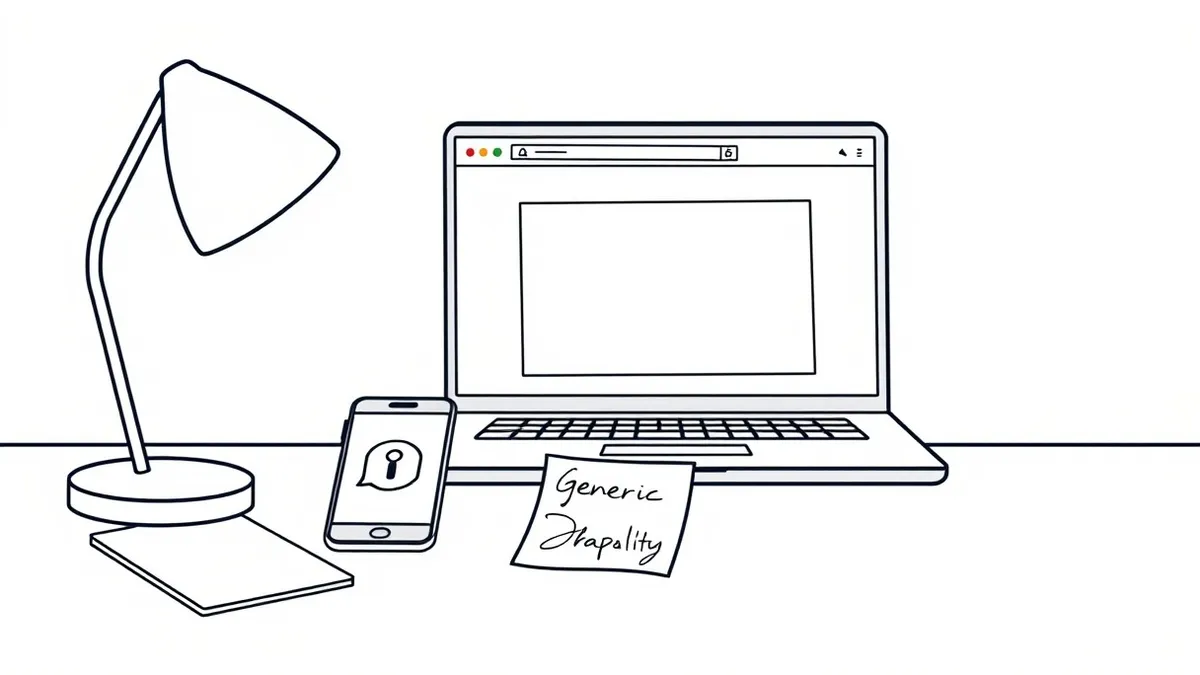
Convenience often undermines security. Shared accounts, such as a generic "admin" or "support" email, make it impossible to track who performed an action. If that account is compromised, you cannot determine the scope of the damage. You also cannot revoke access for a single person without locking out everyone.
Another hidden cost is the delay in detection. Small teams often check logs infrequently. An attacker can sit in an account for weeks, exfiltrating data or setting up persistence mechanisms. By the time you notice missing files or strange transactions, the attacker has already moved laterally through your network.
Multi-Factor Authentication Nuances
Multi-factor authentication (MFA) requires a second form of verification, such as a code from an app or a hardware token. This stops attackers who only have your password. However, MFA is not a silver bullet. It adds friction for users, which can lead to workarounds. Employees might write down codes or share them via chat, defeating the purpose.
SMS-based MFA is vulnerable to SIM swapping, where an attacker convinces your mobile carrier to port your number to a new SIM card. They then receive your verification codes. App-based authenticators are more secure because they are tied to the device, not the phone number.
Low-Cost Protections Table
You do not need a large budget to significantly reduce risk. The most effective measures are procedural and configuration-based. The table below outlines protections that offer high value for low cost.
| Protection | Cost level | Who does it |
|---|---|---|
| Enforce MFA on all accounts | Low | IT admin or owner |
| Disable legacy protocols | Low | IT admin |
| Regular access reviews | Low | Manager and IT |
| Phishing-resistant MFA tokens | Medium | IT admin |
| Secure email gateways | Medium | IT provider |
| Cyber incident response team | High | External firm |
Disabling legacy protocols like SMTP AUTH or FTP removes easy targets for attackers. These older methods often lack encryption or modern security features. Regular access reviews ensure that former employees or contractors do not retain access to systems. This is a manual process but costs nothing in software.
See also: DNS Spoofing Mistakes That Leave Networks Open to Attack · Can Password Managers Be Hacked? Risks and Mitigation
What to Ask Your IT Provider
If you outsource your IT, you must ensure they are actively managing identity security. Many providers focus on keeping servers running but neglect access controls. You need to verify that they are implementing defense-in-depth strategies.
Ask your provider these specific questions:
- How do you enforce multi-factor authentication for all administrative accounts?
- Do you monitor for anomalous login patterns, such as logins from new countries or at unusual times?
- What is your process for revoking access when an employee leaves the company?
- Do you use a secure email gateway to filter phishing attempts before they reach users?
- How do you handle password resets to prevent social engineering attacks?
If the provider cannot answer these questions clearly, they may not be prioritizing identity security. You should also consider security awareness training for your staff. Even the best technical controls fail if users are tricked into bypassing them. Understanding social engineering tactics helps employees recognize when they are being manipulated.
Beyond Passwords: Behavioral Defenses
Passwords are a weak link because they are known by the user and potentially by the attacker. Behavioral defenses look at how you interact with the system. If you suddenly download all customer records at 3 AM, that behavior is suspicious, regardless of whether your password is correct.
Implementing conditional access policies allows you to restrict access based on context. You can require additional verification if a login attempt comes from an unrecognized device or network. This adds a layer of security that does not rely solely on secrets.
The Reality of Protection
No system is immune to attack. The goal is to increase the cost and effort required for an attacker to succeed. By enforcing MFA, disabling legacy protocols, and monitoring for unusual activity, you make your accounts a hard target. Most attackers look for easy wins. If you remove the low-hanging fruit, they will likely move on.
Remember that security is a process, not a product. You must continuously review your settings and educate your users. The tactics used by attackers evolve, and your defenses must evolve with them. Staying informed about current threats, such as MFA fatigue attacks or tech support scams, helps you anticipate and mitigate new risks.
Key takeaways
- Attackers prefer stealing valid credentials over breaking encryption because it bypasses many automated security alerts.
- Small organizations are vulnerable not because of budget, but because they often rely on single points of failure in identity management.
- Multi-factor authentication stops most automated attacks, but users can be tricked into approving legitimate-looking login requests.
Account takeover exploits human error and weak identity management, not just software flaws. Enforce multi-factor authentication and regularly review access rights to reduce your attack surface.
Frequently asked questions
Can I use the same password for multiple business accounts if I use MFA?
No. If one account is compromised, the attacker can try that password on other services. MFA may stop them, but if they find a way to bypass it, they have full access. Unique passwords limit the damage of a single breach.
How do I detect if an account has been taken over?
Look for login attempts from unfamiliar locations or devices. Check for unexpected password changes or new recovery email addresses added to the account. Unusual data downloads or sent emails are also strong indicators.
Is SMS multi-factor authentication enough?
It is better than nothing, but it is vulnerable to SIM swapping and interception. App-based authenticators or hardware tokens are more secure. If you must use SMS, ensure it is only used as a fallback, not the primary method.
What should I do if I suspect an account takeover?
Immediately change the password and revoke all active sessions. Check for unauthorized changes to recovery options. Notify your IT provider and monitor the account for further suspicious activity. Consider engaging a cyber incident response team if the breach is severe.
How this guide was produced: written by the Sandbox Gazette editorial team with AI assistance, checked against the public references listed below, and reviewed when the facts change. See our editorial policy or report an error.