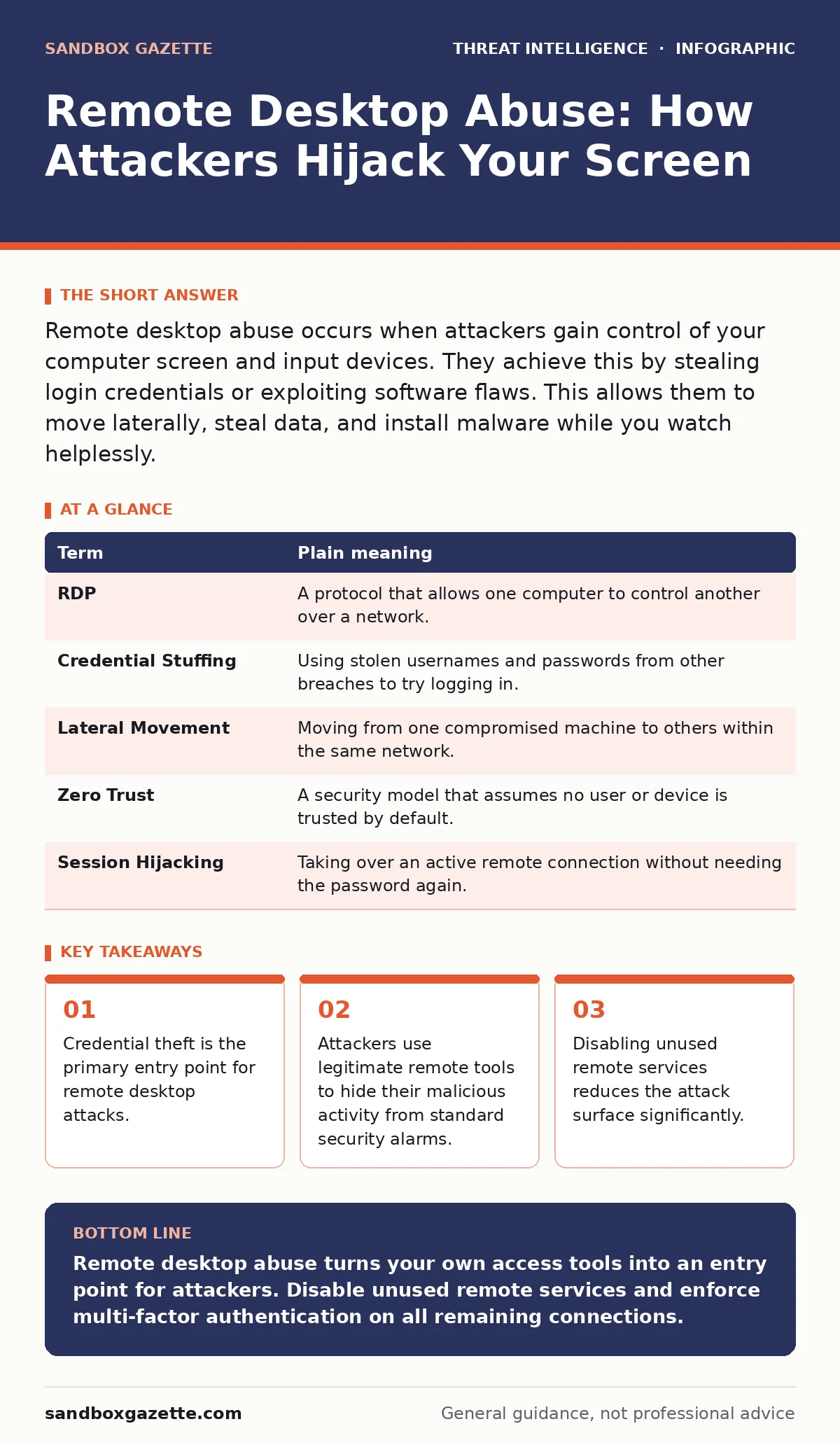
Remote desktop abuse occurs when attackers gain control of your computer screen and input devices. They achieve this by stealing login credentials or exploiting software flaws. This allows them to move laterally, steal data, and install malware while you watch helplessly.
The Open Window Analogy
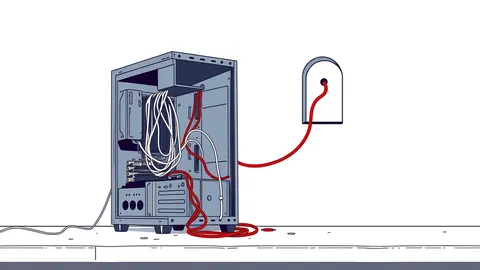
Imagine your computer is a house. The firewall is the front door with a heavy lock. Most security advice focuses on reinforcing that lock. Remote desktop is like a window in the back room. It is designed for authorized people to look in and help you fix things. If a burglar finds the key to that window, they do not need to break down the front door. They simply slide the window open and step inside.
This analogy holds true because remote desktop protocols are legitimate tools. They are not inherently malicious. However, their convenience creates a persistent risk. When you leave the window unlocked, you are not just inviting thieves. You are inviting anyone who knows where the key is kept.
What Actually Happens During Abuse
When an attacker abuses remote desktop, they are not hacking your code in the traditional sense. They are impersonating a user. They send a request to your machine asking to display their screen and accept their mouse and keyboard inputs. If your computer agrees, the attacker sees exactly what you see.
They can open files, copy data, and change settings. Because the connection uses the same permissions as your user account, they can do anything you can do. This is why credential security matters more than perimeter firewalls in this context. If they have your password, the firewall cannot stop them.
| Term | Plain meaning |
|---|---|
| RDP | A protocol that allows one computer to control another over a network. |
| Credential Stuffing | Using stolen usernames and passwords from other breaches to try logging in. |
| Lateral Movement | Moving from one compromised machine to others within the same network. |
| Zero Trust | A security model that assumes no user or device is trusted by default. |
| Session Hijacking | Taking over an active remote connection without needing the password again. |
The Hidden Cost of Convenience
Many organizations enable remote desktop for IT support. This is a reasonable need. The problem arises when that access is left open to the public internet. Attackers scan the internet constantly for open remote desktop ports. They use automated bots to try thousands of common passwords every minute.
This is where process injection becomes a concern. Once inside, attackers may inject malicious code into legitimate remote desktop processes. This makes the malware look like normal system activity. Standard antivirus tools often miss this because the file signature is valid. The activity looks like a helpful admin tool, not a virus.
Why Standard Defenses Fail
You might have a strong firewall and updated antivirus. These tools are good at stopping known threats from the outside. They are less effective against an attacker who is already inside. Remote desktop abuse is an insider threat by technical definition. The network sees the traffic as legitimate user activity.
This is why endpoint telemetry is necessary. It records what the remote session actually does. If a remote session starts copying large amounts of data or searching for sensitive files, telemetry flags the behavior. A firewall only sees the connection. Telemetry sees the action. Without it, you are blind to what happens after the window opens.
Simple Safety Habits
You do not need a complex security operations center to protect yourself. You need to manage access carefully. The first step is to disable remote desktop on devices that do not need it. Most personal laptops and home computers never require external remote control. If you do not use it, turn it off.
For devices that need remote access, use a virtual private network. This creates a secure tunnel before the remote connection starts. It ensures that only trusted devices can even reach the remote desktop port. This adds a layer of authentication before the credential check.
- Disable remote desktop services on all personal devices.
- Use a virtual private network for any necessary remote access.
- Enable multi-factor authentication to block stolen passwords.
See also: What Is User Provisioning: The Hidden Access Risk · Is Port Scanning Illegal? Legal Boundaries and Technical Risks
What This Means for You
For an ordinary user, the risk is data theft and system compromise. An attacker can install ransomware, encrypt your files, and demand payment. They can also steal banking credentials or personal documents. The damage is not just technical. It is financial and personal.
You should treat your remote desktop settings like a physical key. Do not leave it in the lock. Do not give it to strangers. Verify that any remote connection request is expected. If you see a prompt asking to allow remote control and you did not initiate it, deny it immediately.
Related Security Contexts
Understanding remote desktop abuse helps you see how other threats operate. Attackers often use port scanning to find open remote desktop ports before attempting entry. They might also engage in hacktivism by publicly exposing the data they steal through these sessions.
In enterprise environments, DCSync attacks are often launched after gaining remote access to domain controllers. This allows attackers to replicate password hashes for every user in the organization. Monitoring for these activities requires tools like SIEM and SOAR platforms. These systems correlate remote desktop logs with other security events.
Advanced persistent threats often use remote desktop as a staging ground. They move slowly, using legitimate tools to avoid detection. This makes endpoint telemetry critical for spotting their lateral movement. By understanding these connections, you can appreciate why simple access controls matter.
Key takeaways
- Credential theft is the primary entry point for remote desktop attacks.
- Attackers use legitimate remote tools to hide their malicious activity from standard security alarms.
- Disabling unused remote services reduces the attack surface significantly.
Remote desktop abuse turns your own access tools into an entry point for attackers. Disable unused remote services and enforce multi-factor authentication on all remaining connections.
Frequently asked questions
Can I use remote desktop safely on my home computer?
Only if you disable it when not in use and enable multi-factor authentication. Never expose it directly to the internet.
Does antivirus software stop remote desktop attacks?
No. Antivirus detects malicious files. Remote desktop abuse uses legitimate software and stolen credentials, which antivirus cannot block.
What is the difference between RDP and a screen-sharing app?
RDP is a system-level protocol that gives full control. Screen-sharing apps usually only transmit video and require explicit user permission for each session.
How do I know if someone is remotely controlling my PC?
Look for unexpected mouse movements, open windows you did not launch, or system prompts asking to allow remote connections.
How this guide was produced: written by the Sandbox Gazette editorial team with AI assistance, checked against the public references listed below, and reviewed when the facts change. See our editorial policy or report an error.