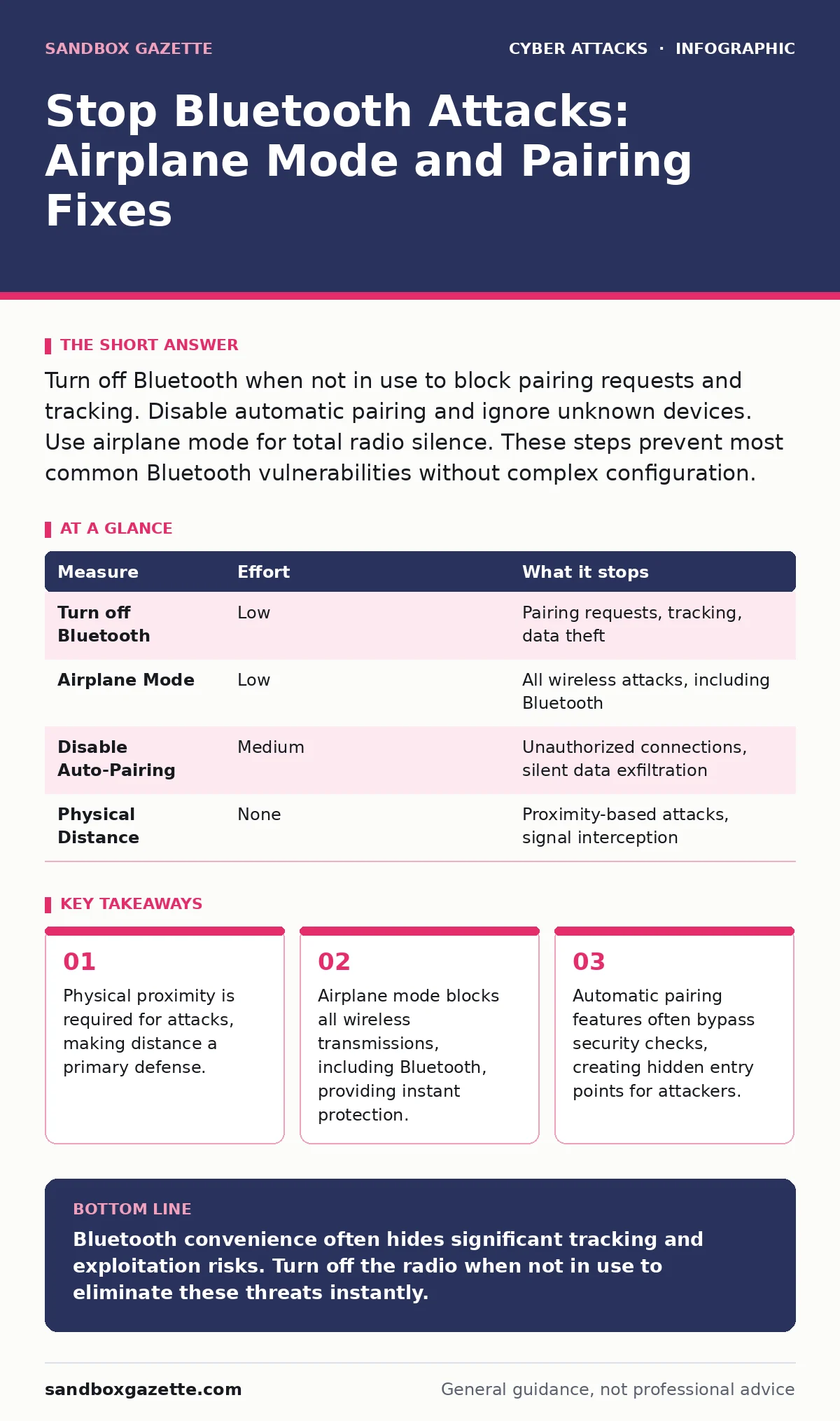
Turn off Bluetooth when not in use to block pairing requests and tracking. Disable automatic pairing and ignore unknown devices. Use airplane mode for total radio silence. These steps prevent most common Bluetooth vulnerabilities without complex configuration.
The Hidden Cost of Always-On Connectivity
Modern devices keep Bluetooth radios active to support seamless handoffs between headphones, keyboards, and phones. This convenience creates a persistent attack surface. An attacker does not need to trick you into clicking a link. They only need to be within thirty feet of your device.
Bluetooth operates on short-range radio waves. Unlike Wi-Fi, which can reach across a building, Bluetooth requires proximity. This limitation is your first layer of defense. If an attacker cannot get close, they cannot interact with your radio stack.
Imagine walking through a crowded train station with your phone in your pocket. Your device constantly broadcasts its presence to nearby peripherals. An attacker with a simple laptop can capture these broadcasts. They do not need to pair with your device to learn its unique identifier. This identifier allows them to track your movements over time.
Immediate Radio Silence
The most effective way to stop Bluetooth attacks is to turn the radio off. This is not just about saving battery life. It removes the attack surface entirely. When Bluetooth is disabled, your device is invisible to nearby scanners. It cannot accept pairing requests. It cannot leak location data.
You should toggle Bluetooth off when you are not actively using a peripheral. This includes moments when you are at your desk using a wired keyboard or when you are traveling. The effort is minimal. The risk reduction is total for that specific vector.
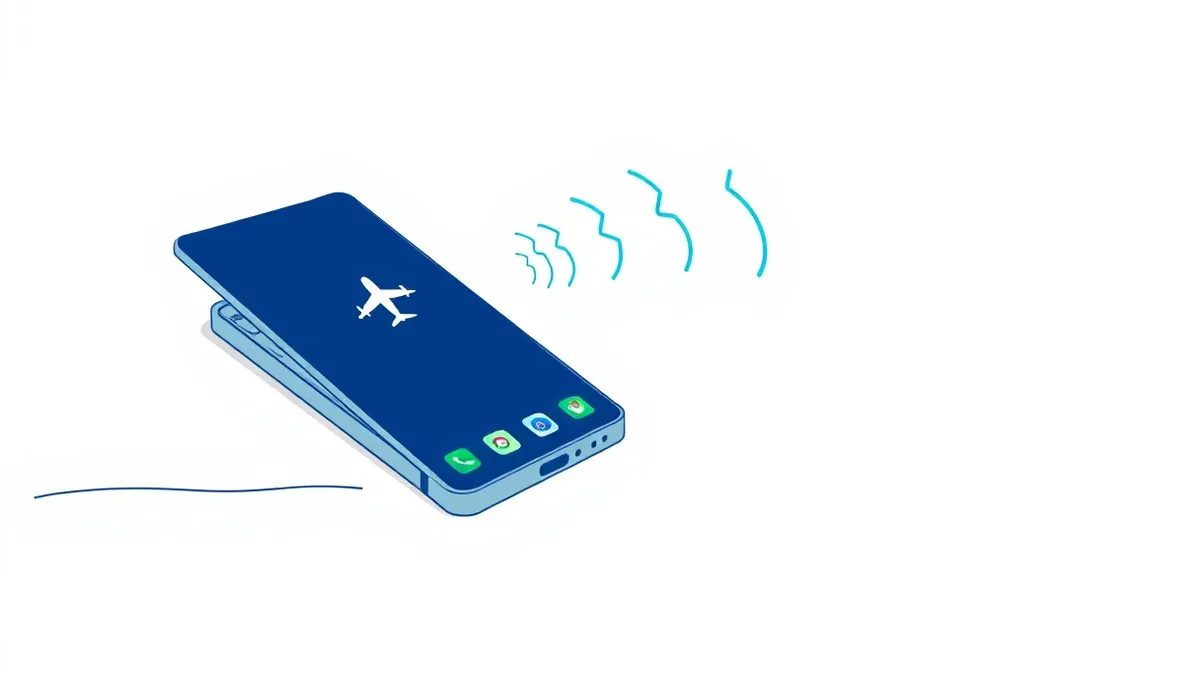
Airplane mode offers a broader solution. It disables all wireless transmissions, including Bluetooth, Wi-Fi, and cellular. Use this when you need absolute certainty that no wireless signal is leaving your device. It is the nuclear option for radio security.
| Measure | Effort | What it stops |
|---|---|---|
| Turn off Bluetooth | Low | Pairing requests, tracking, data theft |
| Airplane Mode | Low | All wireless attacks, including Bluetooth |
| Disable Auto-Pairing | Medium | Unauthorized connections, silent data exfiltration |
| Physical Distance | None | Proximity-based attacks, signal interception |
The Danger of Automatic Pairing
Many devices offer features that automatically connect to known peripherals. This convenience hides a significant security flaw. Automatic pairing often bypasses the user confirmation step. Your device trusts the signal it remembers, not the device currently broadcasting it.
An attacker can clone the signal of your trusted headphones. When you walk by, your phone sees a familiar identifier and connects automatically. This is known as a replay attack. The attacker does not need to break encryption. They simply reuse a valid signal.
You must disable automatic pairing for sensitive devices. Configure your phone to ask for confirmation before connecting to any peripheral. This adds a second of friction. It prevents silent compromises where data flows to an attacker’s device without your knowledge.
Managing Pairing Permissions
When you do pair a device, the permissions you grant matter. Bluetooth profiles define what data can flow. A simple audio profile only handles sound. A file transfer profile allows data exchange. A health profile can access biometric data.
Review the permissions for each paired device. Does your smartwatch need to access your calendar? Does your car stereo need to read your contacts? Limit permissions to the minimum required for the device to function.
If a device loses its pairing, do not automatically re-pair it. Verify the physical device is present. Check that the identifier matches what you expect. This step prevents man-in-the-middle attacks where an attacker sits between you and your legitimate device.
Physical Security and Proximity
Bluetooth attacks require physical proximity. You can use this to your advantage. Keep your devices in secure locations when not in use. Do not leave your laptop open on a park bench with Bluetooth enabled.
Imagine leaving your phone on a coffee shop table. An attacker sitting nearby can scan for unpaired devices. They can attempt to exploit known vulnerabilities in your Bluetooth stack. If your device is in your pocket or bag, the signal is attenuated. The attacker cannot establish a reliable connection.
Use physical cases that block radio signals if you are in high-risk environments. These cases create a Faraday cage effect. They prevent signals from entering or leaving the device. This is a passive defense that works without configuration.
See also: How to Avoid Email Spoofing: Stop Forged Messages at the Gate · How to Prevent Typosquatting: Stop Impersonation at the DNS Layer
What Does Not Work
Many users believe that changing their device name provides security. It does not. The name is just a label. The underlying hardware address remains visible. Attackers use the hardware address for tracking and targeting.
Another common misconception is that Bluetooth Low Energy (BLE) is safer than classic Bluetooth. BLE is designed for low power, not high security. It often uses weaker encryption and shorter key exchanges. It is easier to intercept and decrypt than classic Bluetooth traffic.
Long-Term Strategy
Integrate Bluetooth hygiene into your broader security posture. Treat Bluetooth like any other network interface. Apply the principles of zero trust security. Do not trust a device just because it is nearby or has paired before.
Regularly audit your paired devices. Remove entries for devices you no longer own or use. Stale pairings are liabilities. They provide entry points if the original device is compromised or lost.
Consider the trade-off between convenience and security. Every automatic feature you enable reduces your control. Evaluate each feature based on the risk it introduces. If the convenience is minor, disable the feature.
Closing Checklist
Use this checklist to secure your Bluetooth usage today. These steps remove the most common risks with minimal effort.
- Turn off Bluetooth when not actively using a peripheral.
- Disable automatic pairing for all devices.
- Remove paired devices you no longer own or use.
Key takeaways
- Physical proximity is required for attacks, making distance a primary defense.
- Airplane mode blocks all wireless transmissions, including Bluetooth, providing instant protection.
- Automatic pairing features often bypass security checks, creating hidden entry points for attackers.
Bluetooth convenience often hides significant tracking and exploitation risks. Turn off the radio when not in use to eliminate these threats instantly.
Frequently asked questions
Does turning off Bluetooth stop my phone from being tracked?
Yes, disabling Bluetooth stops your device from broadcasting identifiers that allow nearby scanners to track your location.
Is Bluetooth Low Energy safer than classic Bluetooth?
No, Bluetooth Low Energy often uses weaker security protocols and is easier to intercept due to its design for low power consumption.
Can an attacker steal data if I am not paired to their device?
Yes, some vulnerabilities allow data theft or tracking without a formal pairing, especially if automatic features are enabled.
Does hiding my device name protect me from Bluetooth attacks?
No, hiding the name only obscures the label. The device still broadcasts technical identifiers that attackers can use for tracking and exploitation.
How this guide was produced: written by the Sandbox Gazette editorial team with AI assistance, checked against the public references listed below, and reviewed when the facts change. See our editorial policy or report an error.